
Using View Roster
Article SSQzqN26 · source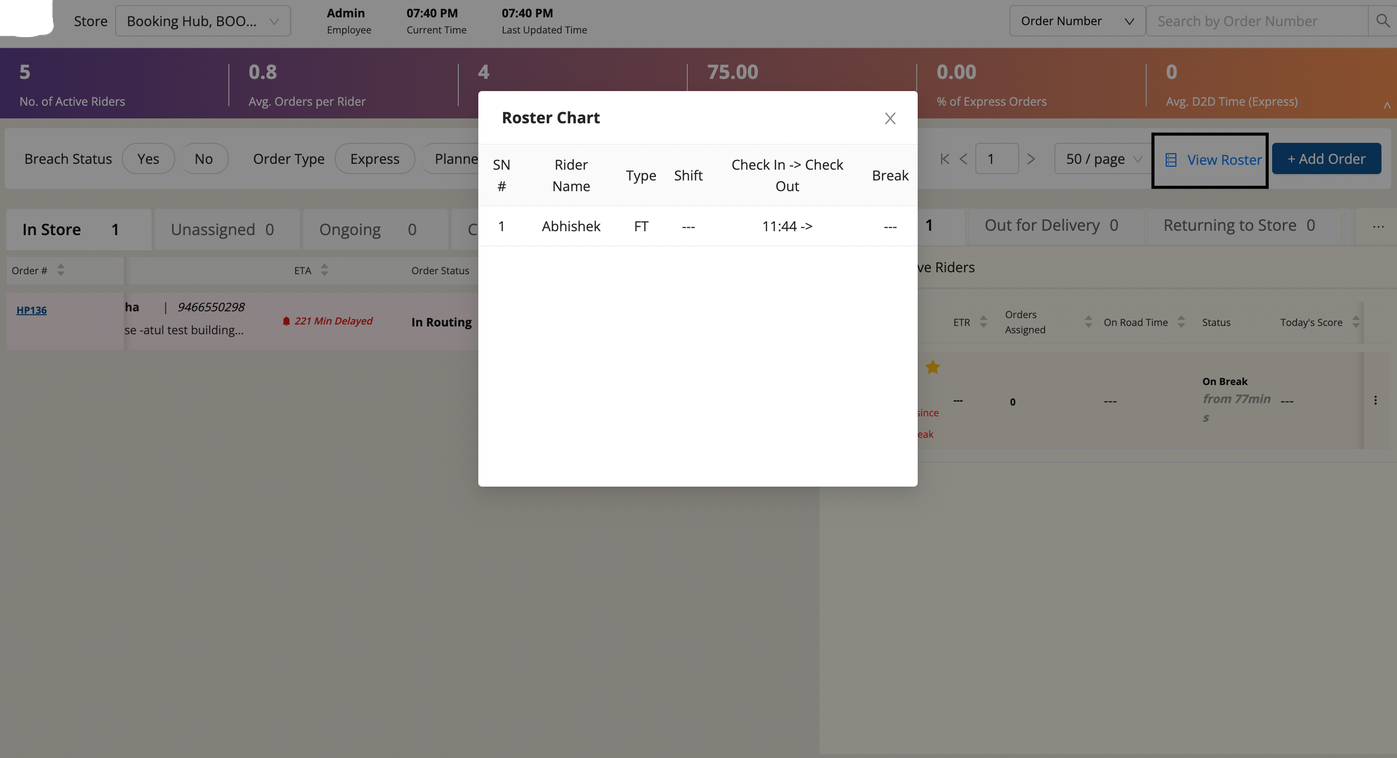
Click 'View Roster'(black outline) on top right of the screen. Roster Chart pops up where riders on shift appear with Rider Name, Worker Type, Shift name, Check in time, check out time & Break (time rider took breaks).
Was this article helpful?