
How to download virtual series dump data
Article mpu2_aRu · sourceCustomers are those who are going to use the customer portal.
They are the one who are going to give orders to Our Customers(For ex. - 3PL companies).
In the dashboard :
-
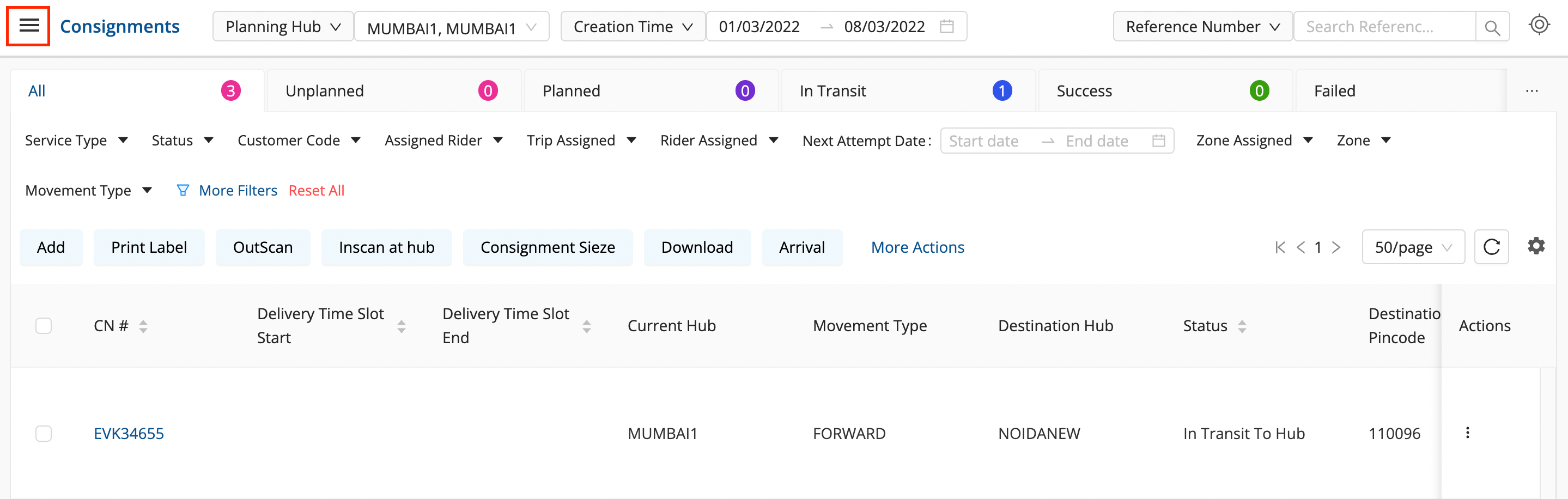
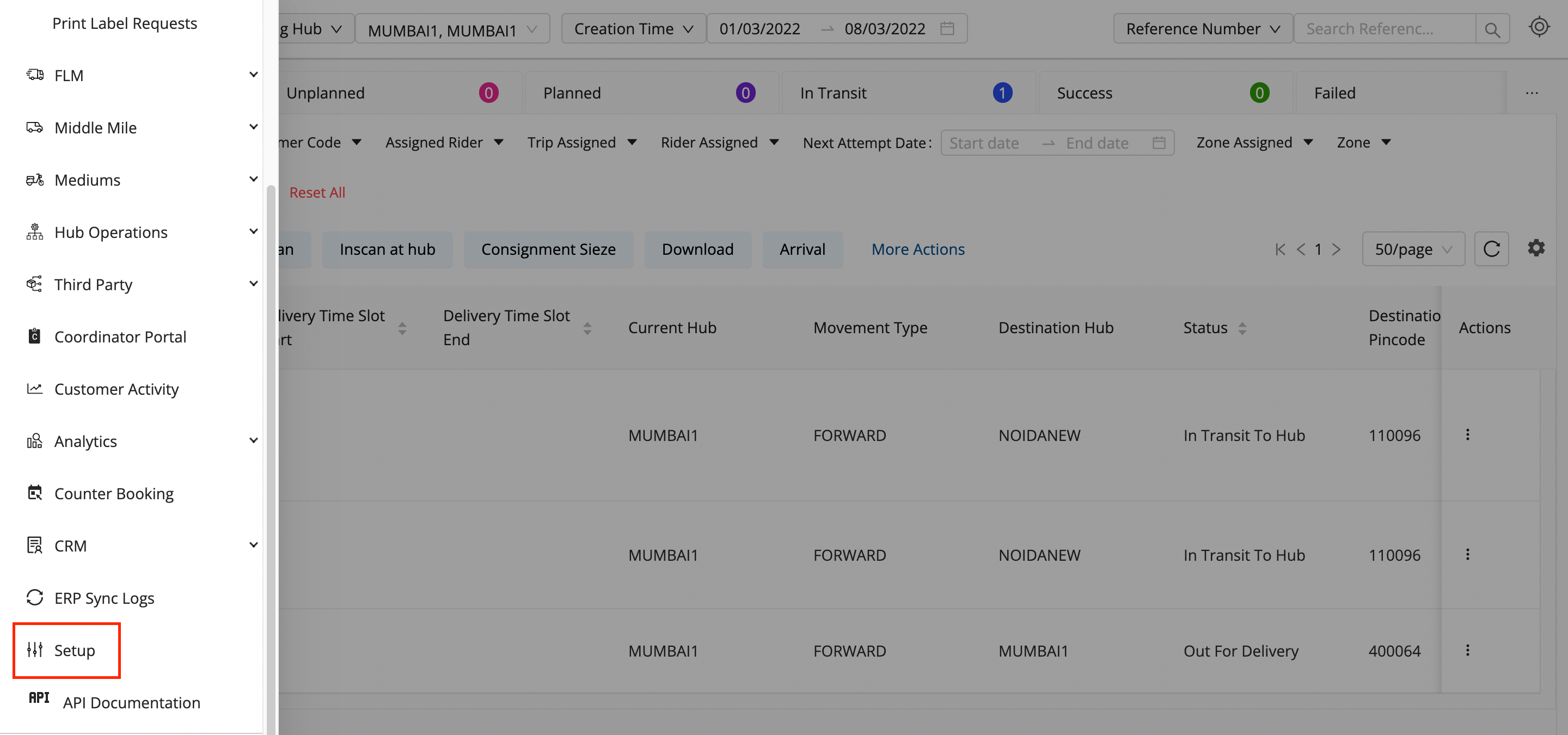
Click on the hamburger menu (

) → Setup → Customer Management
-
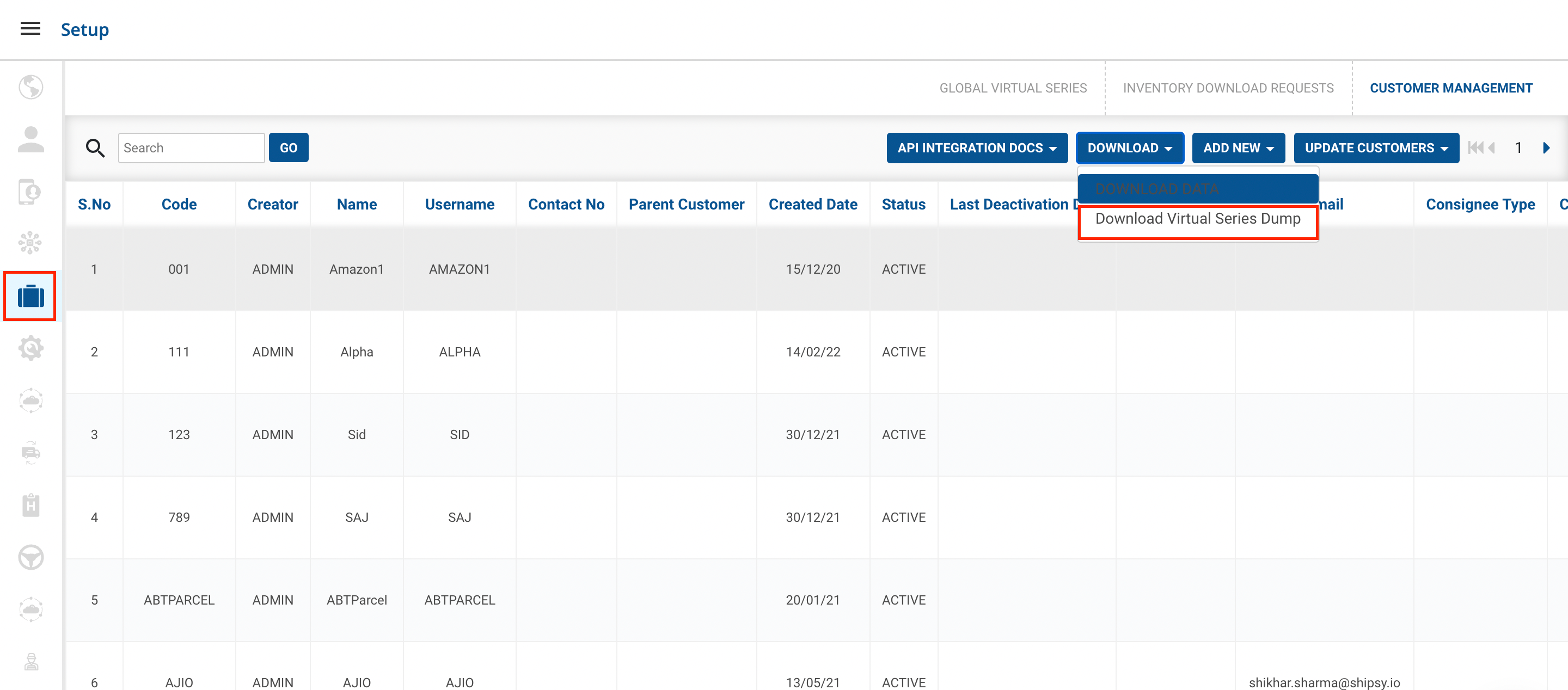
Click on the
Download Virtual Series Dump.
-
You’ve successfully downloaded the Virtual Series Dump.
Was this article helpful?