
How to add service type
Article D7y7X7jn · sourceFor any consignment delivery, their can be a service type that can be helpful in setting the priorities of the delivery.
In the dashboard :
-
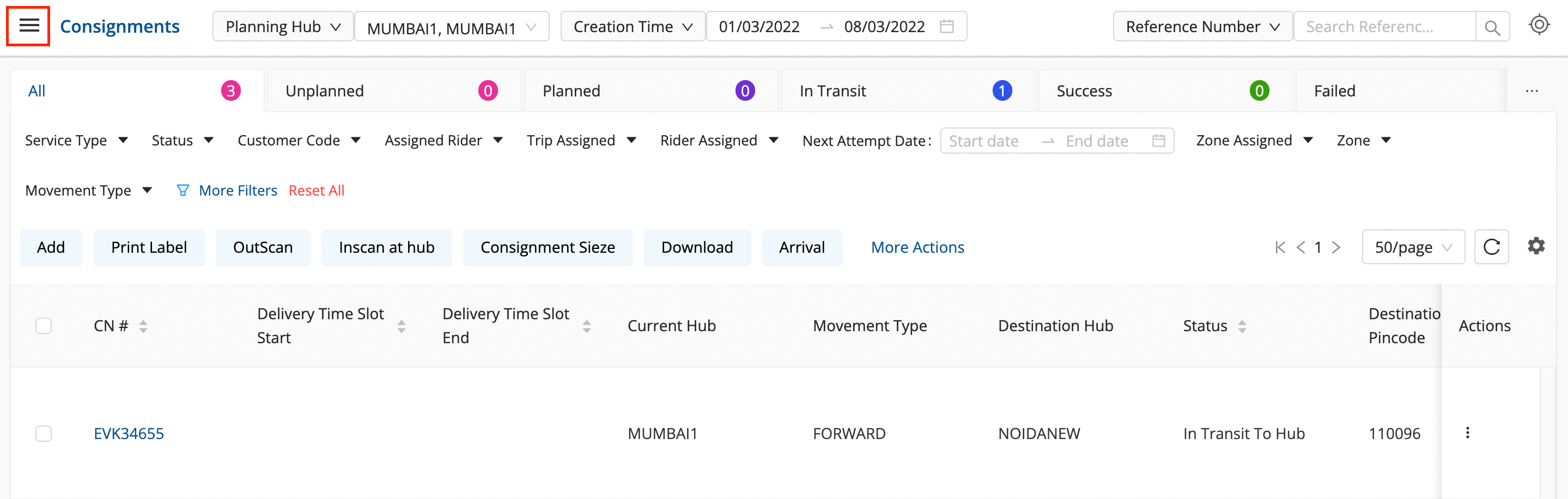
Click on the hamburger menu (

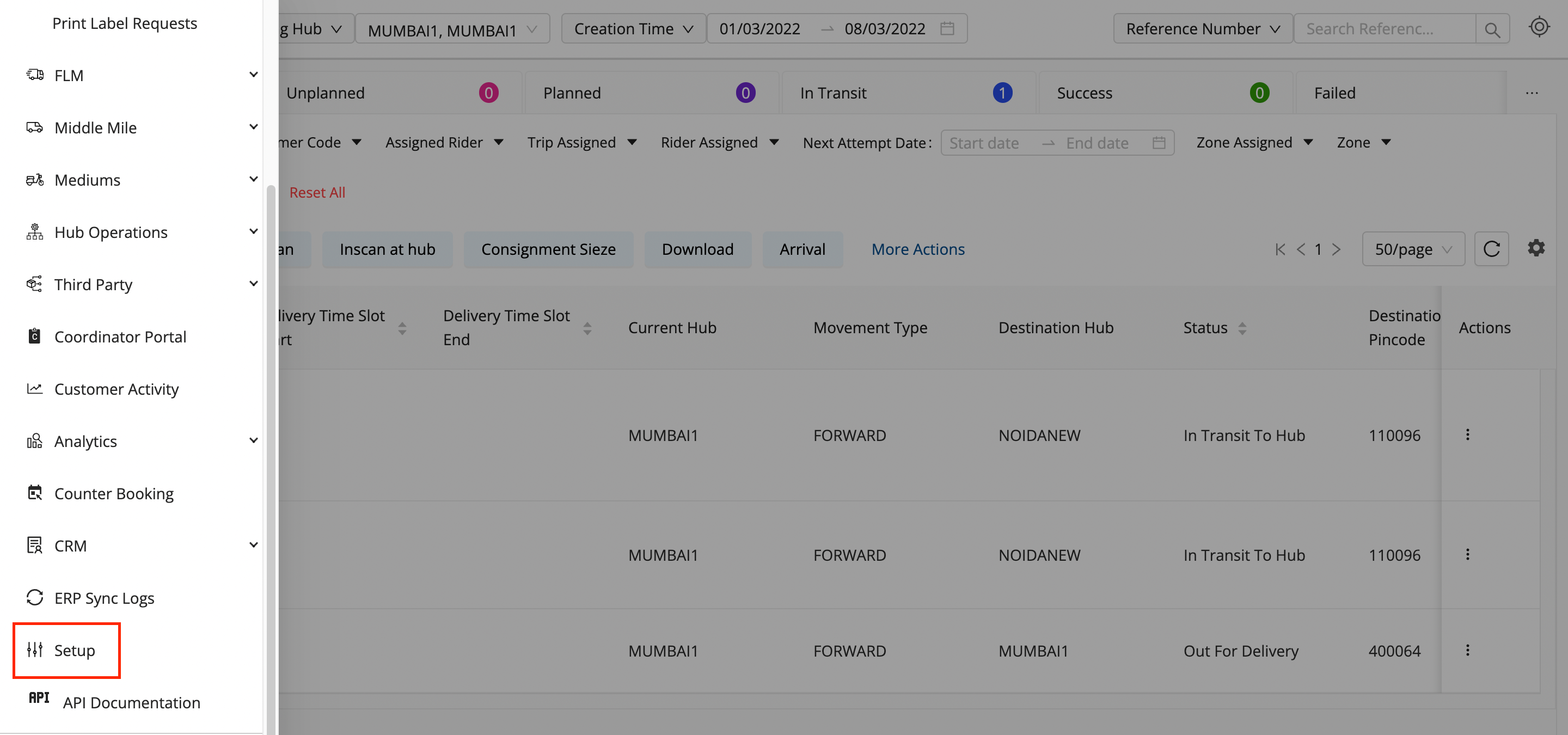
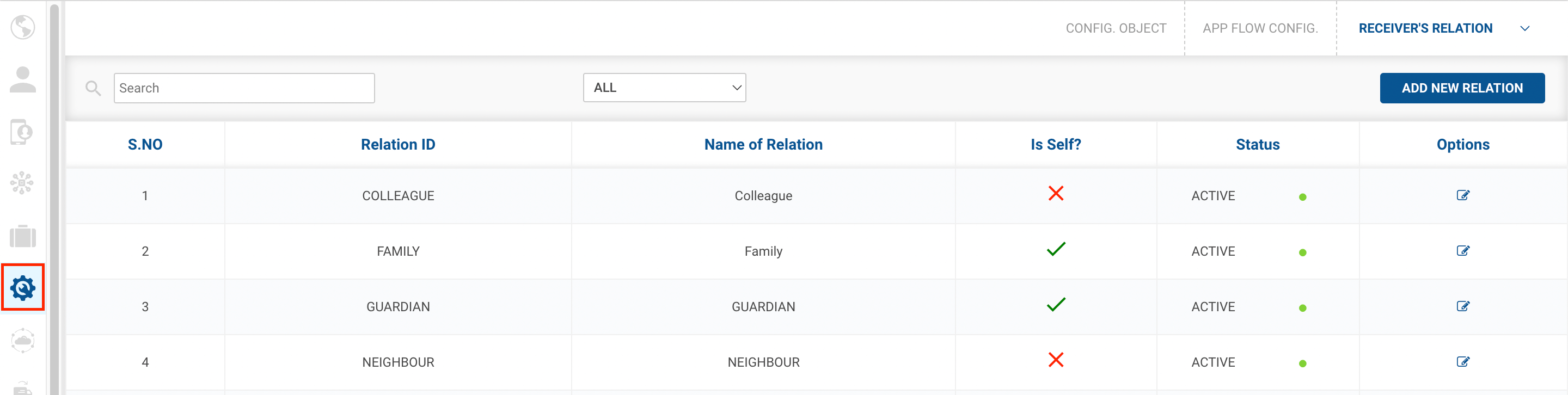
) → Setup → App Flow Config (

)
-
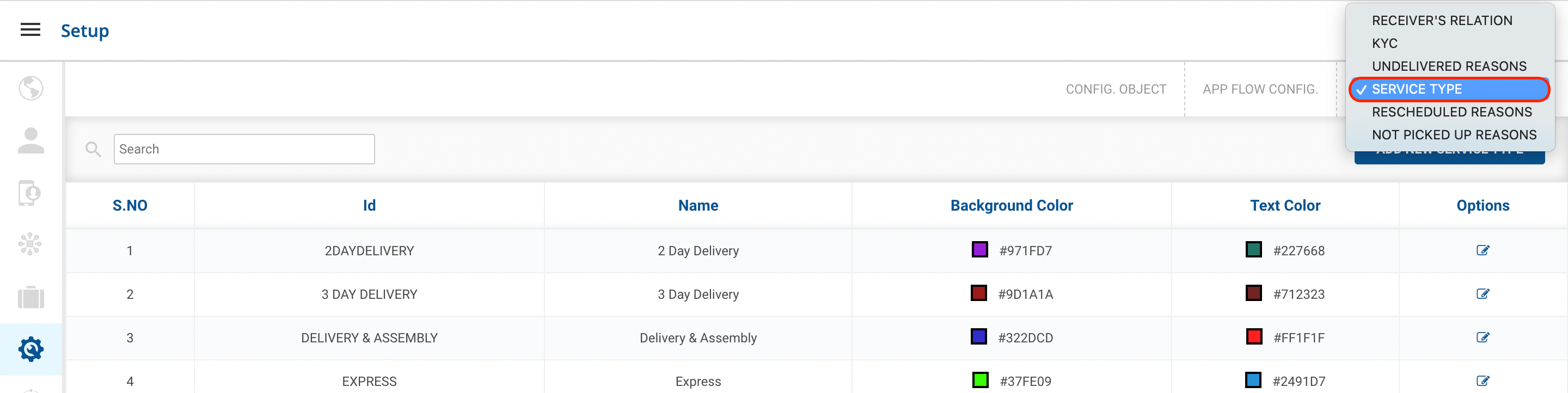
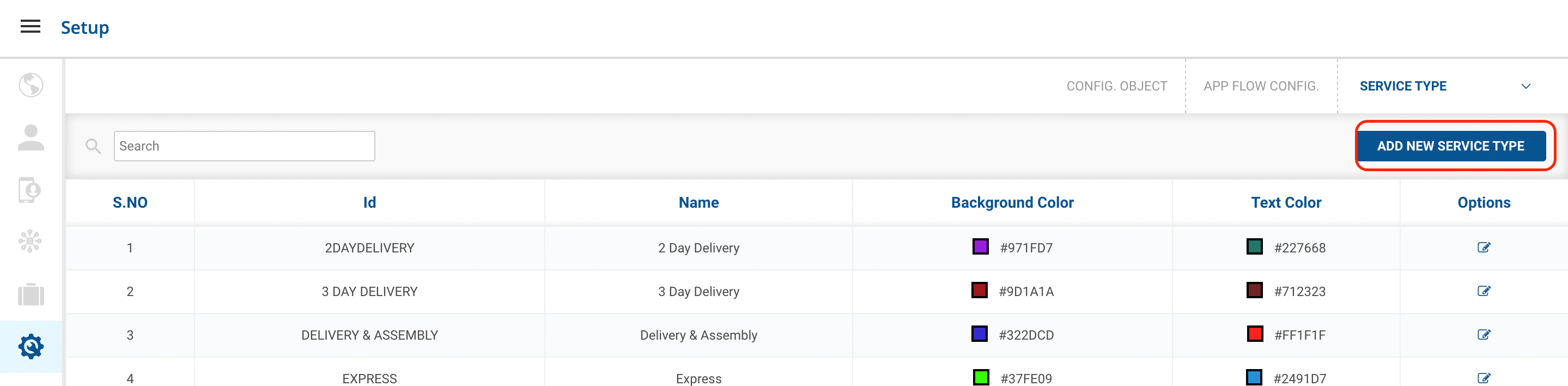
Click on the dropdown menu at the top right and select the Service Type option.
-
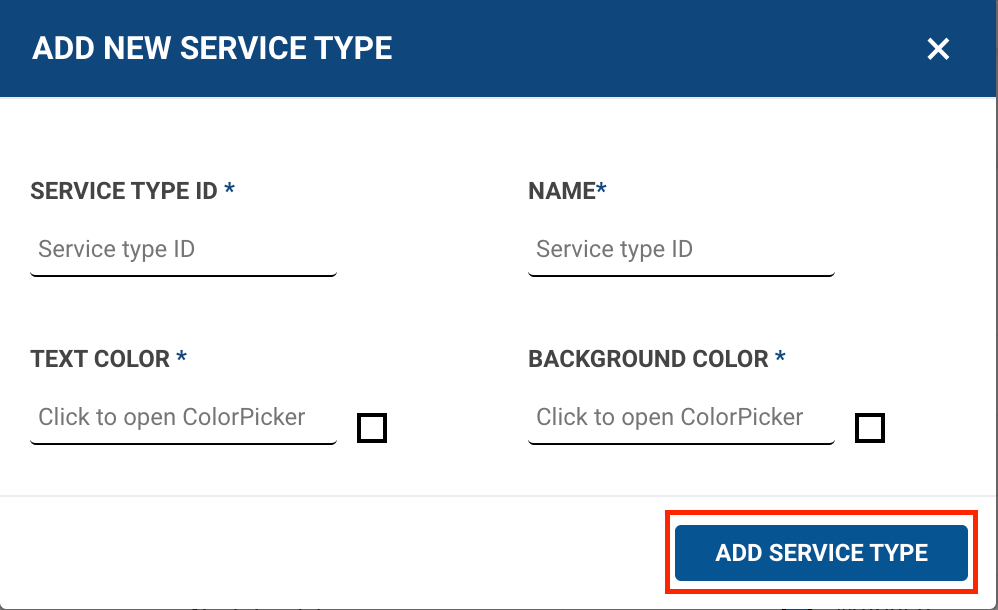
Click the Add New SERVICE TYPEbutton. A form shall appear with required fields to be filled.
-
Fill up the form and click on ADD SERVICE TYPEbutton.
-
You’ve successfully created a new Service type .
Was this article helpful?