
How to delete an existing message template?
Article fpxRAvwj · sourceIn the dashboard :
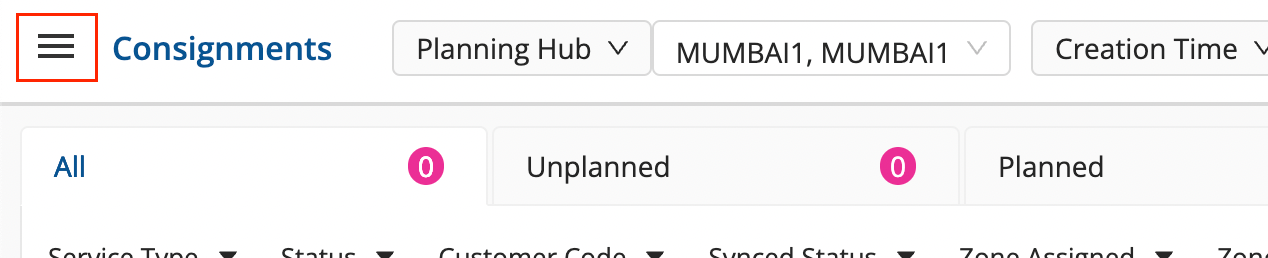
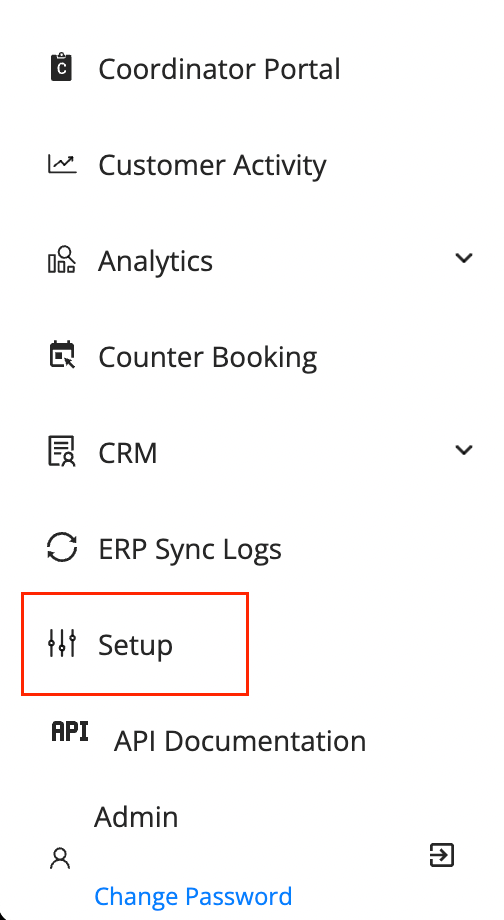
- Click on the Hamburger Menu () → Setup → SMS Management () → Message Setup
- On an existing message, hover on the kebab menu under
ActionsColumn. Click onDelete.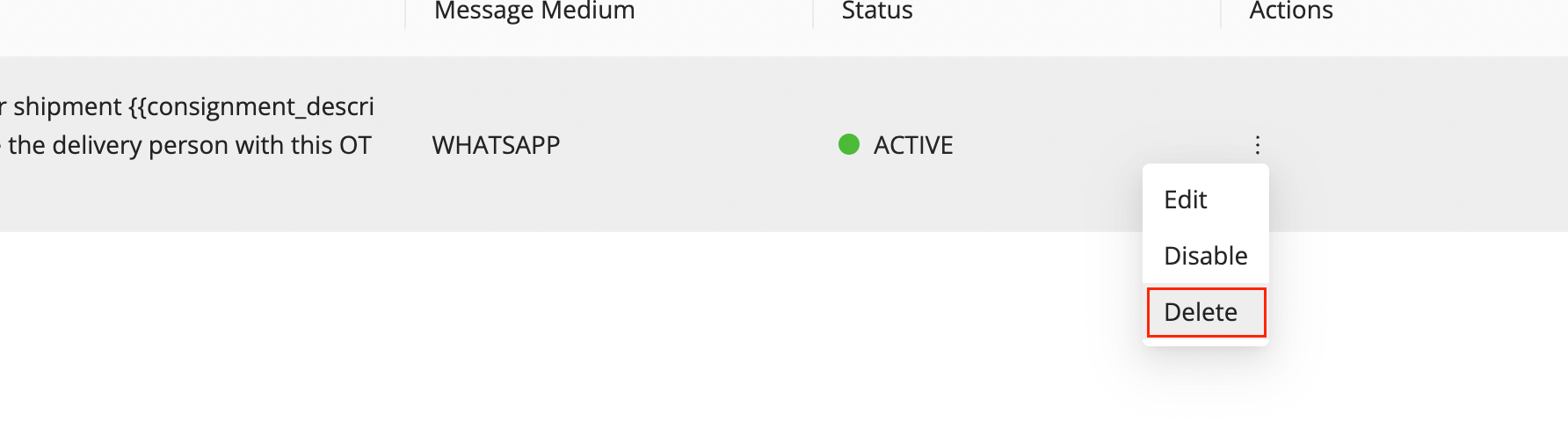
- The message template has been now deleted.
Was this article helpful?