
How to create an invoice?
Article 7yh9jaIP · source- In the V2 dashboard, click on Hub Operations → Invoices
In the dashboard :
-
Click on the Hamburger Menu → Setup → Rate Masters → Invoices
-
Or click on the Hamburger Menu → Hub Operations → Invoices
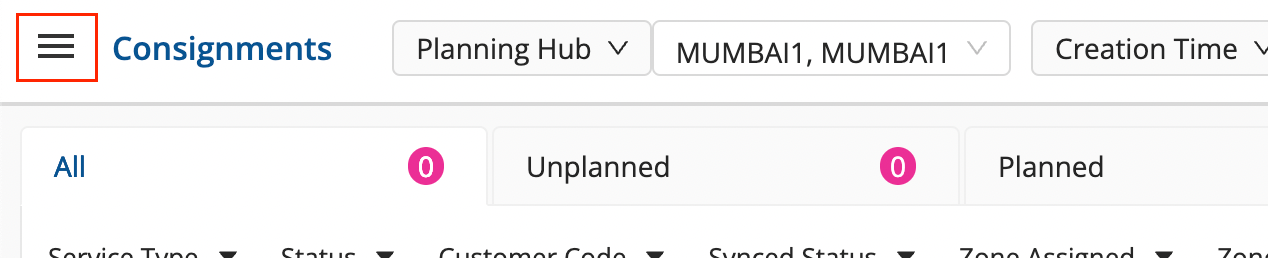
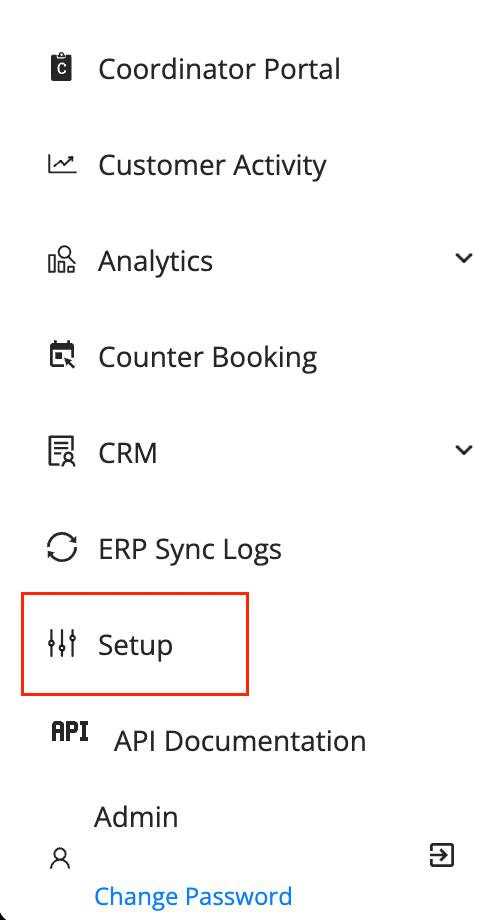
-
Select the
Customer Name(1)and click on Download Log to download the customer’s logs. -
Select the
Customer Name(1),Date Filter/Range(2),Service Type(3), and theStatus of Consignment(4)for which the Invoice is to be generated.
-
Click on the
Download Icon(5)to create an invoice generation request.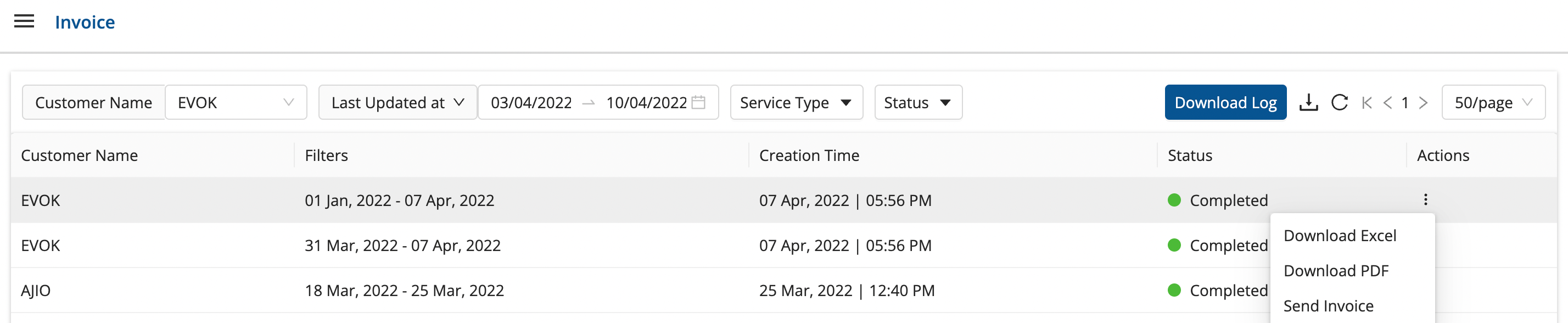
-
A new row with the invoice details comes on the dashboard.
-
Click on the kebab menu under the
ActionsColumn after theStatuschanges from Pending → Completed, and select from the followingoptions:- Download Excel - To download the invoice in form of an Excel sheet with details of all consignments.
- Download PDF - To download the invoice in form of a PDF with an overall detail of billing.
- Send Invoice - To send the invoice it to the customer.
-
Upon clicking the above options, the file is downloaded, and you have your invoice ready.
Was this article helpful?