
How to edit Destination Master
Article CsyNxzhq · sourceDestination Master is a master which helps in defining the destination type code to a destination city along with the service type.
In the dashboard :
-
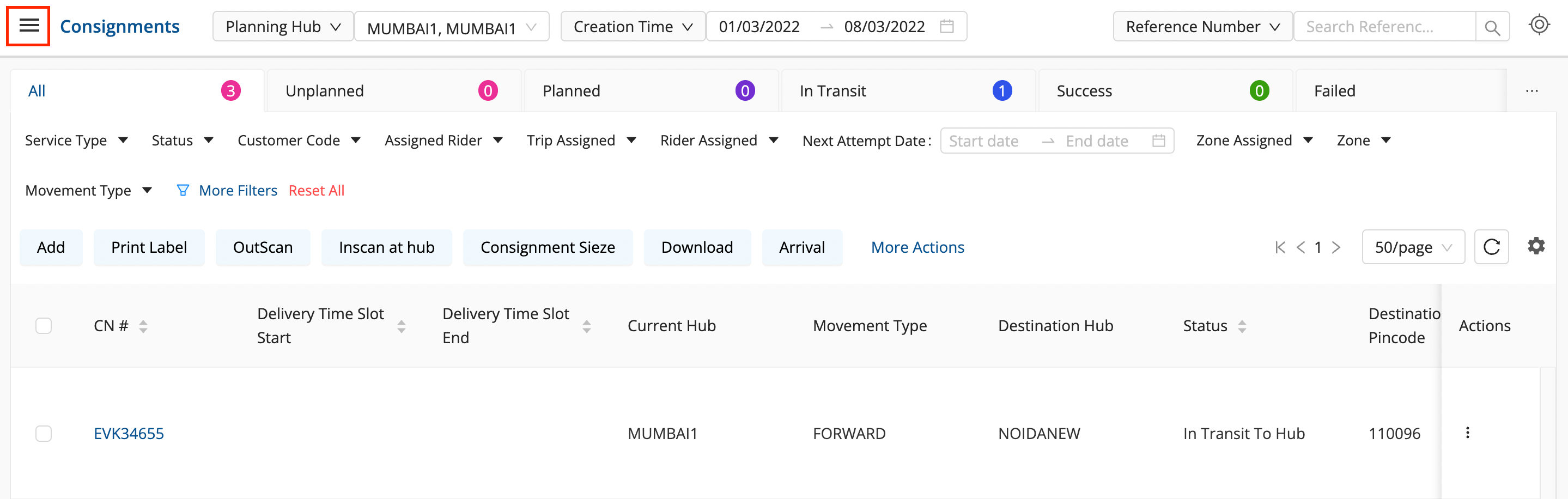
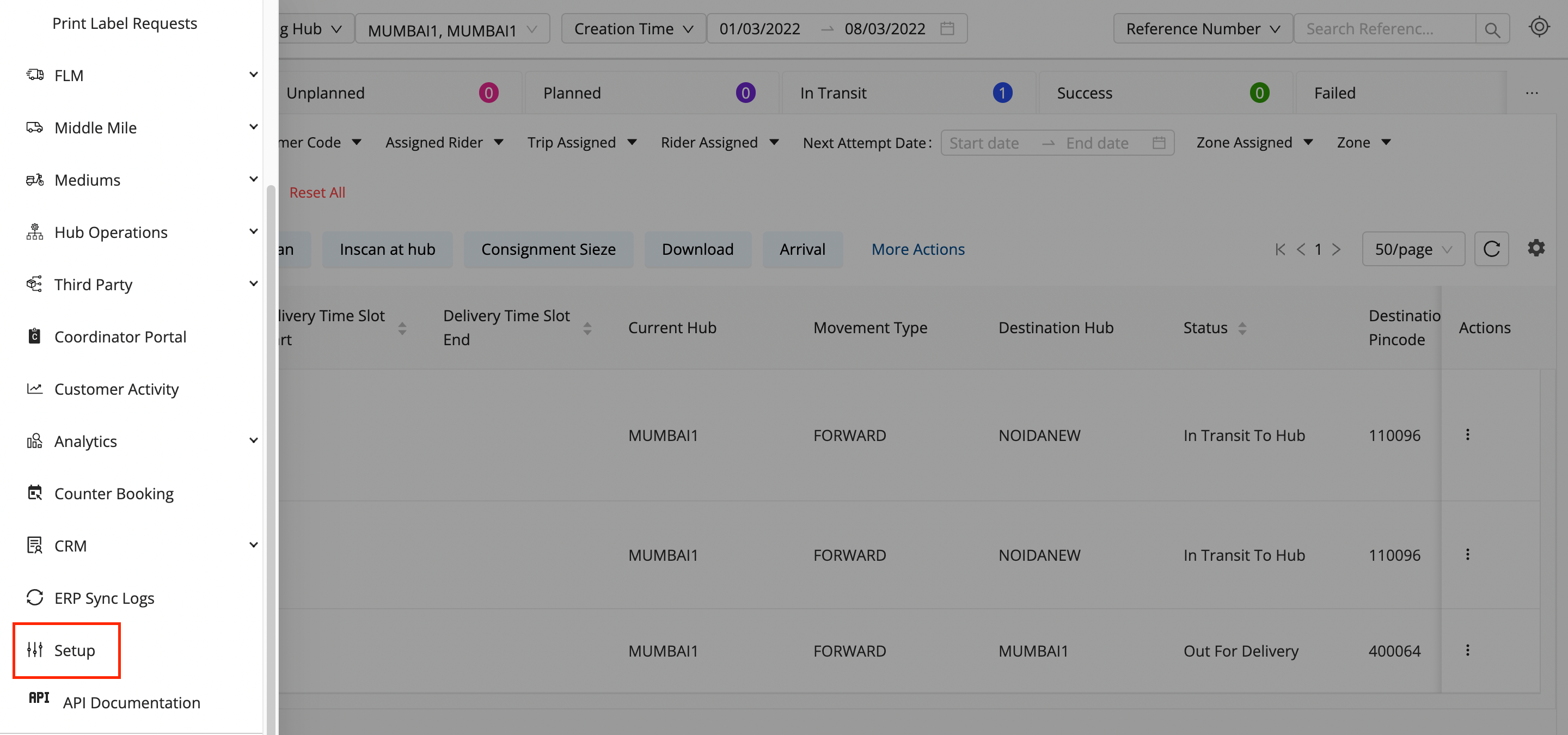
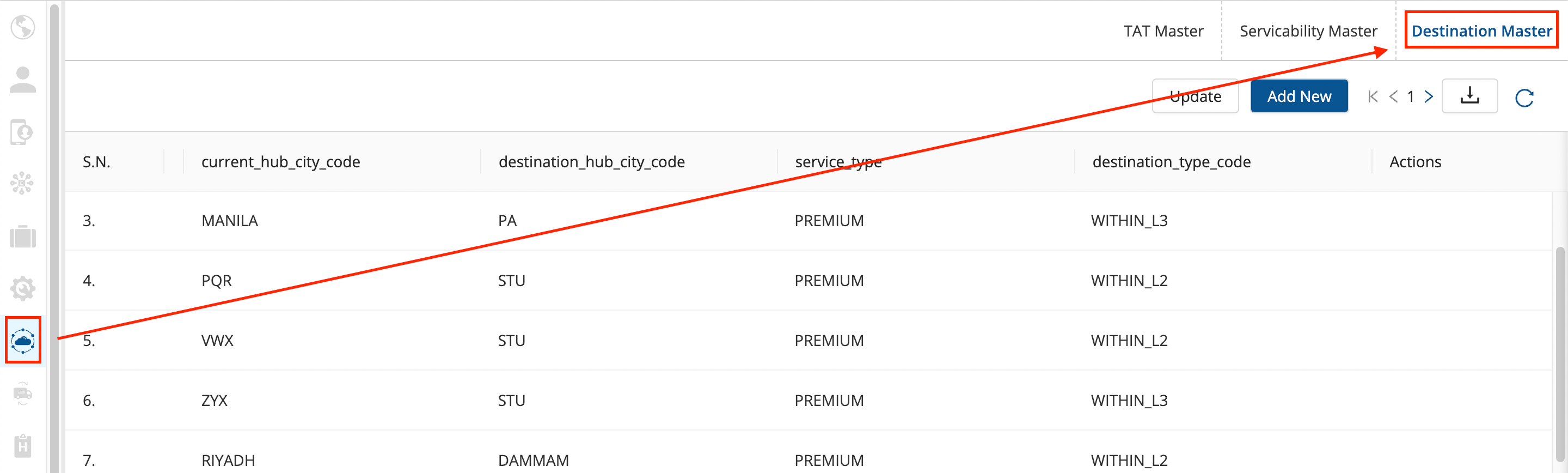
Click on the hamburger menu () → Setup → Express Booking Masters () → Destination Master
-
Click on the Update button.
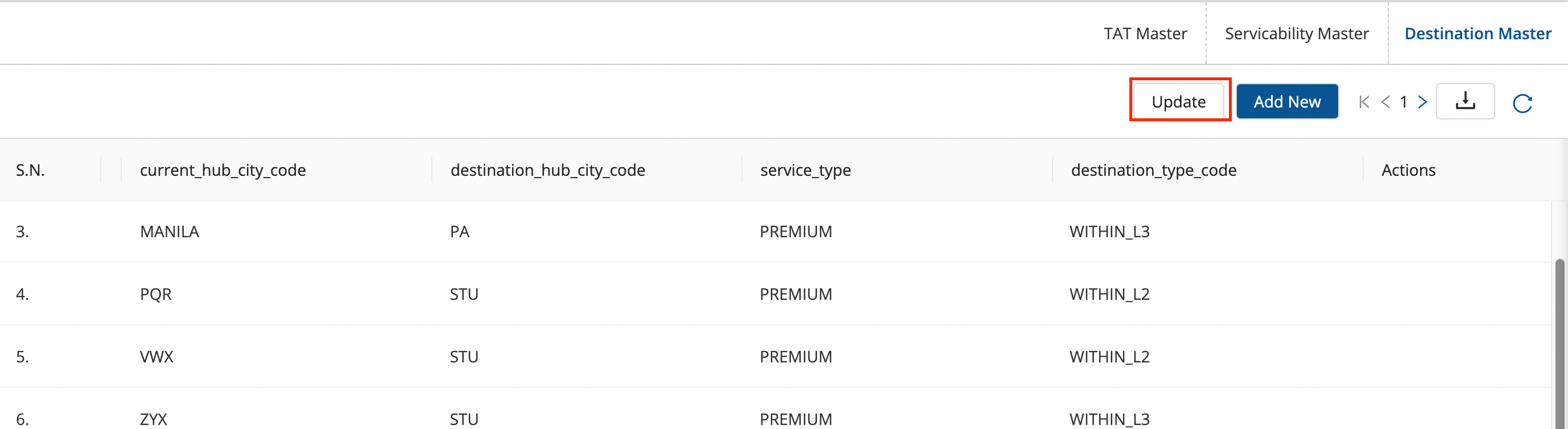
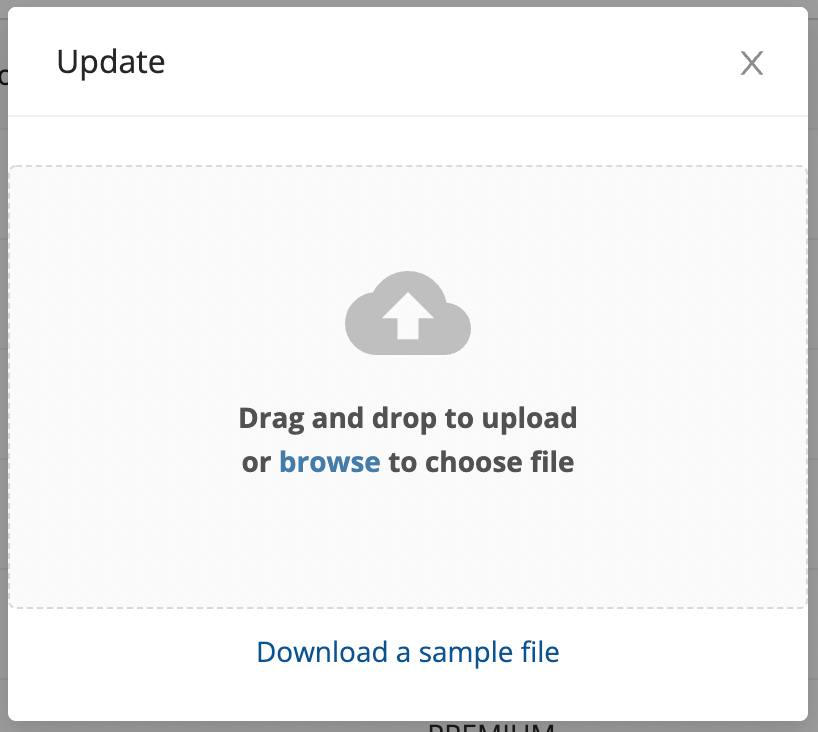
- A form shall appear with the excel to be uploaded to add the Destination Masters.
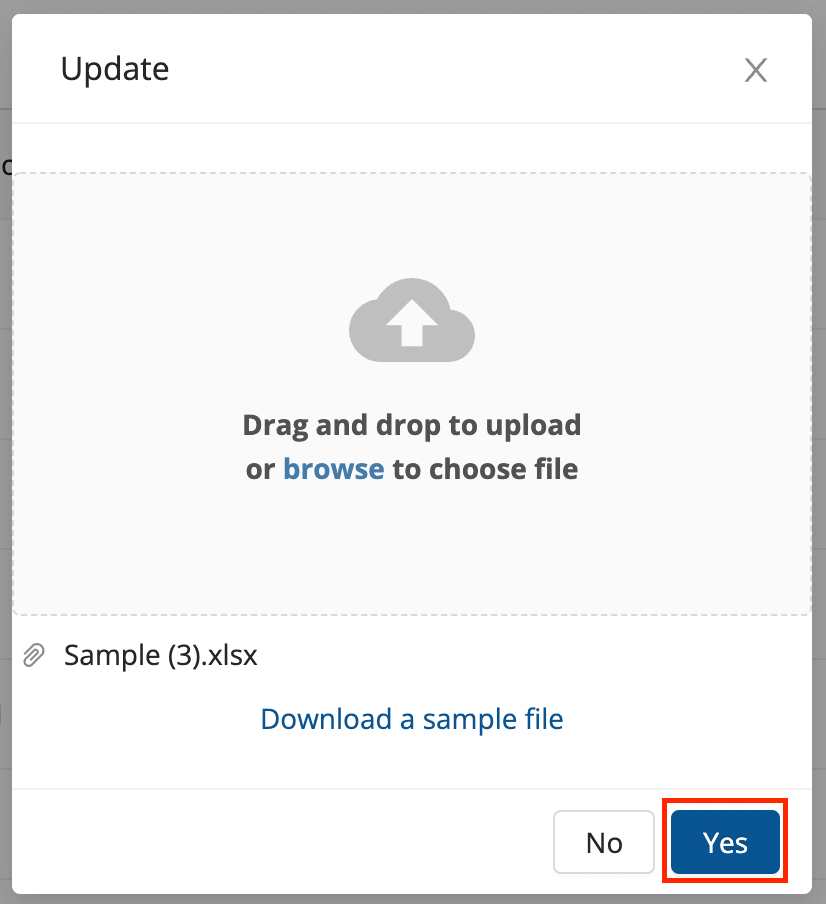
- Fill up the sample excel sheet and after uploading the filled sheet of the masters, click on the Yes button.
- You’ve successfully updated an existing set of Destination Masters.
Was this article helpful?