
How to enable employee
Article FjdvZm-l · sourceIn the dashboard :
-
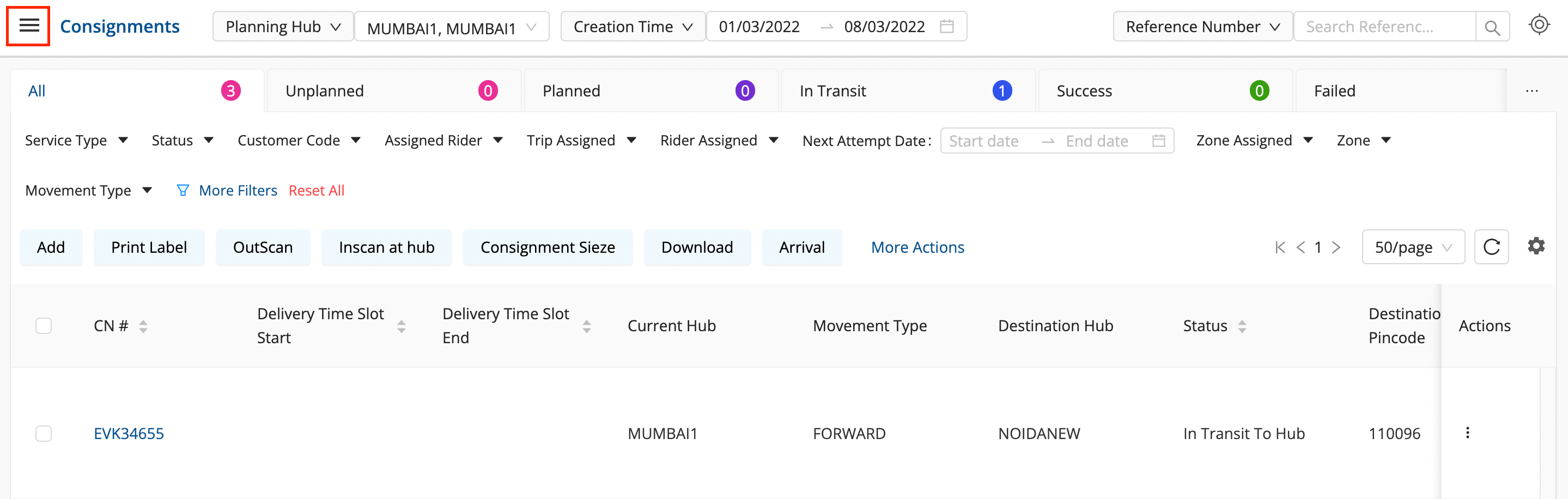
Click on the Hamburger Menu (

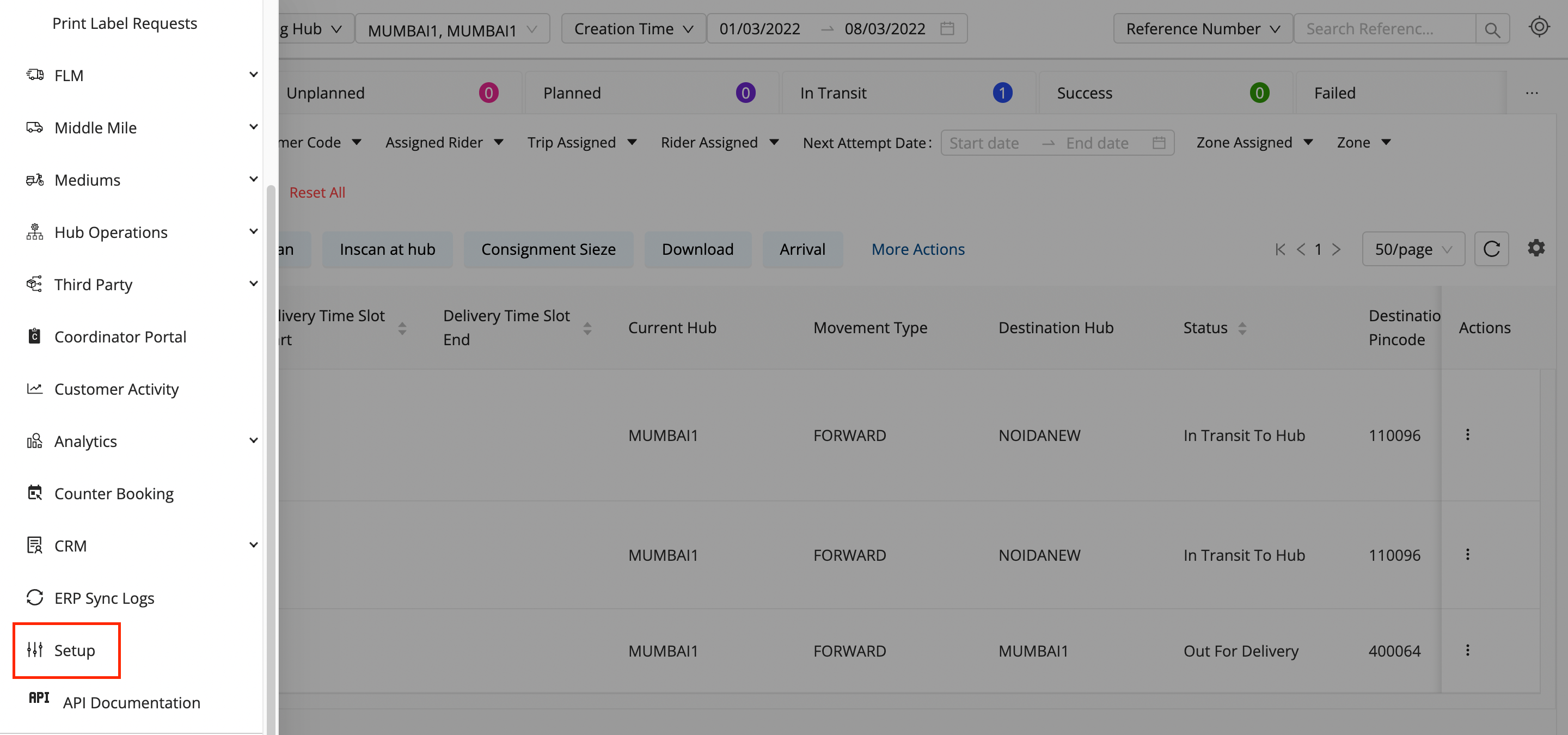
) → Setup → Employees (👨💼)
-
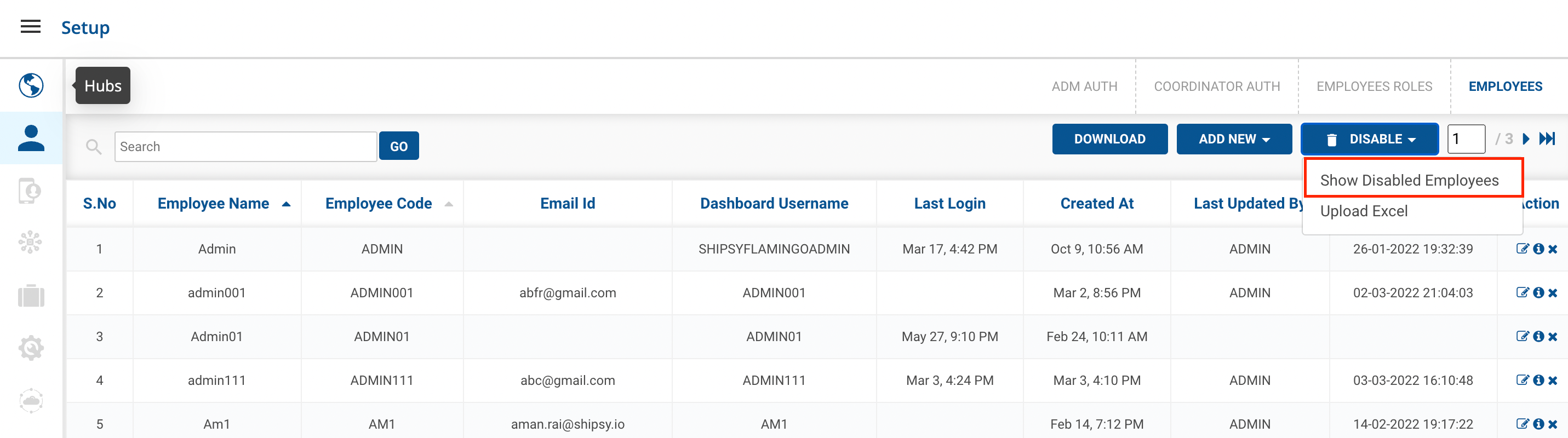
Go to the Disable Button and Select Show Disabled Employees.
-
A new UI will appear with the Disabled Employees Listed.
-
**Go to the particular employee,**Click on the Tick() icon on the right side of the table.

You’ve successfully Enabled the employee.
Was this article helpful?