
How to edit new config object
Article iapqKrhQ · sourceIn the dashboard :
-
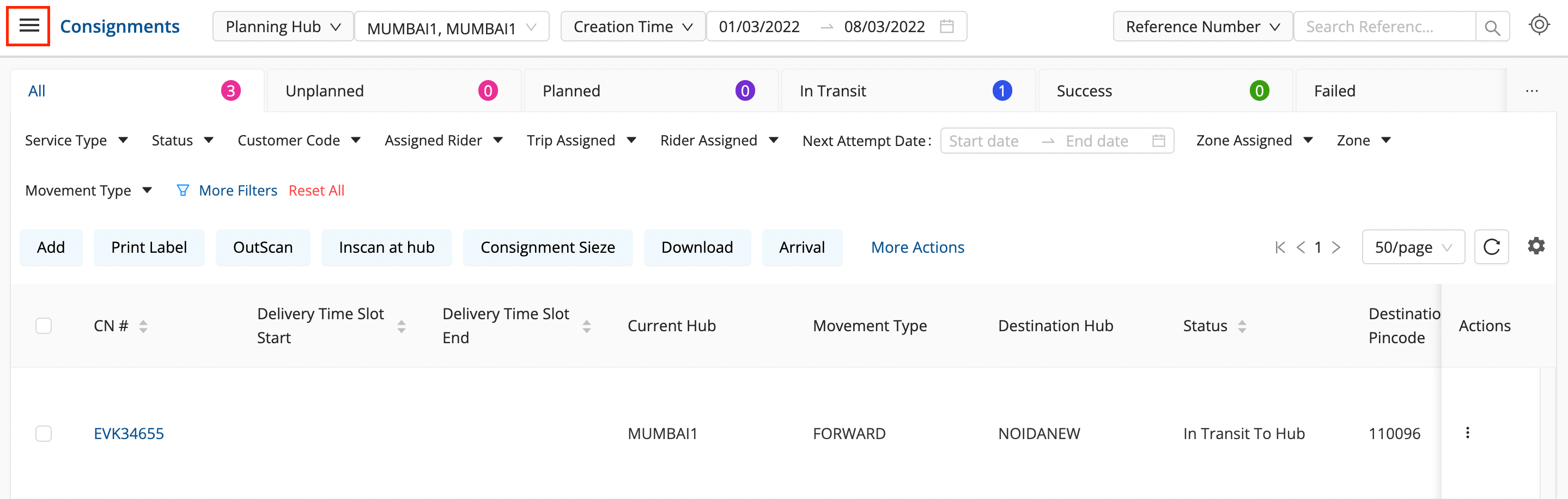
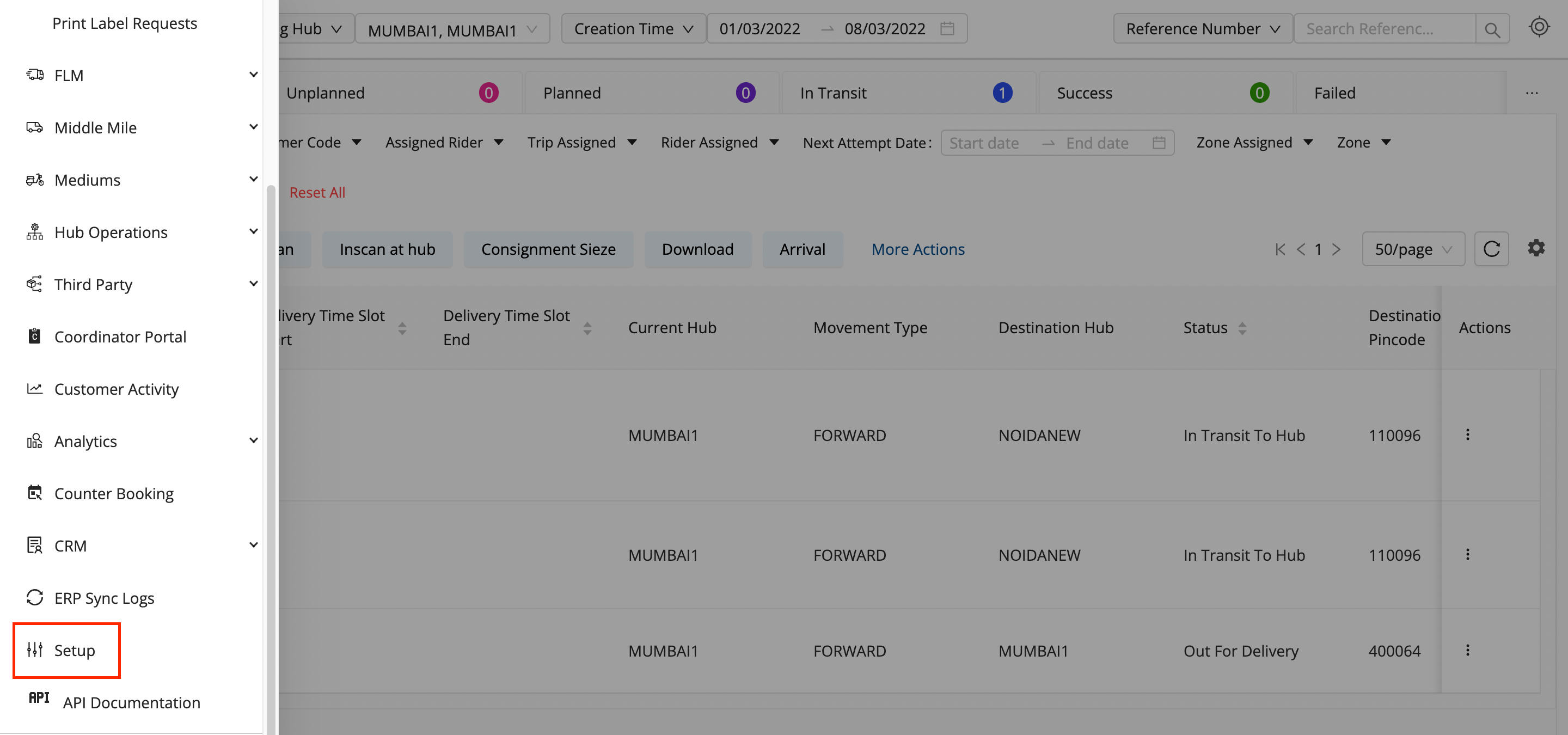
Click on the hamburger menu (

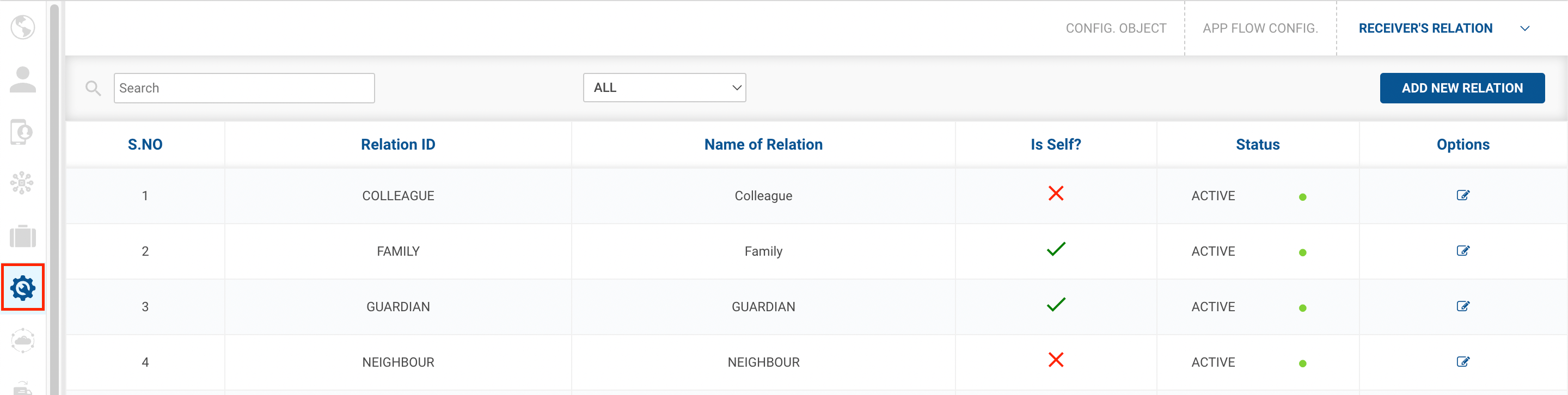
) → Setup → App Flow Config (

)
-
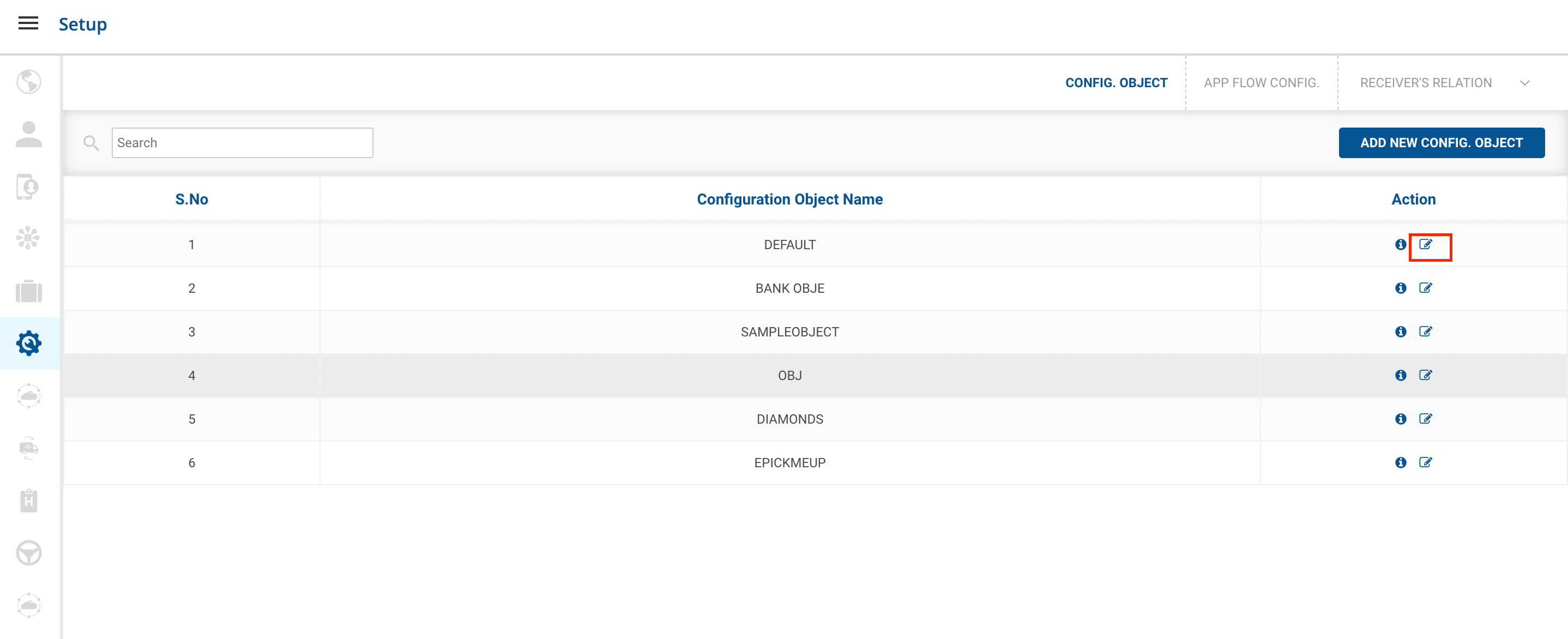
Go to Config Object, And click on Edit New Config Object.
-
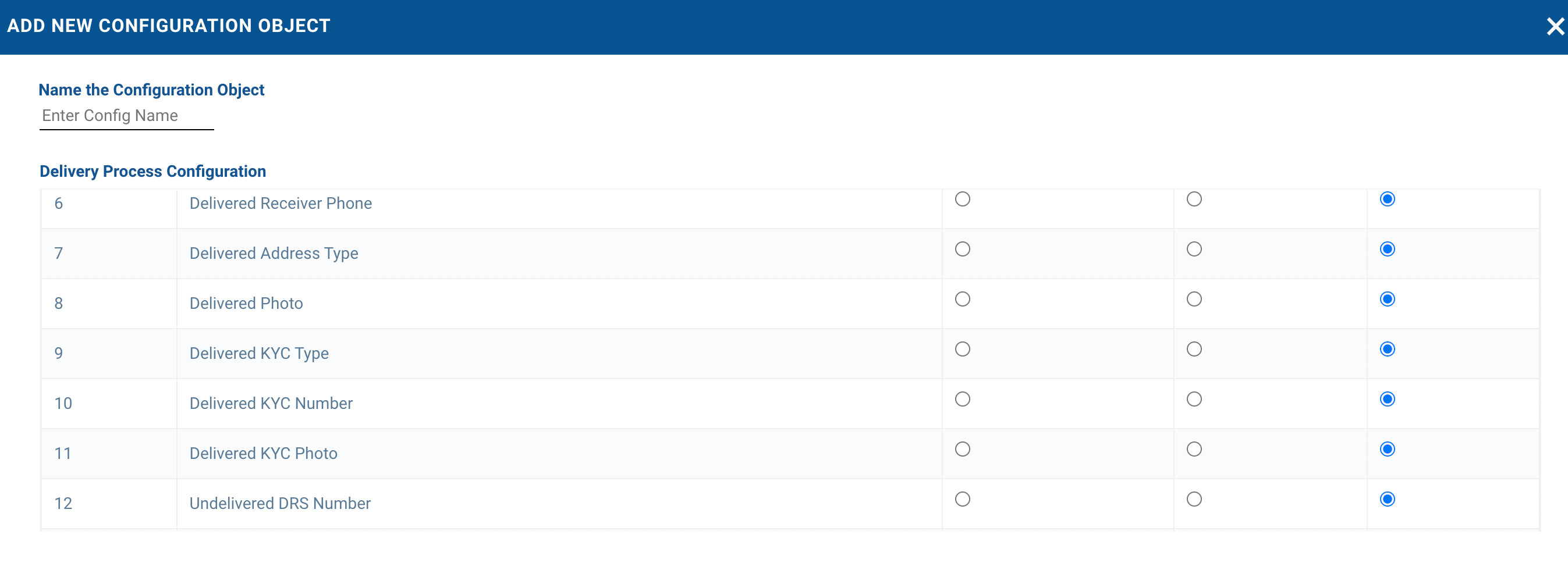
A form shall appear, Edit out the fields that you want to make changes in.
-
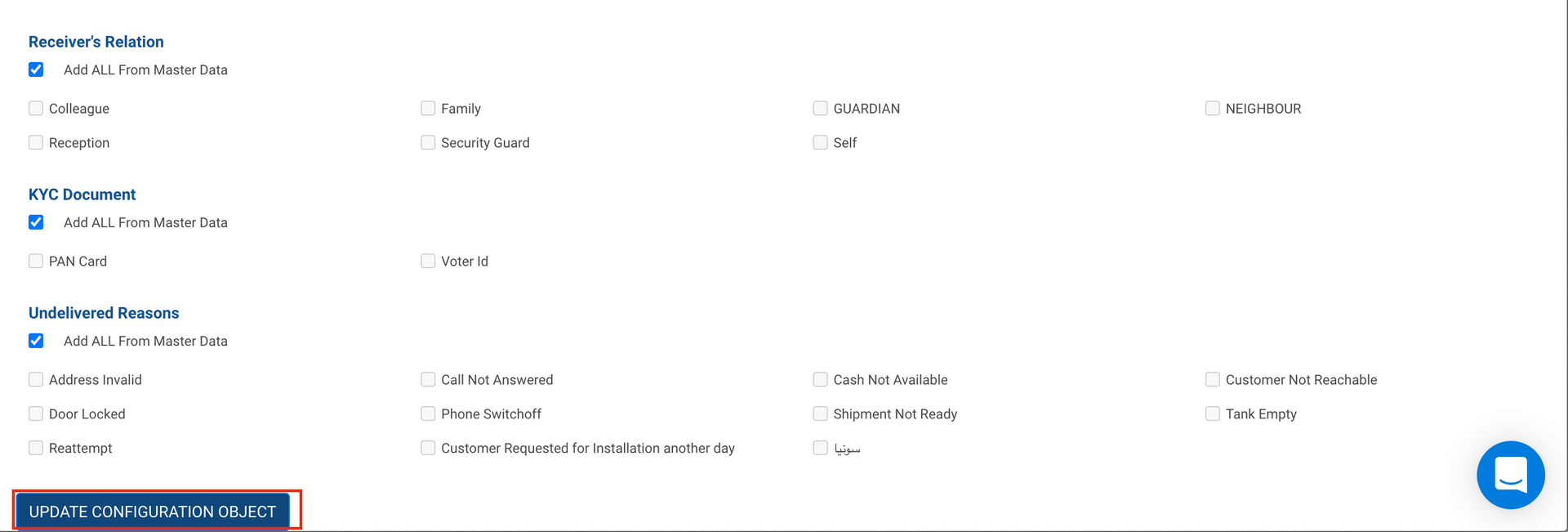
Click On Update Configuration Object.
-
You have successfully edited the Configuration Object.
Was this article helpful?