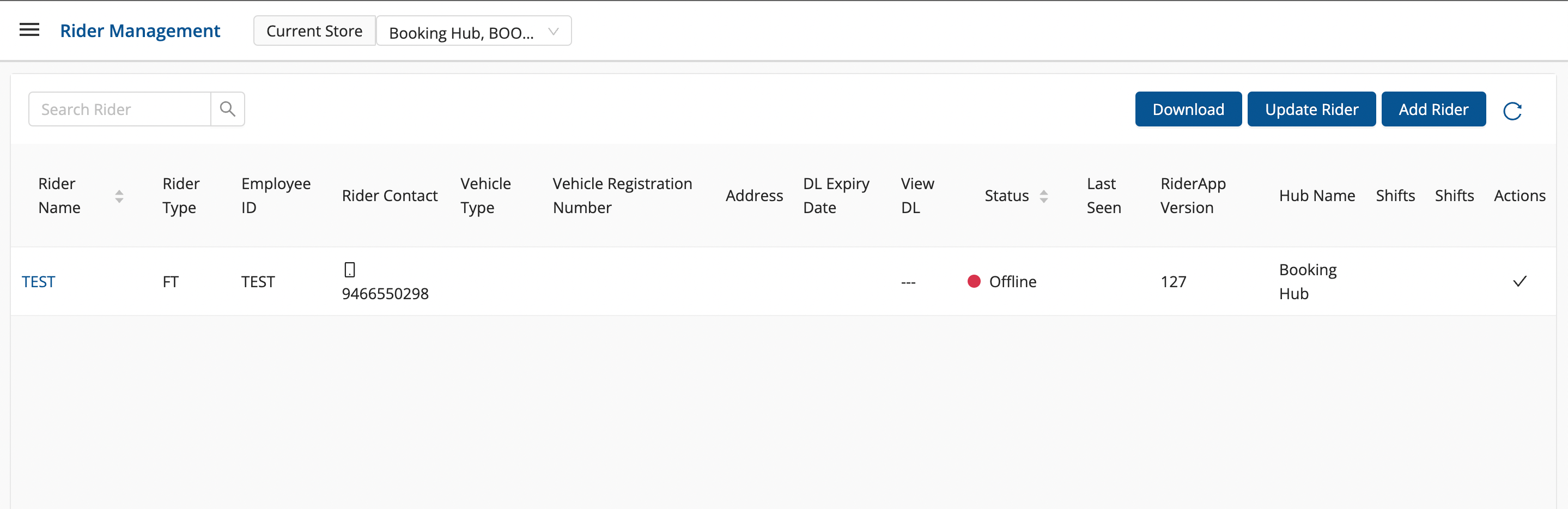
Active and Deactivated Rider setup
Article xCgBWdMu · sourceRiders that are currently in operations and working for the organisation are
Active Riders.
Riders that are not working for the organisation or have left the company are called
Deactivated Riders.
Active and Deactivated Rider setup
-
Click on hamburger menu (

) → Rider(

)
→ Where to view Active and Deactivated Rider ?
-
Click on
Upload Rider
DropDown →
Show Deactivated Rider
-
List of
Deactivated
Rider are Visible
-
Click on
Upload Rider
DropDown →
Show Active Rider
to view all active riders
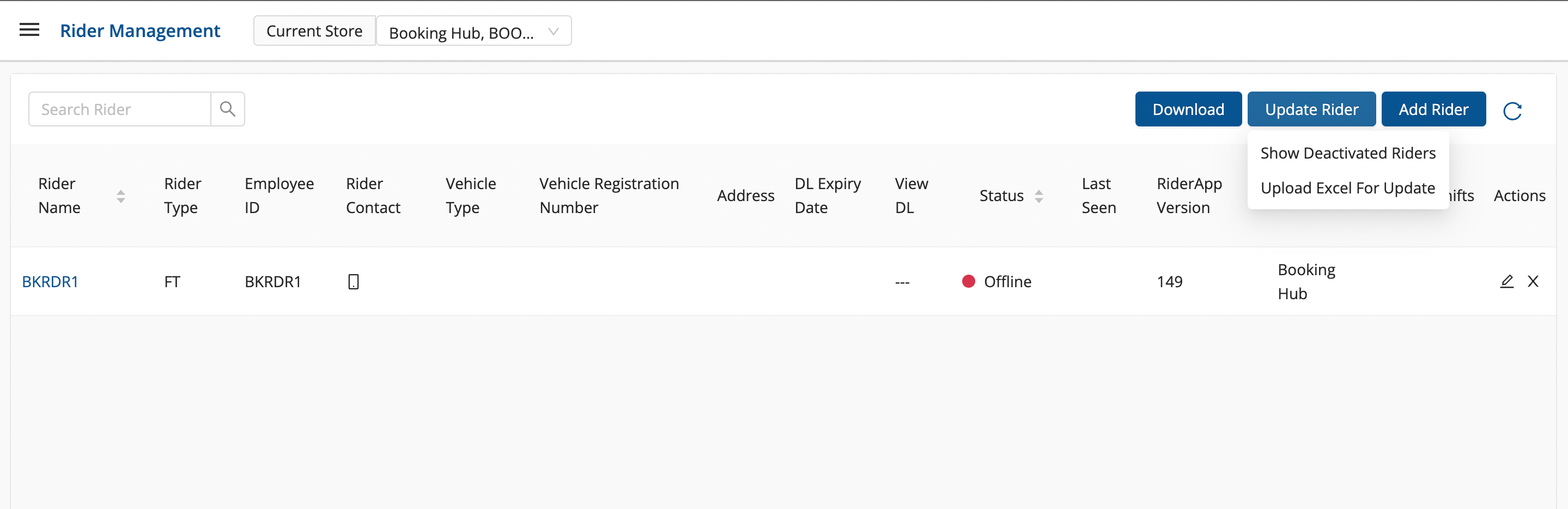
→ How to Deactivate the Rider?
-
Click on the
Deactivated Rider
button(

) under Action column → A modal shall appear having two buttons. Click on Deactivated button to Deactivated the active Rider.
→ How to change the Deactivated Rider to Active Rider?
-
Click on
Update Rider
DropDown →
Show Deactivated Rider
-
List of Deactivated Rider are Visible.
-
Click on
Deactivated Rider
button(

) under Action column. The rider will get activated.