
How to Edit app flow config rule
Article 0IShJW7E · sourceIn the dashboard :
-
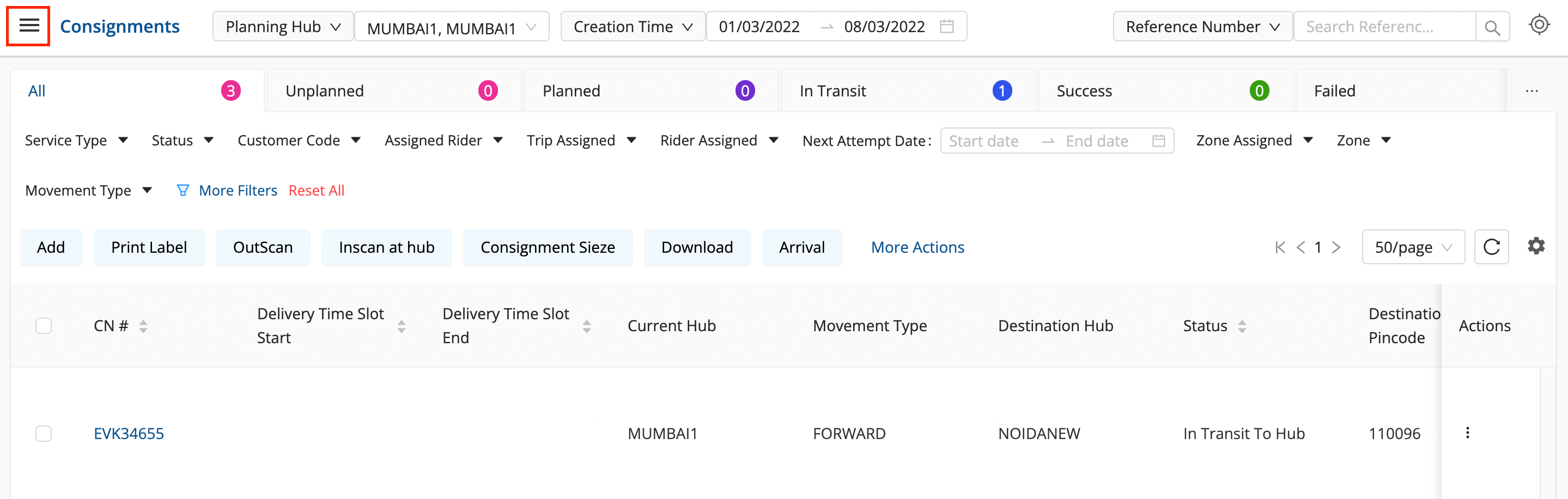
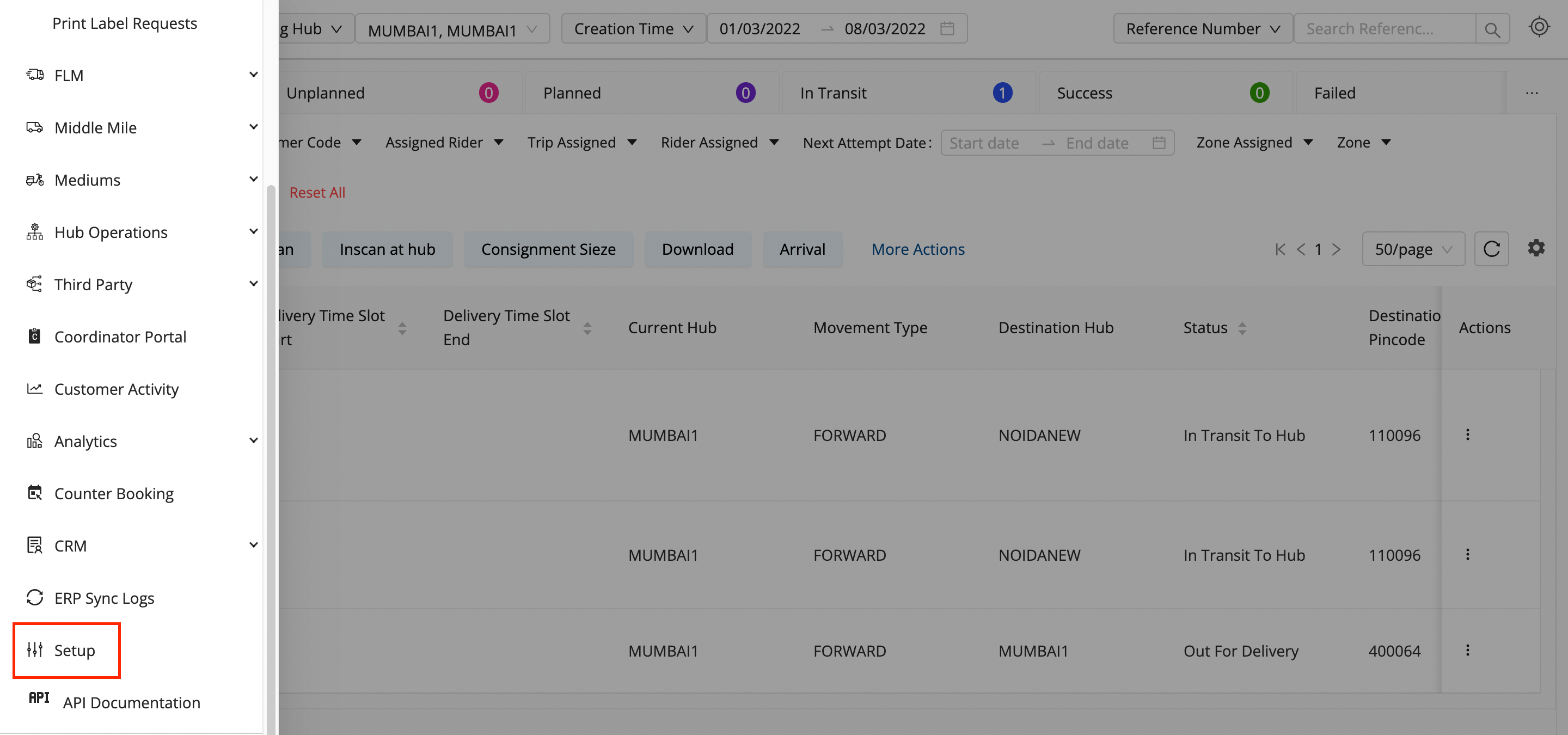
Click on the hamburger menu (

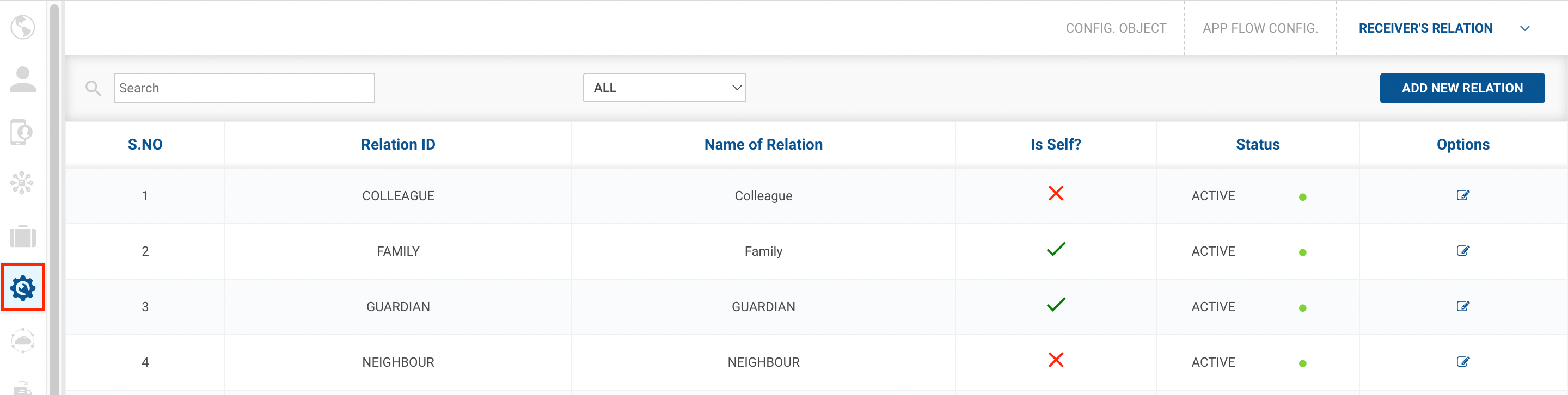
) → Setup → App Flow Config (

)
-
Click on the dropdown menu at the top right and select the
APP Flow Config
option.
-
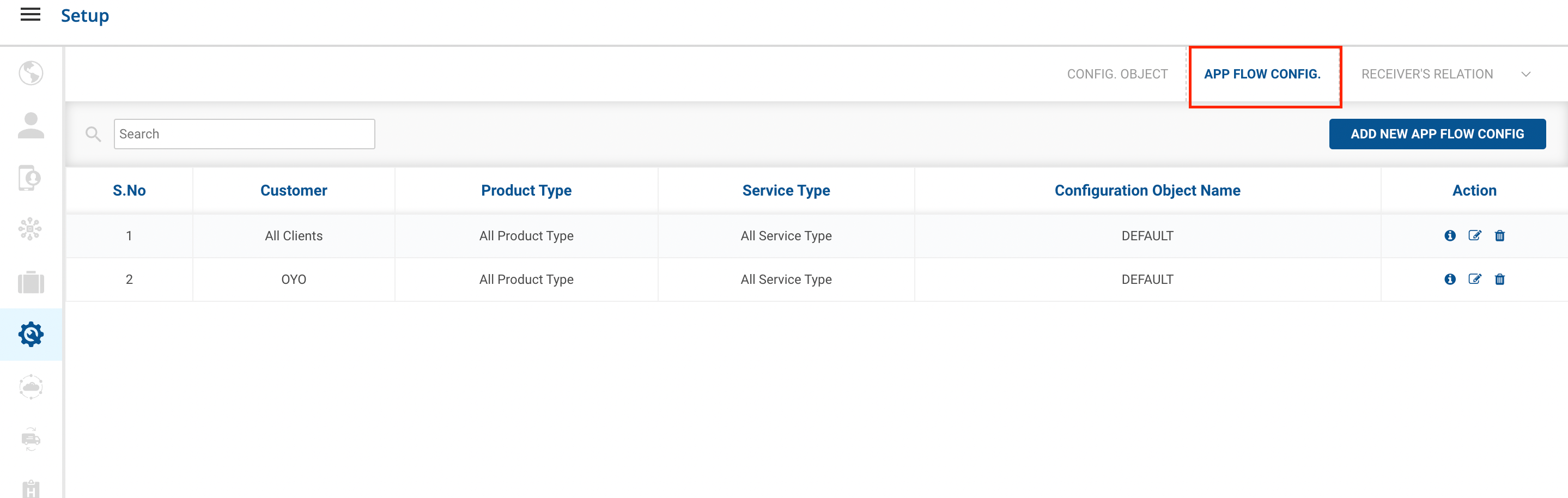
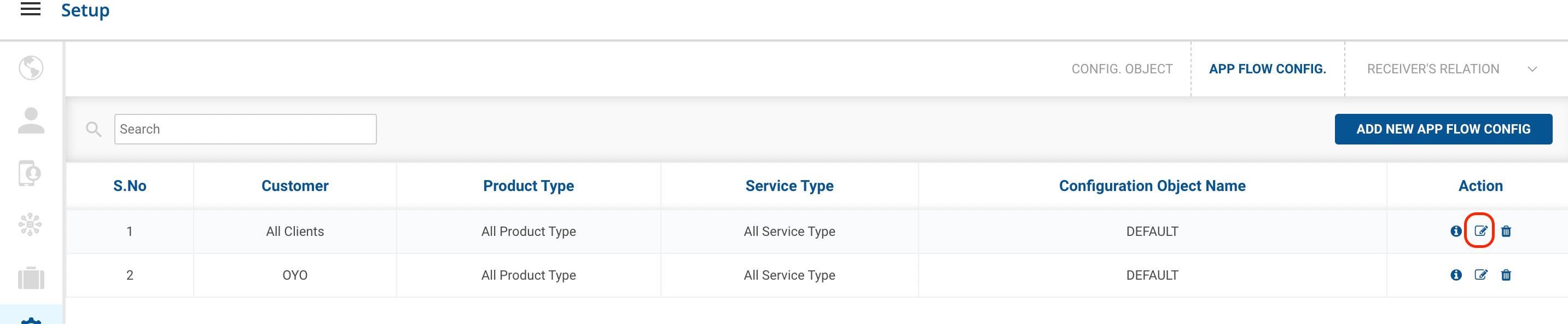
Click on the
Edit
(

) icon on the right side of the table under the options(Action) column.
-
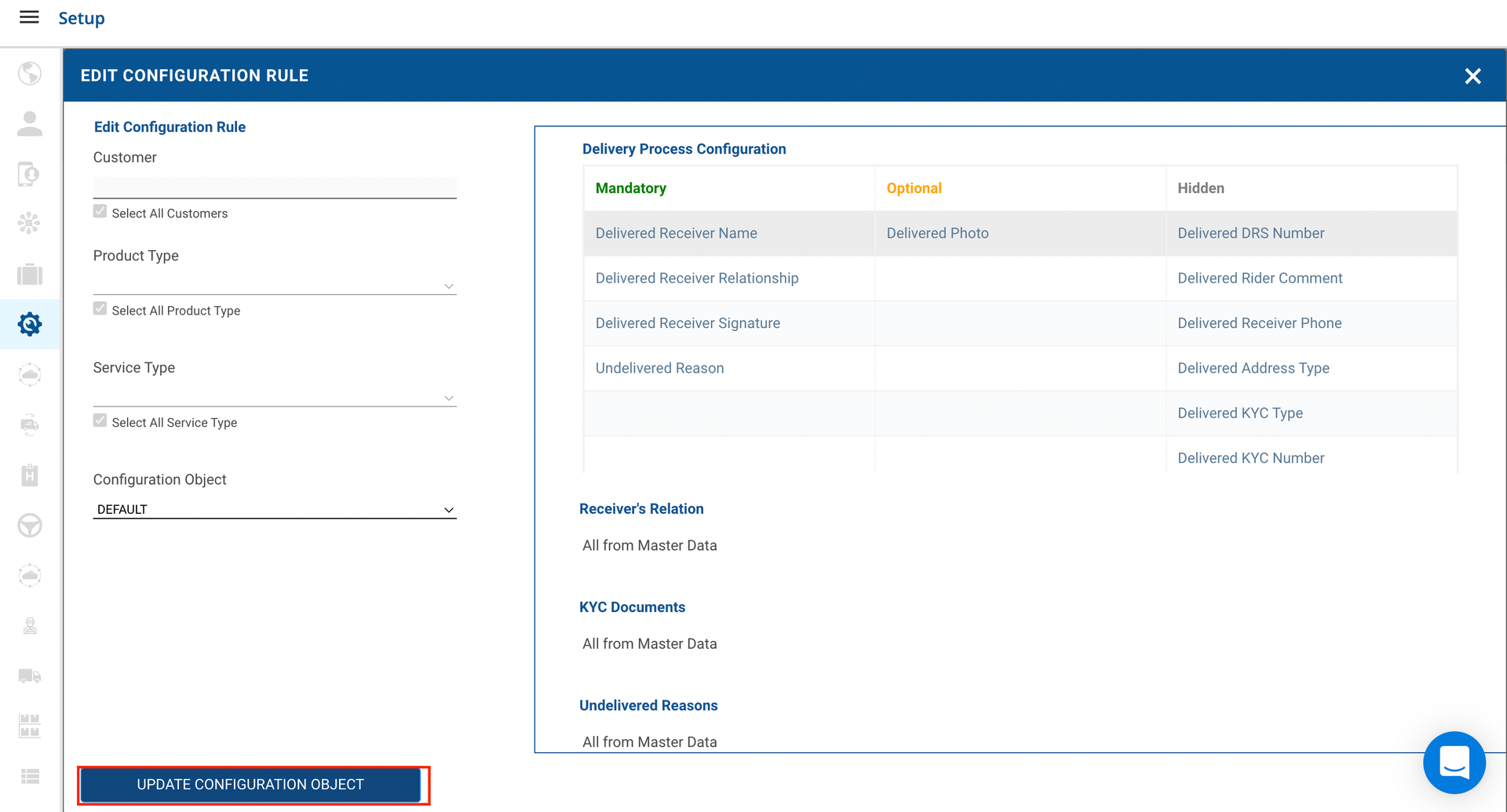
Edit
option → A form shall appear with required fields to be edited.
-
Edit the form with the required changes and click on the
Update Configuration Rule
button.
-
You’ve successfully edited an
Configuration Rule
Reason.
Was this article helpful?