
How to add new Destination Type
Article Mp4Wl7zc · sourceDestination type is important in a way to decide different levels of delivery, which can also be beneficial in deciding rate masters.
In the dashboard :
- Click on the hamburger menu () → Setup → Address Hierarchy
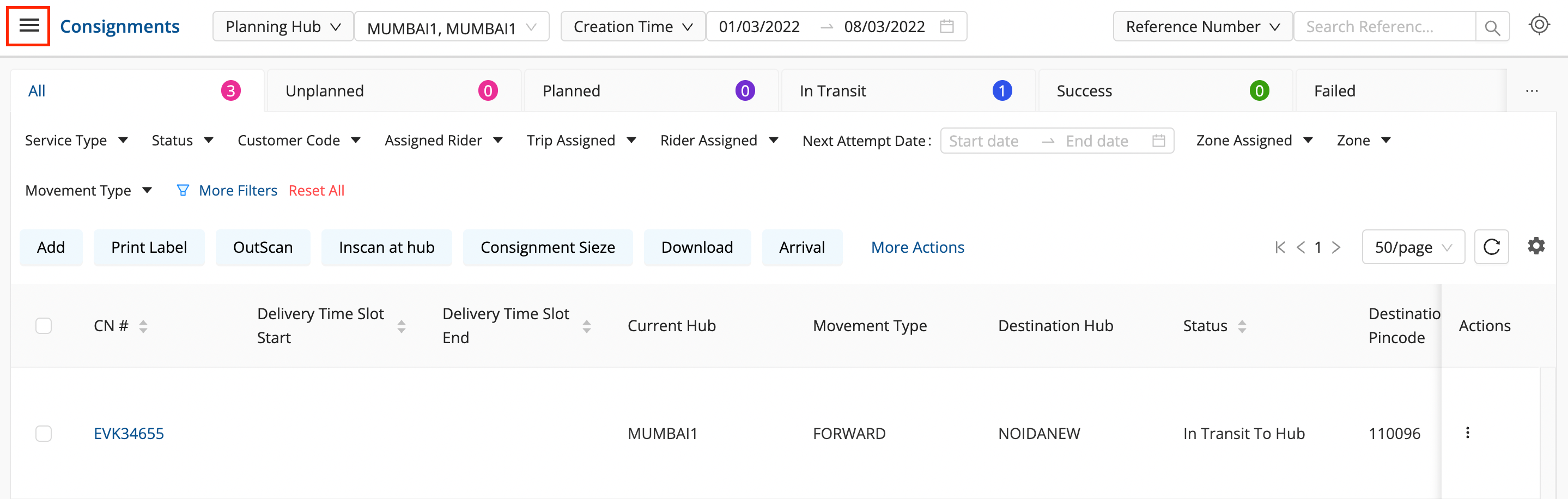
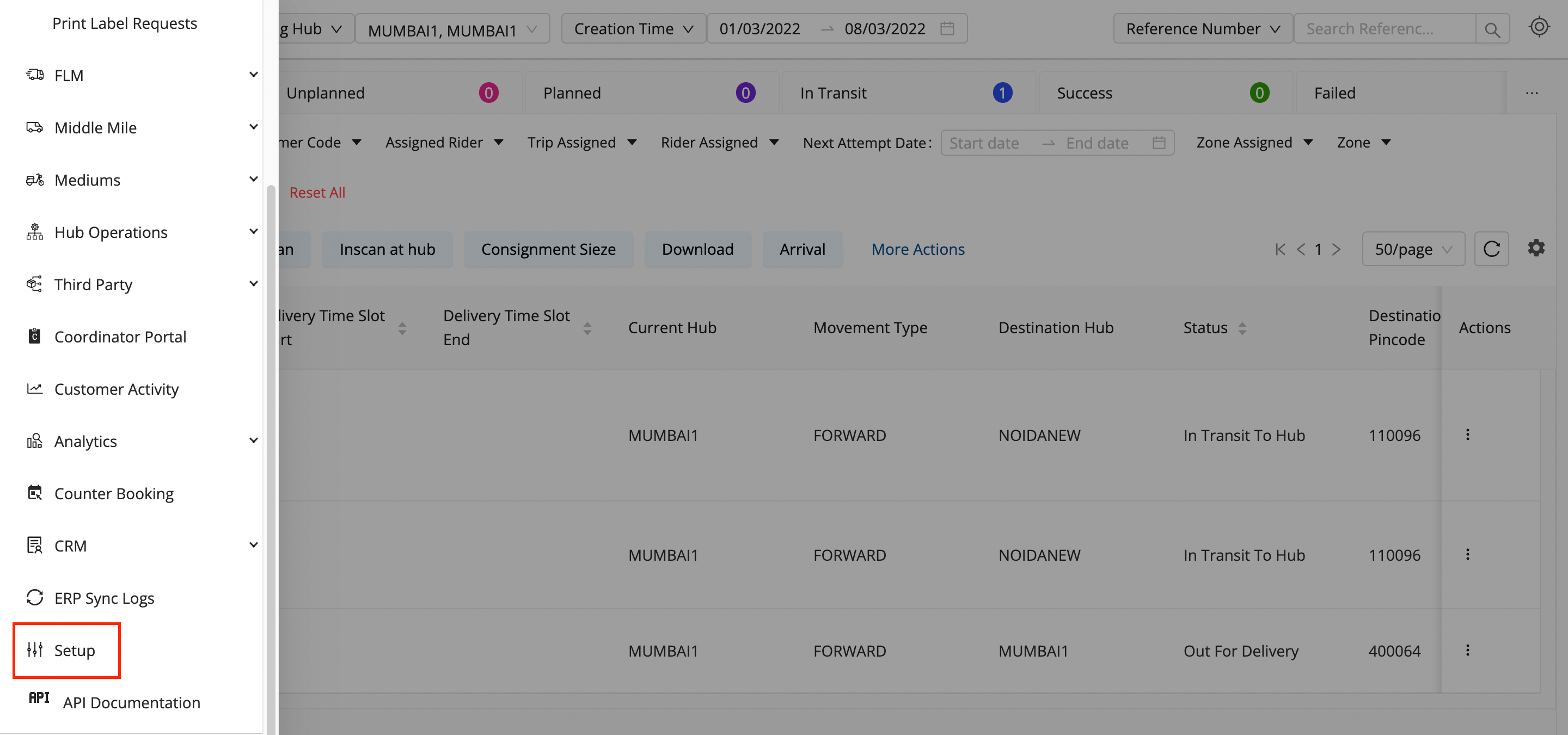
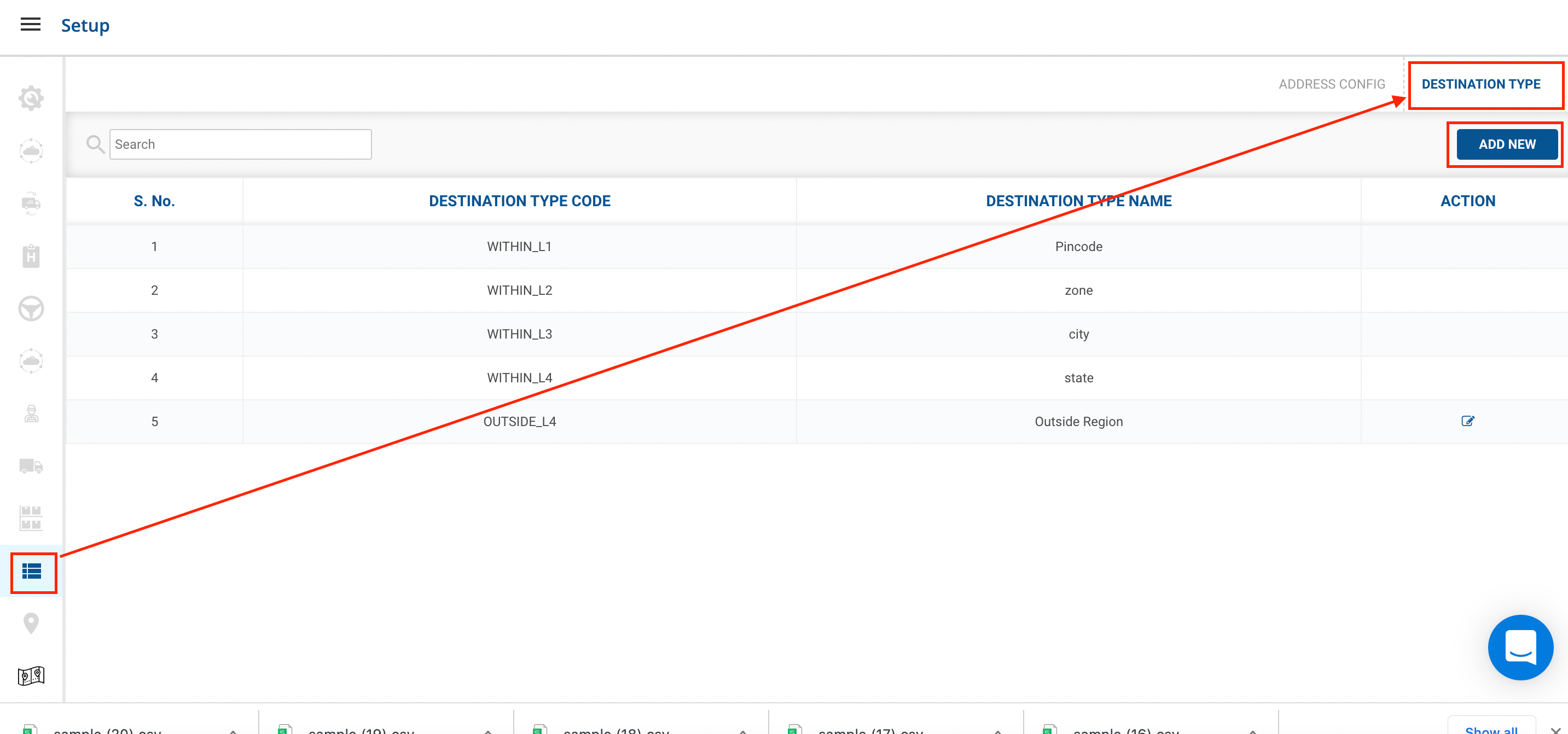
- Go to Address Hierarchy → Destination Type → Click on the Add New button.
- Fill up the form and click on Add Destination Type button.
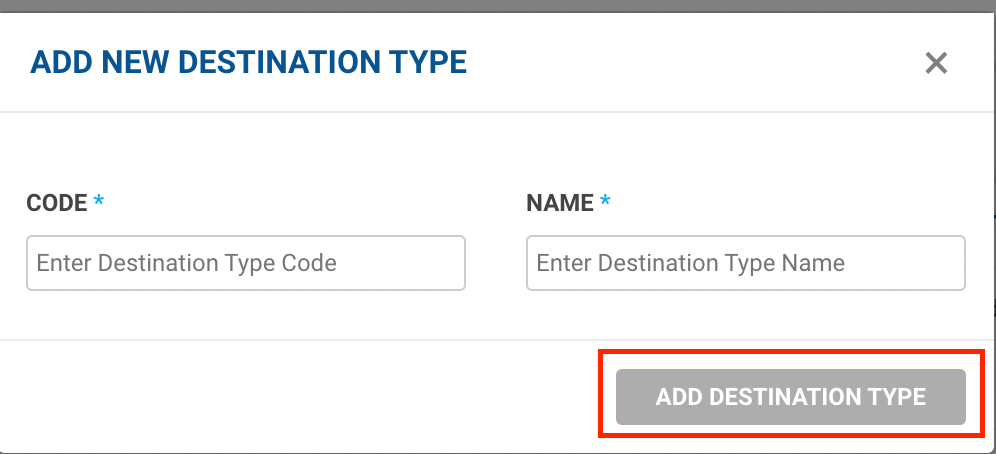
- You have successfully added a new destination type.
Was this article helpful?