
How to create a customer allocation rule
Article X0_2vdoL · sourceFor any consignment, the system requires pin-codes to allocate hubs for
pickup tasks,
from where the first mile proceeds after soft-data upload.
In the dashboard :
-
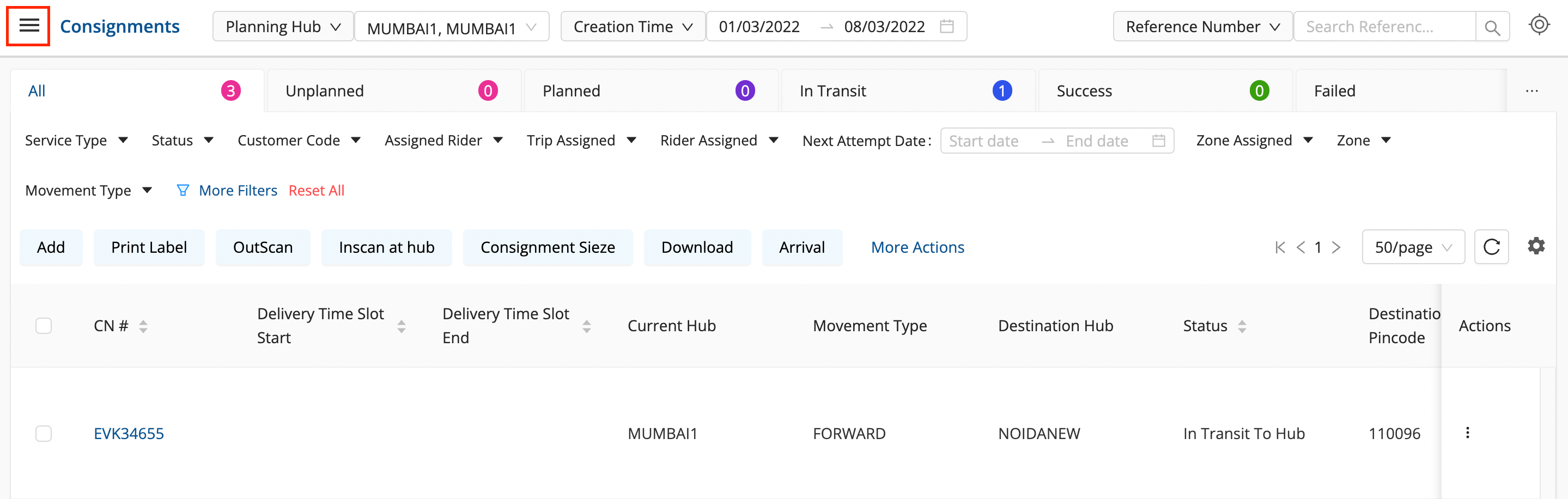
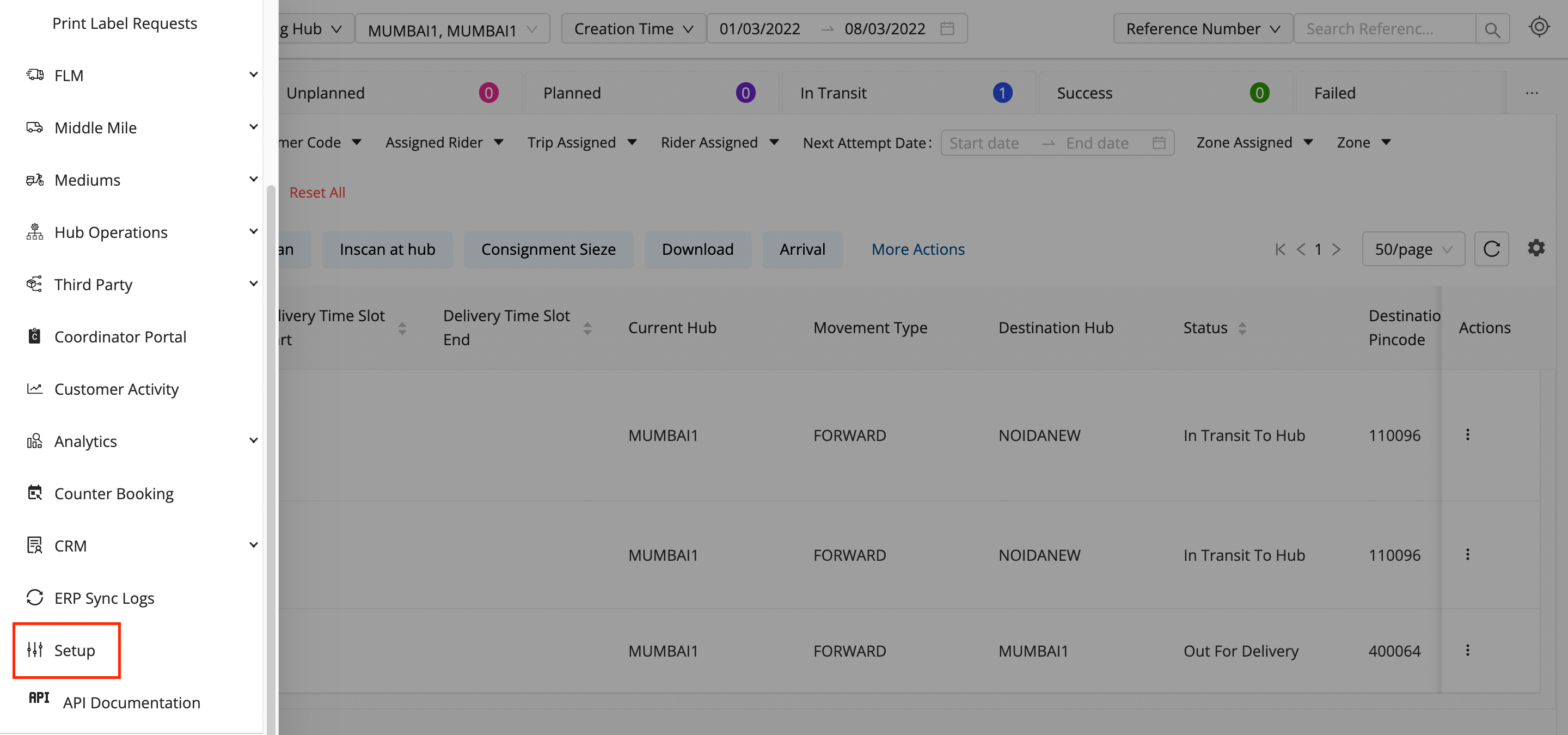
Click on the hamburger menu (

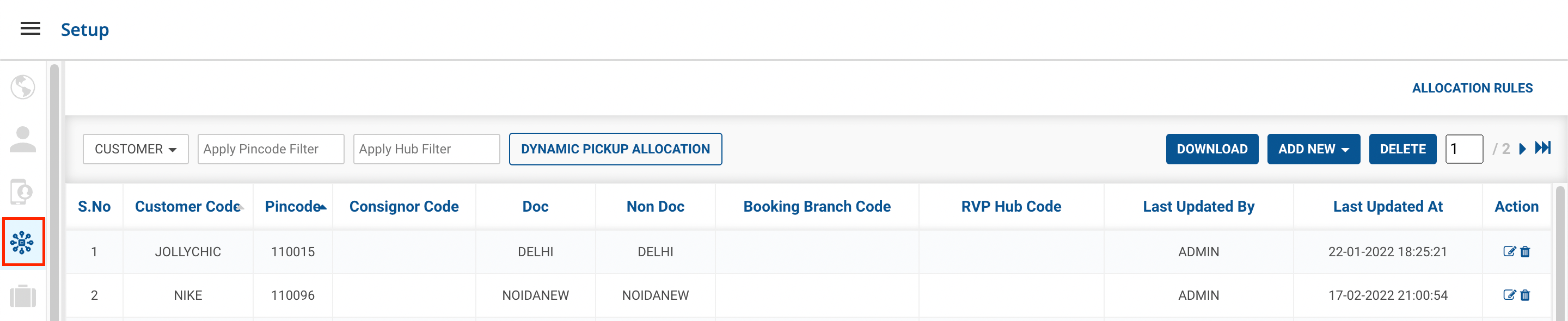
) → Setup → Customer Allocation Rules (

)
-
Click on
ADD NEW
button.

-
Method 1
New Rule
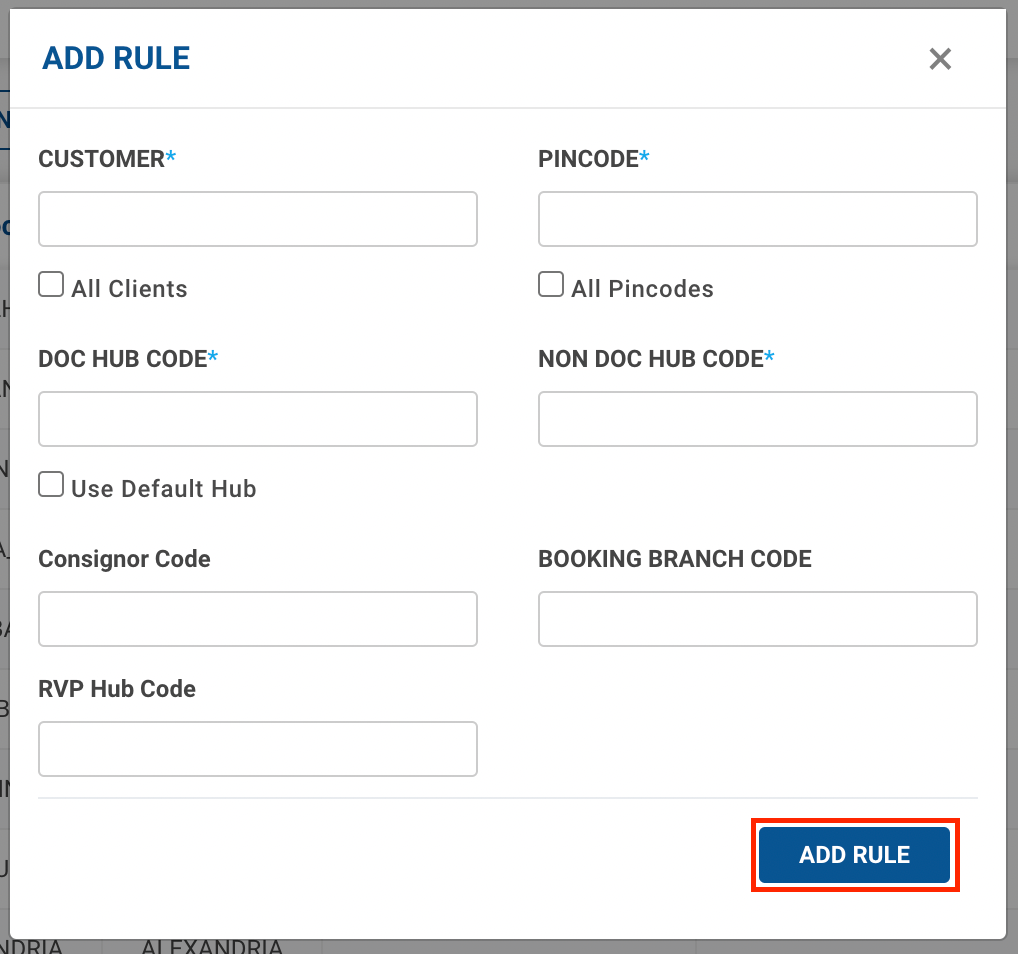
option → A form shall appear with required fields

-
Fill up the form and click on the
Add Rule
button.
-
You’ve successfully created a new allocation rule for pickup.
-
-
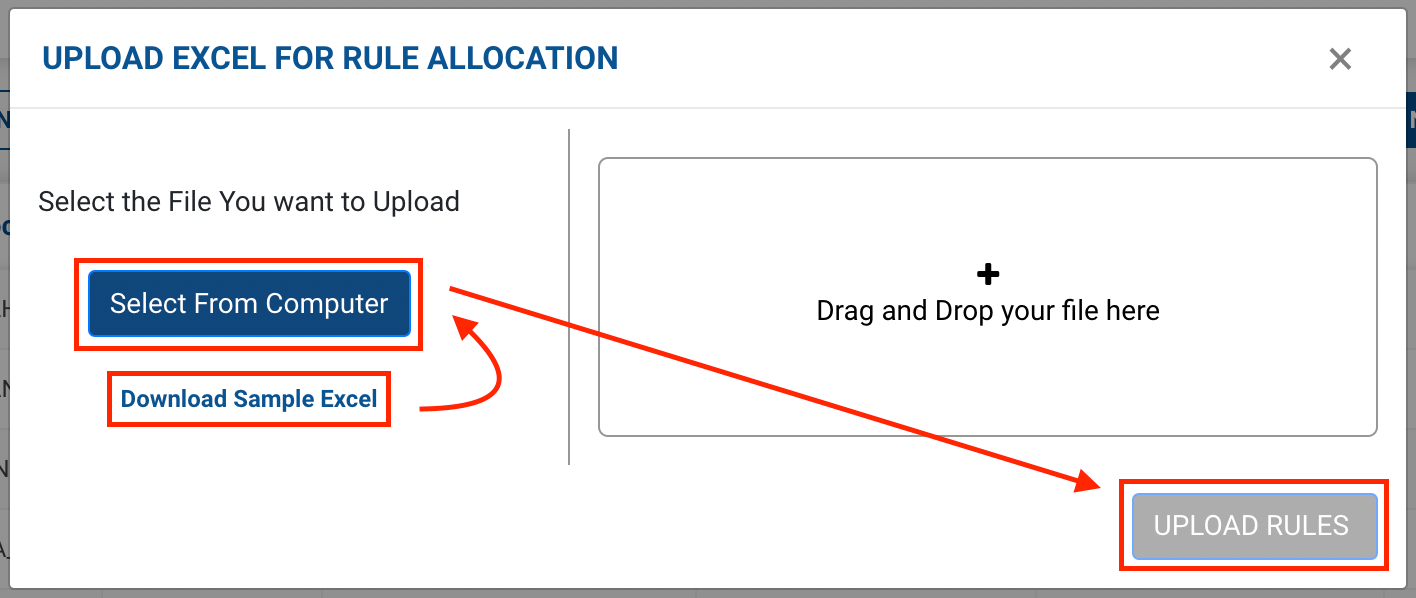
Method 2
Upload CSV
option → A file upload window appears.

-
You can download a sample Excel file to understand what data has to be entered by clicking on the
Download Sample Excel
option from the window.
-
Click on
Select From Computer
to upload your Excel sheet.
-
One can also drag and drop your file into the space provided in the window.
-
Click on the
Upload Rules
button.
-
You’ve successfully created a new allocation rule for pickup.
-