
Config Creation setup
Article B-CqNqsm · sourceConfig Creation setup
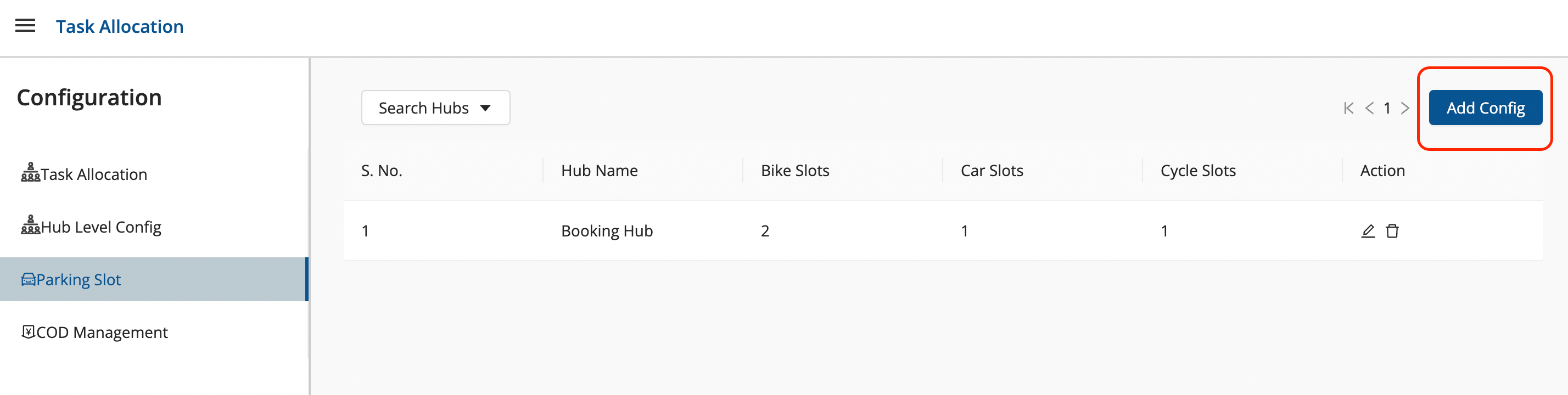
- Click on the hamburger menu () → Task Allocation
- Configurations → Parking Slot
→ To create a new config
-
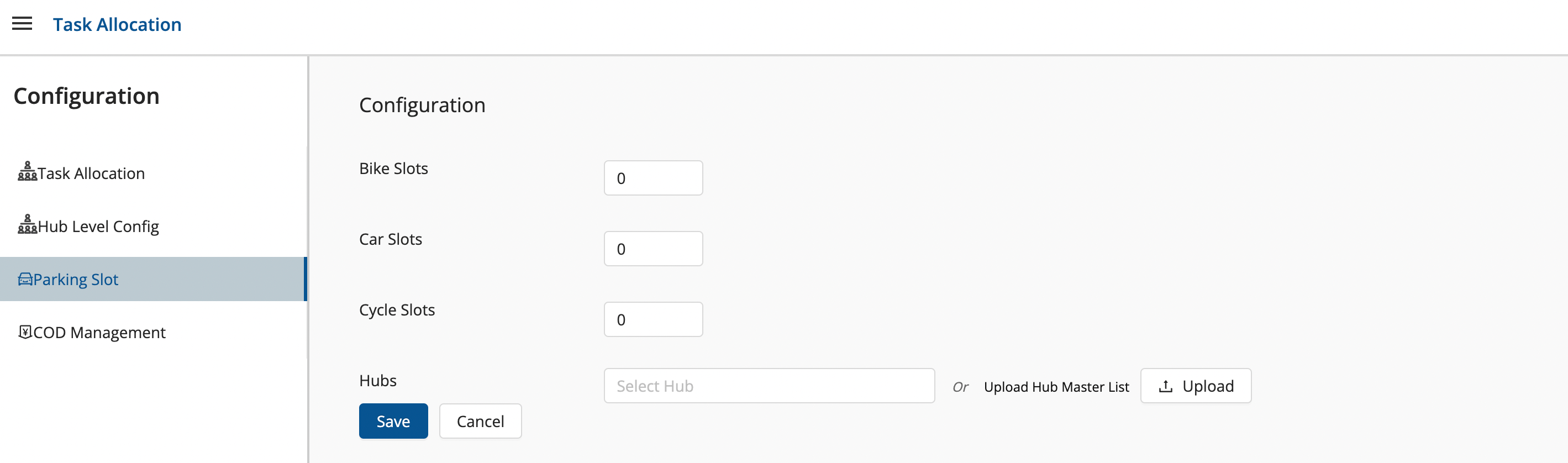
Click on Add Config button → A window shall appear with required fields.
- Fill up the window and click on Save button.
- You’ve successfully added a Config.
Was this article helpful?