
How to download Address Hierarchy details
Article zL_mMvMR · sourceIn the dashboard :
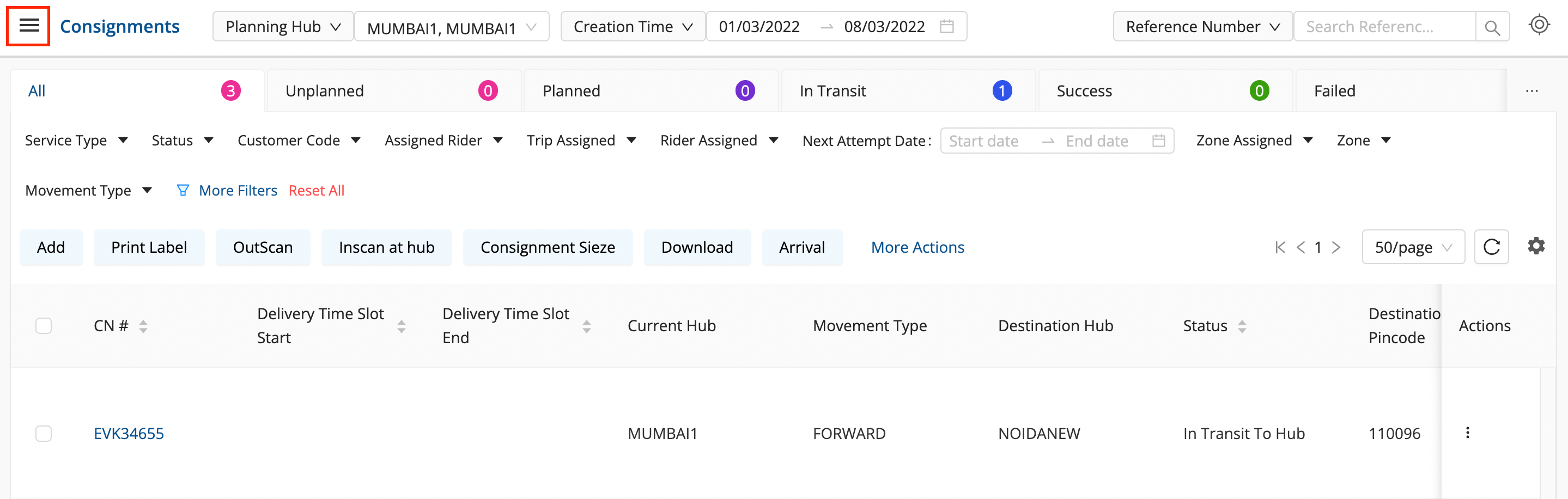
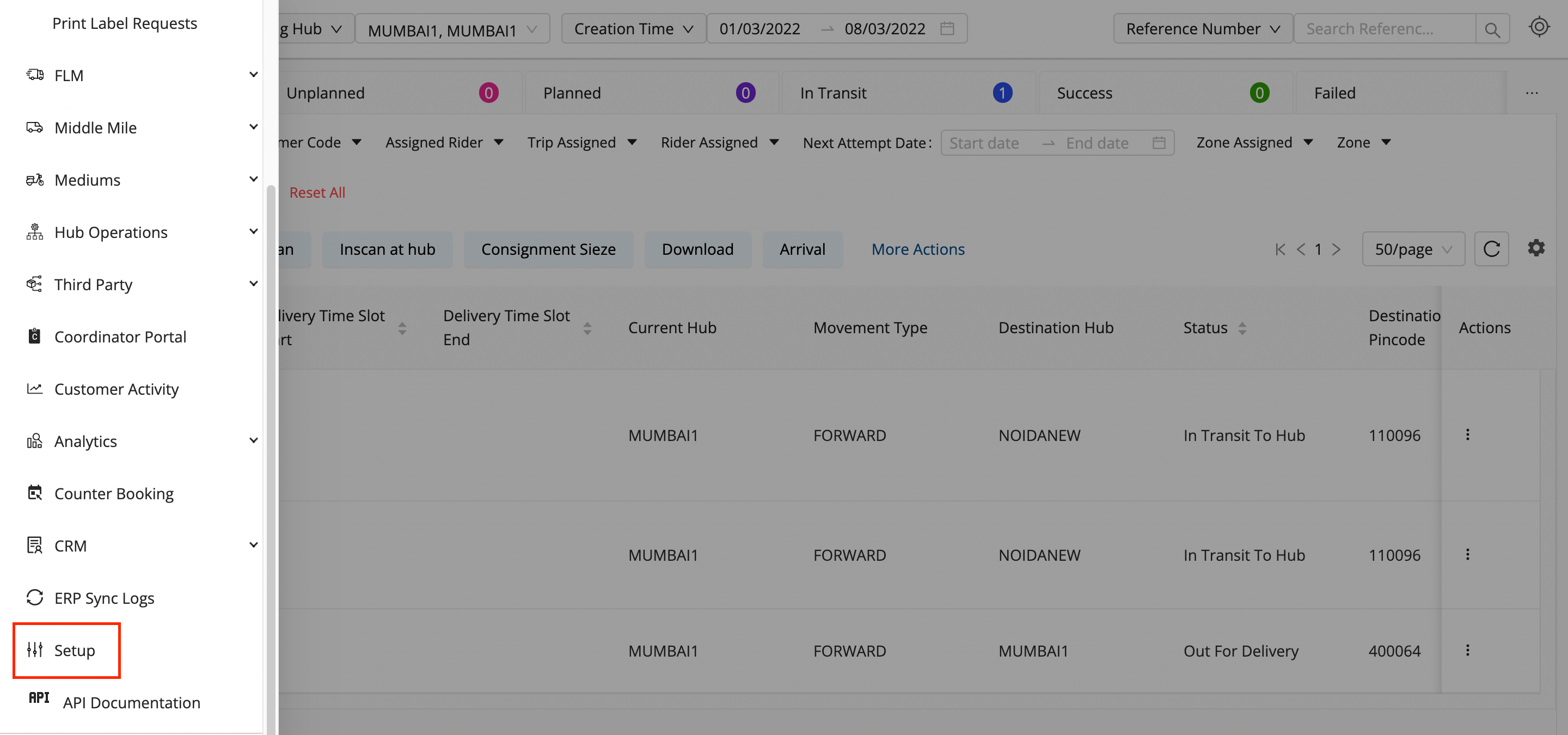
- Click on the hamburger menu () → Setup → Address Hierarchy
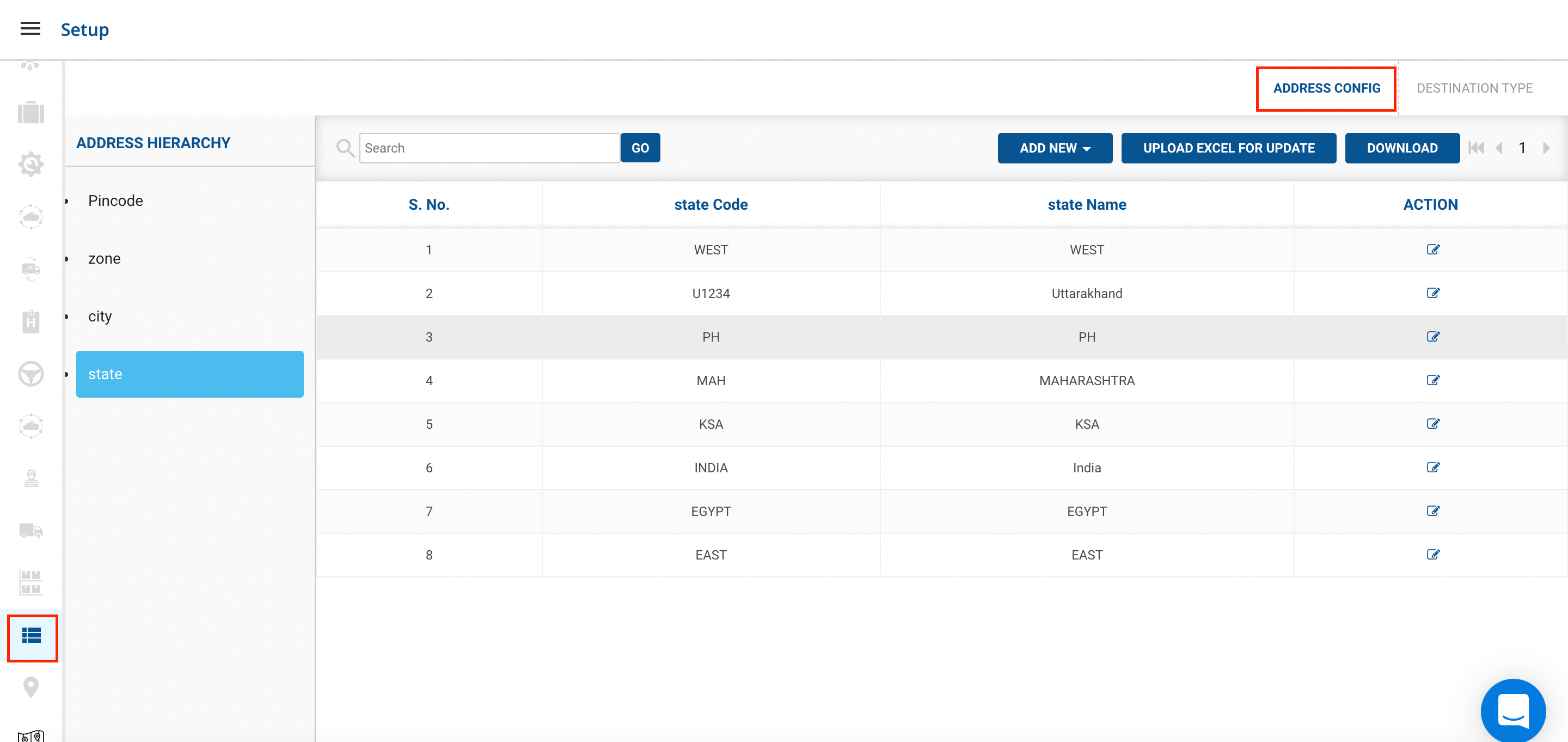
- Go to Address Hierarchy → Address Config(Pincode)
- Click on Download Button
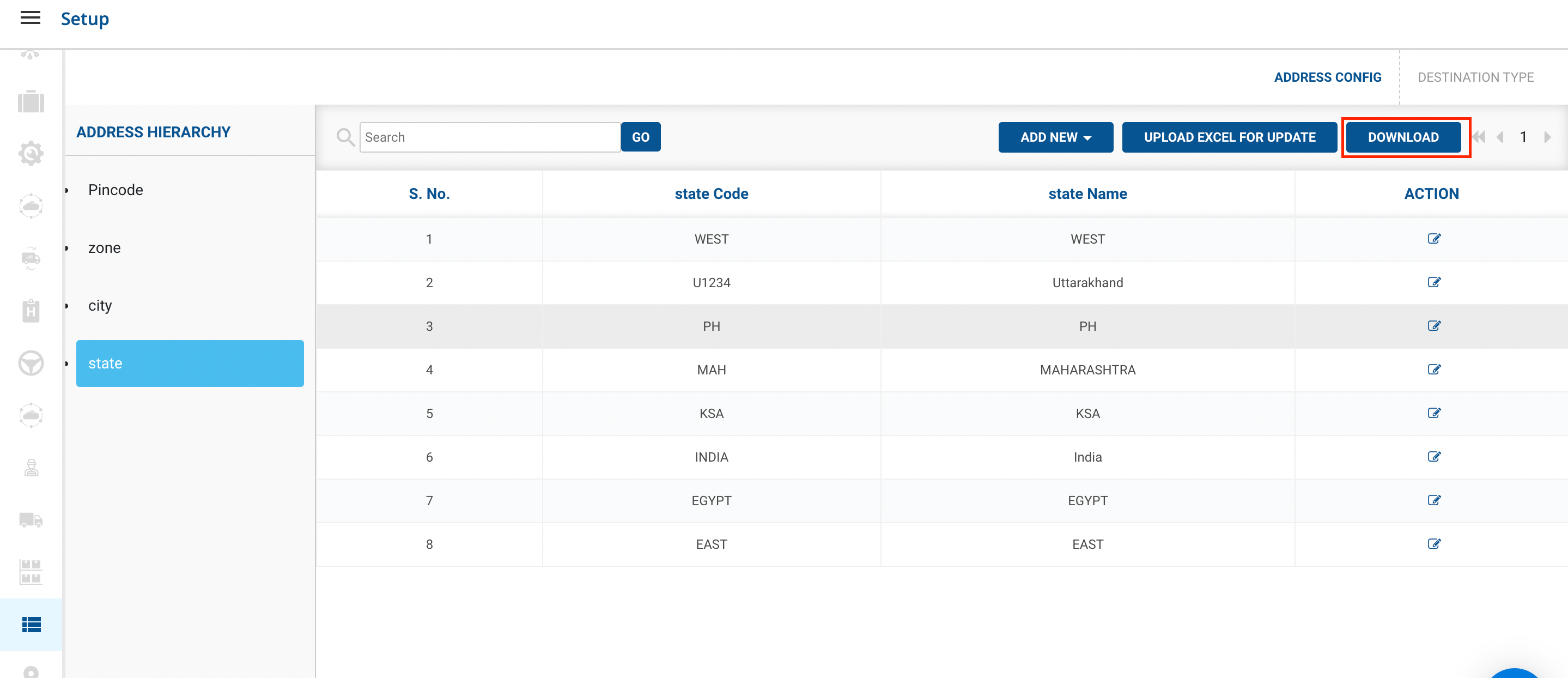
- You’ve successfully downloaded the set of State’s data in excel format.
- Similarly, You can Download Pincodes, Zones and Cities.
Was this article helpful?