
How to setup virtual series
Article YVXFbApU · sourceCustomers are those who are going to use the customer portal.
They are the one who are going to give orders to Our Customers(For ex. - 3PL companies).
In the dashboard :
-
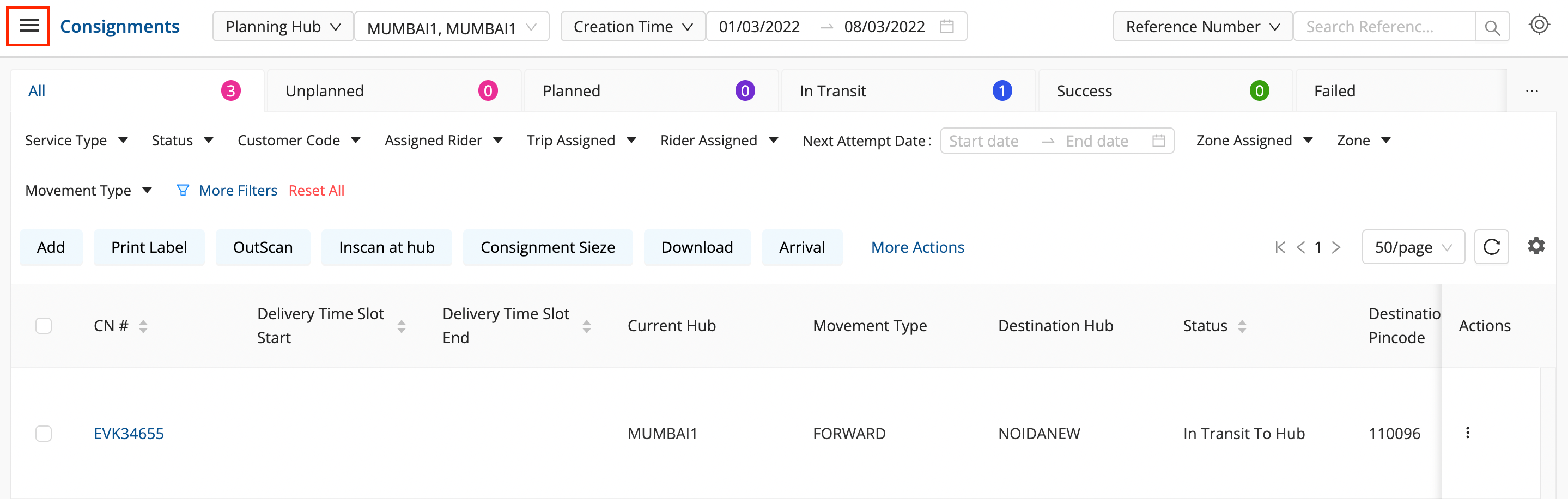
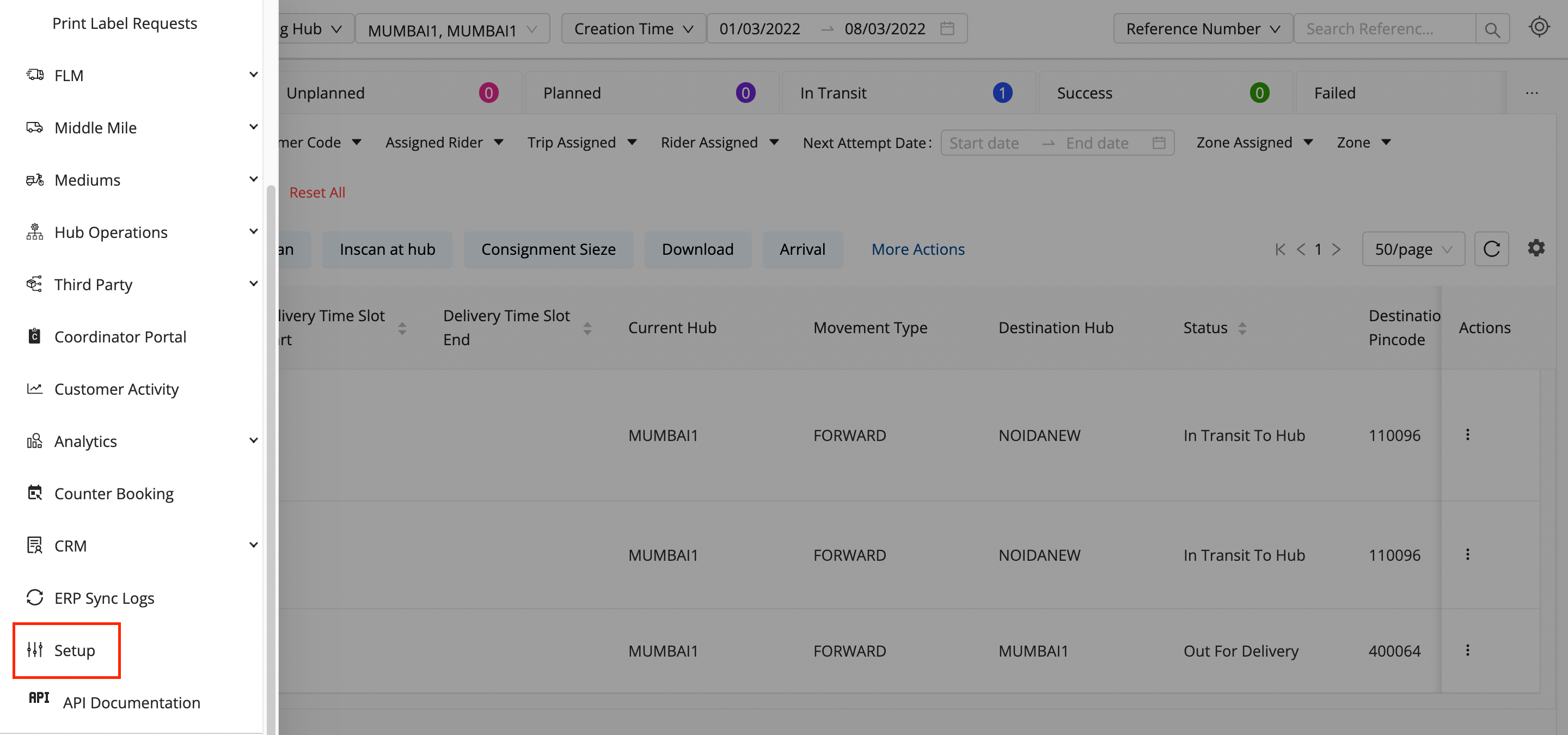
Click on the hamburger menu (

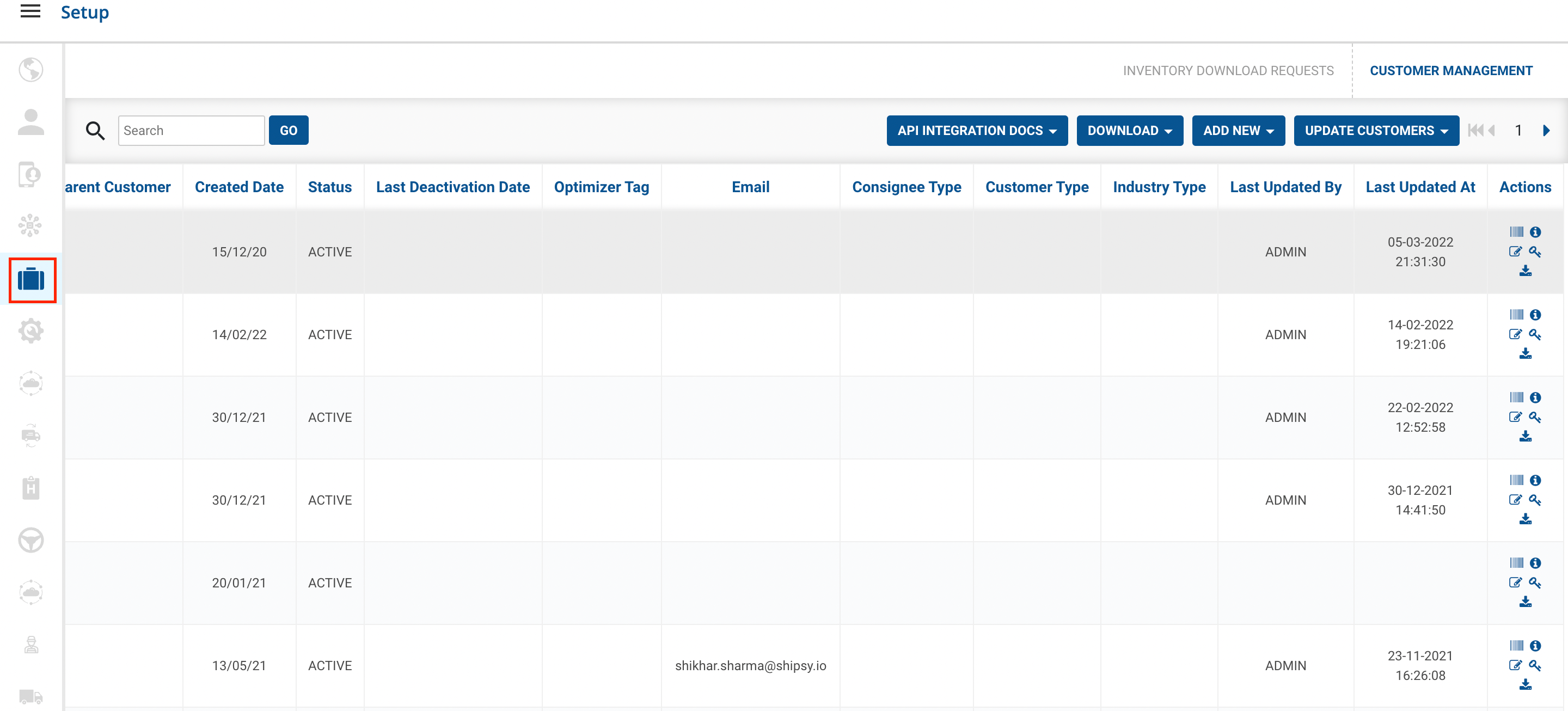
) → Setup → Customer Management
-
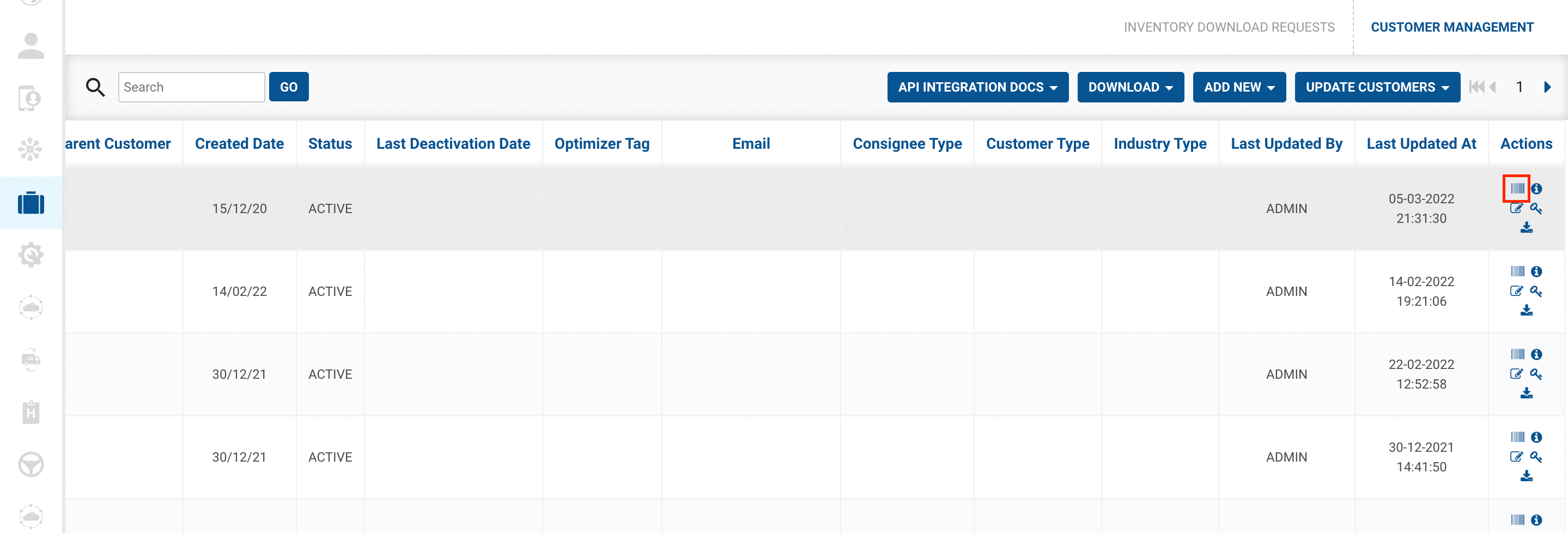
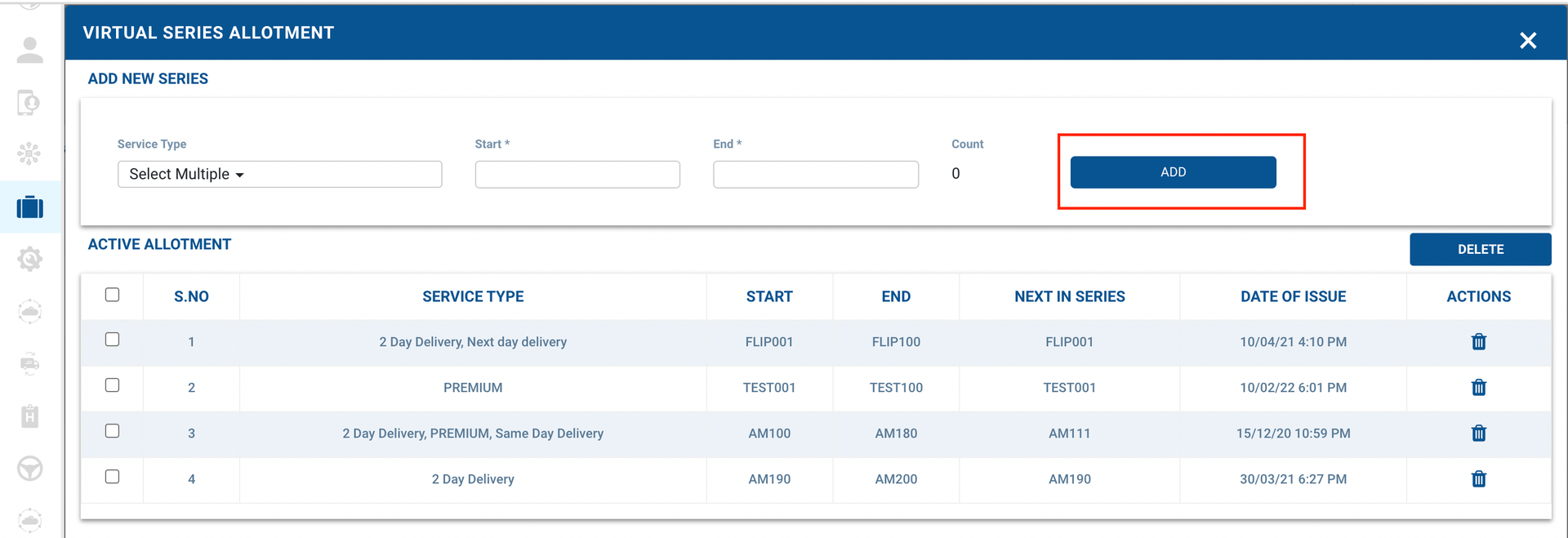
Go to Action Select Virtual Series
option → A form shall appear with required fields
-
Select the
-
Service Type- It can be like your Service Type(Premium, 2 days delivery etc)
-
Start and End Number for that Service Type.
-
You have successfully created a Virtual Series against a Customer.
Was this article helpful?