
How to add new customer
Article q2ajHuSj · sourceCustomers are those who are going to use the customer portal.
They are the one who are going to give orders to Our Customers(For ex. - 3PL companies).
In the dashboard :
-
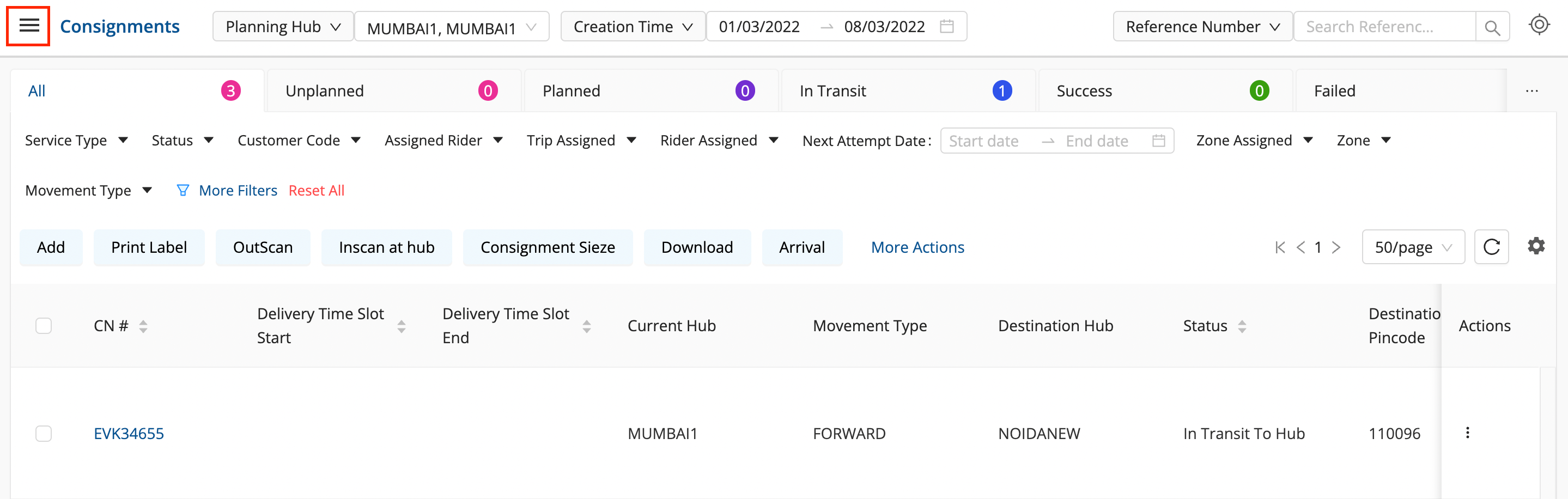
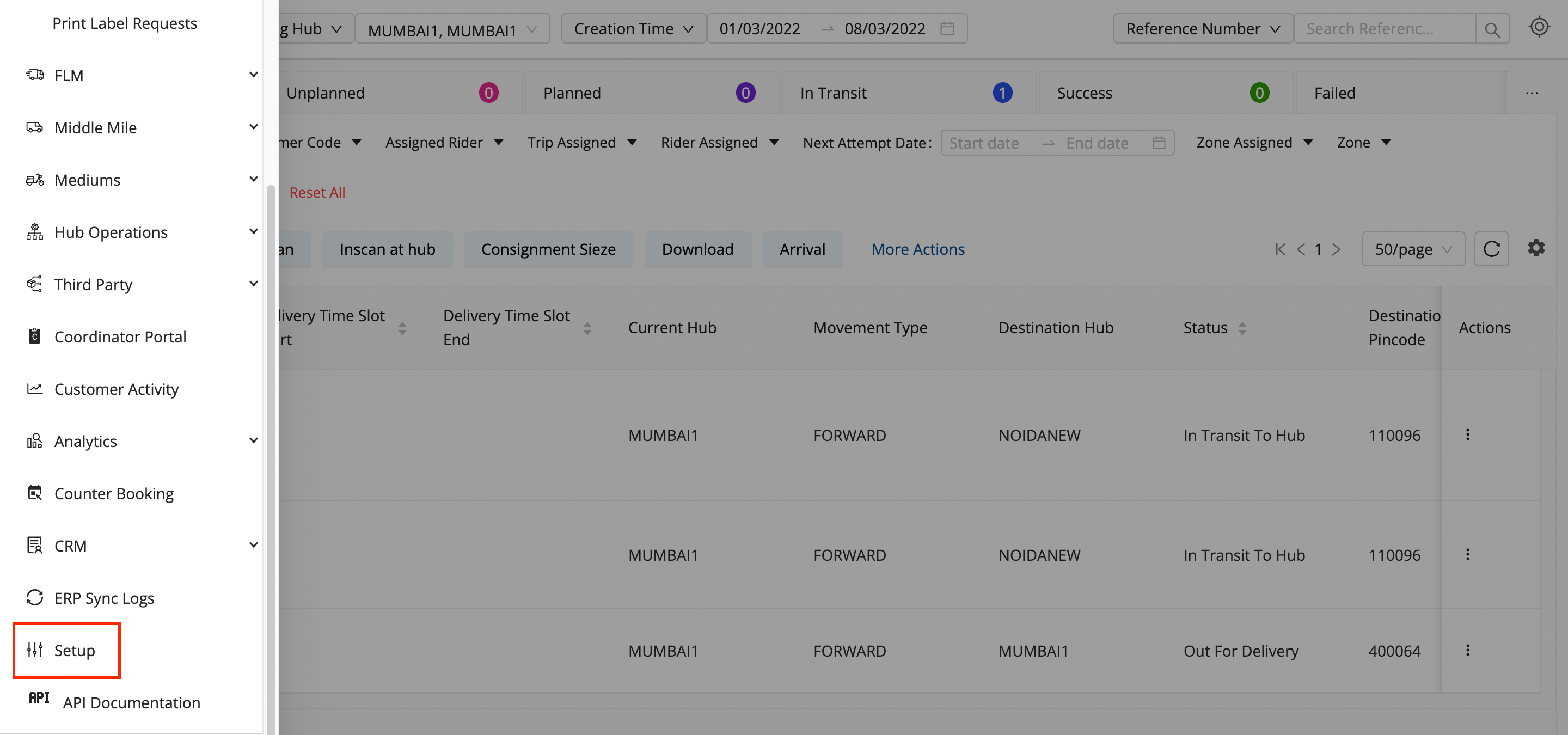
Click on the hamburger menu (

) → Setup → Customer Management
-
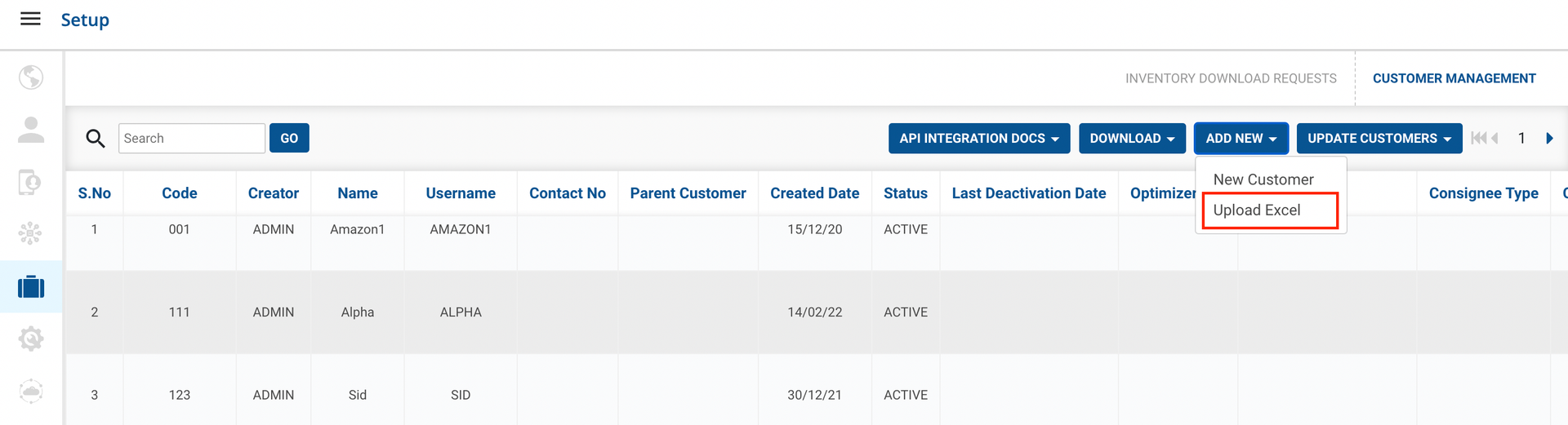
Click on ADD NEW button.
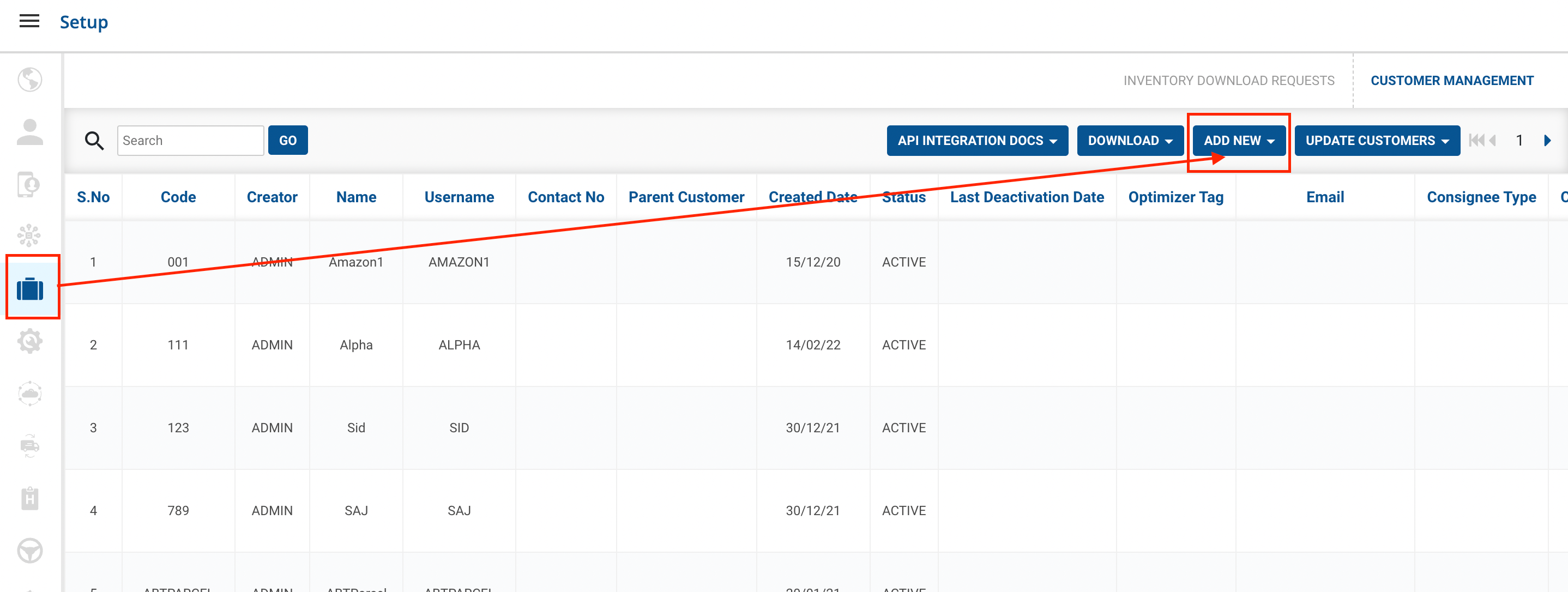
- Method 1 - New Customeroption → A form shall appear with required fields
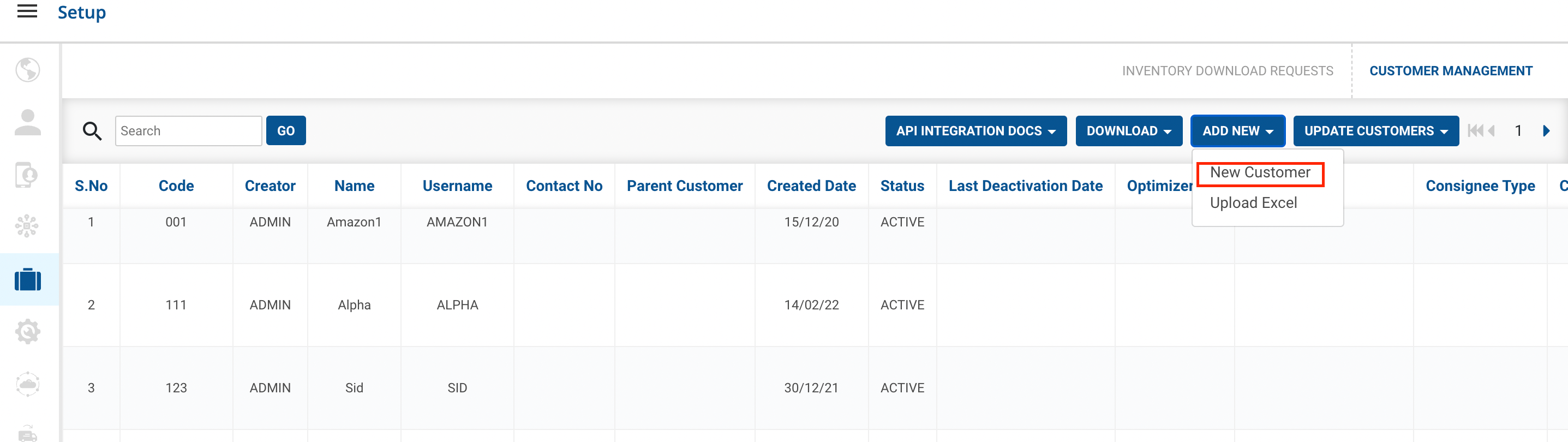
a.Fill up the form and click on the Addbutton.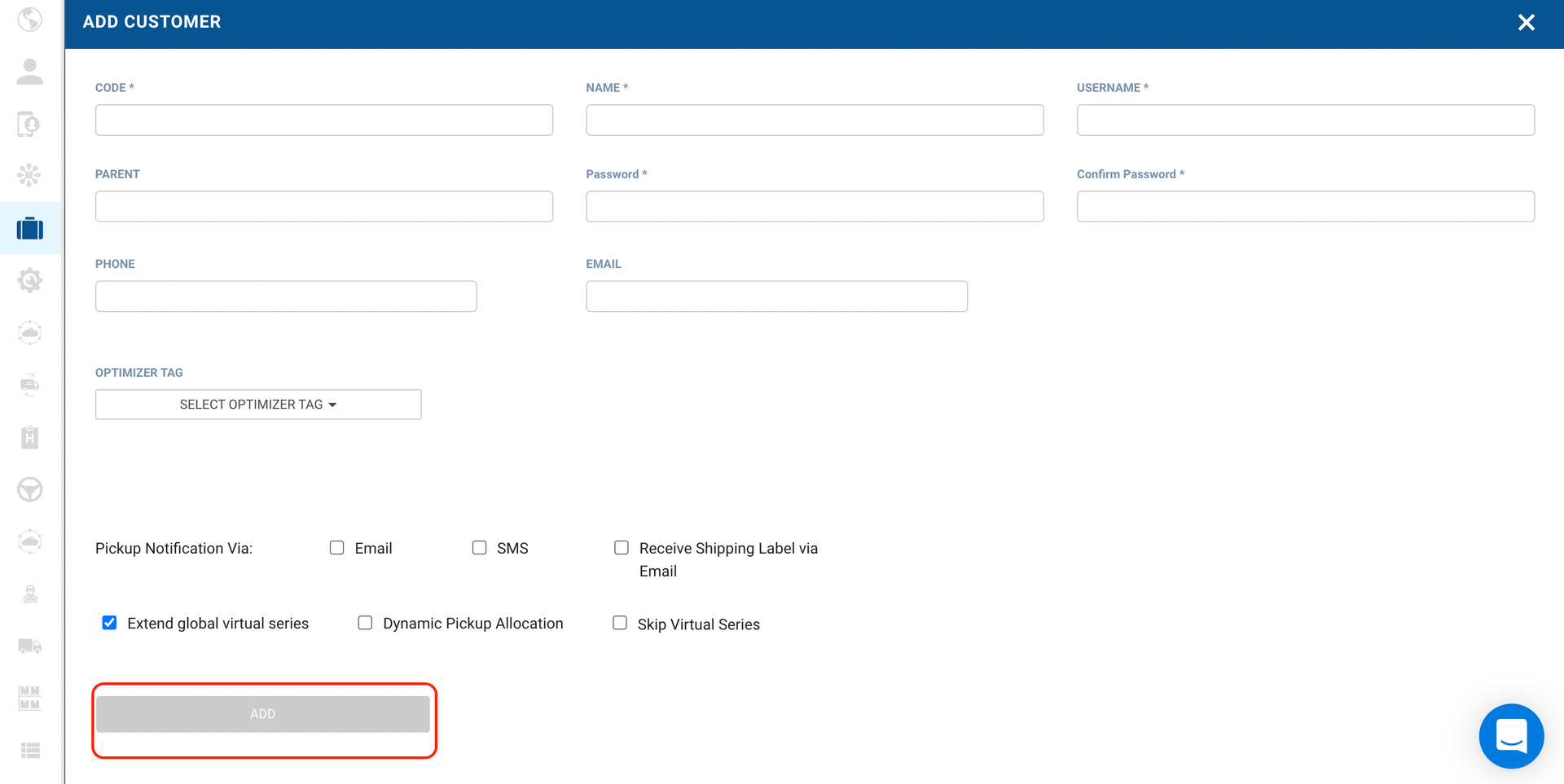
-
Method 2 - Upload CSV option → A form appears with the required fields to be filled.
-
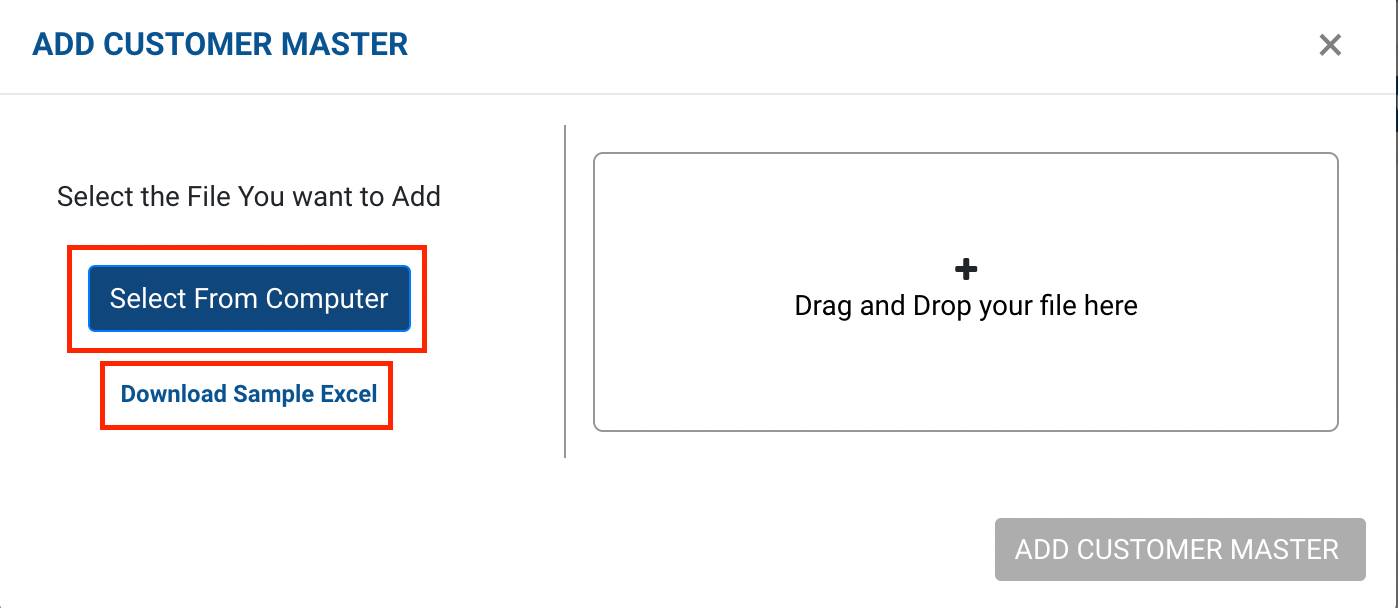
You can download a sample Excel file to understand what data has to be entered by clicking on the Download Sample Exceloption from the window.
- Click on Select From Computer to upload your Excel sheet.
- One can also drag and drop your file into the space provided in the window.
-
Click on the Add Customer Master button.
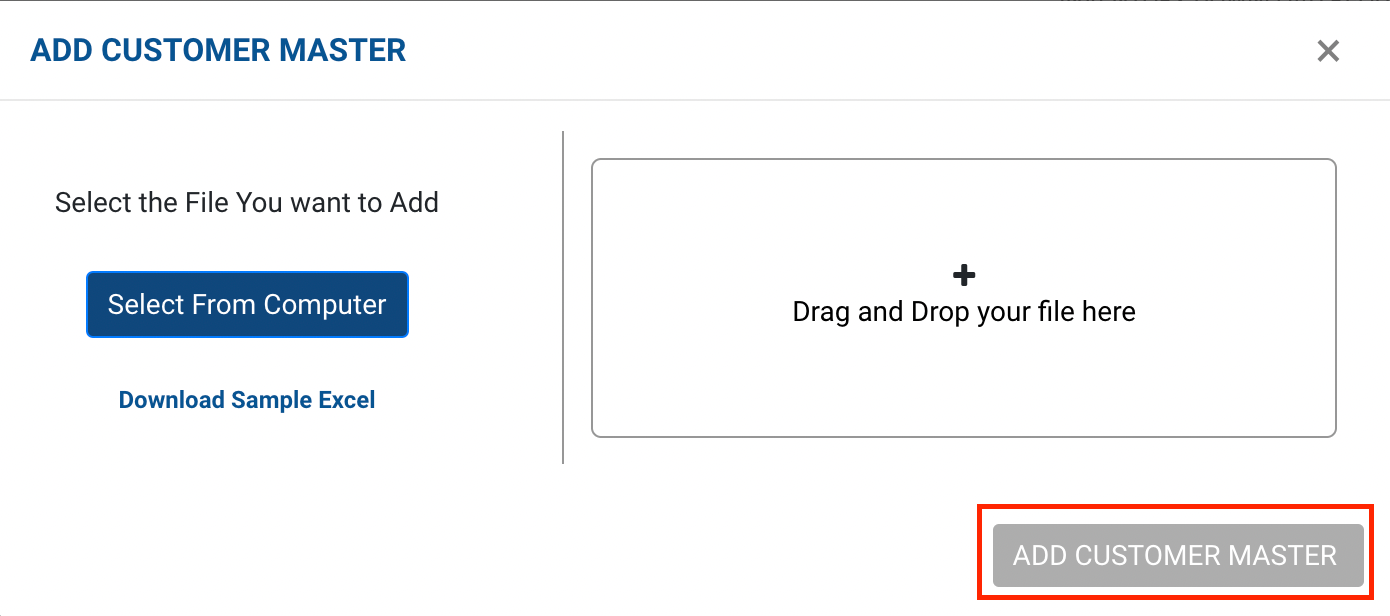
You have successfully added New Customers.
Was this article helpful?