
On Demand -How to create coordinator auth rule
Article BUunXwOx · sourceCoordinators are created so that they can access the coordinator panel and then map to the respective clients and hubs for seamless coordination of pickups.
In the dashboard :
-
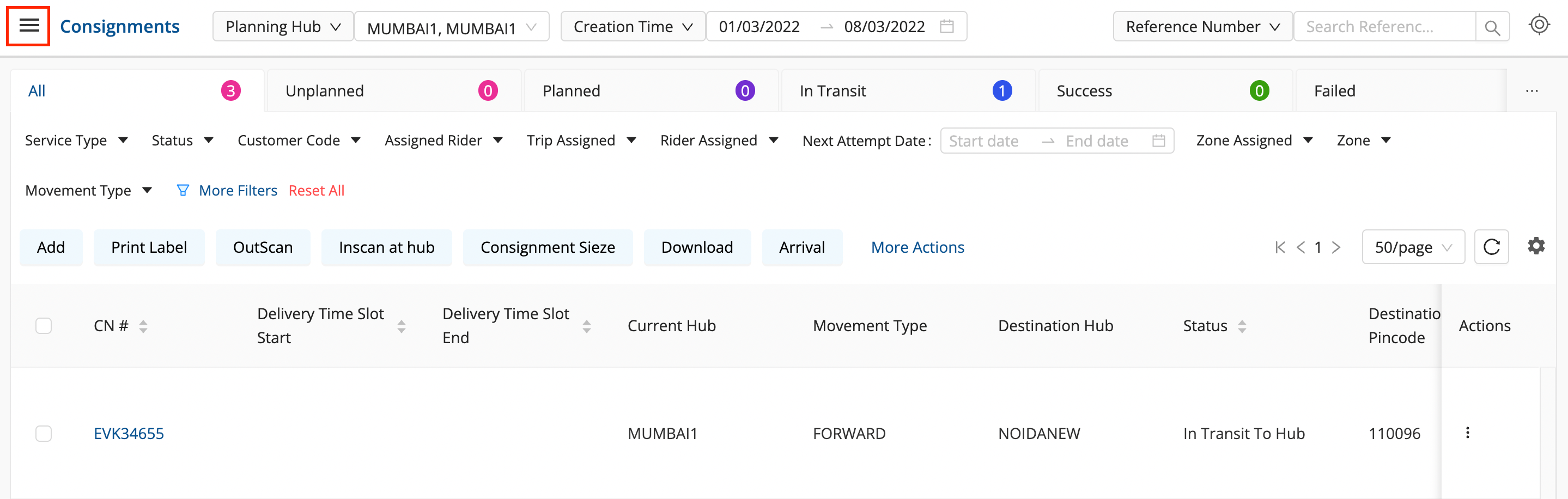
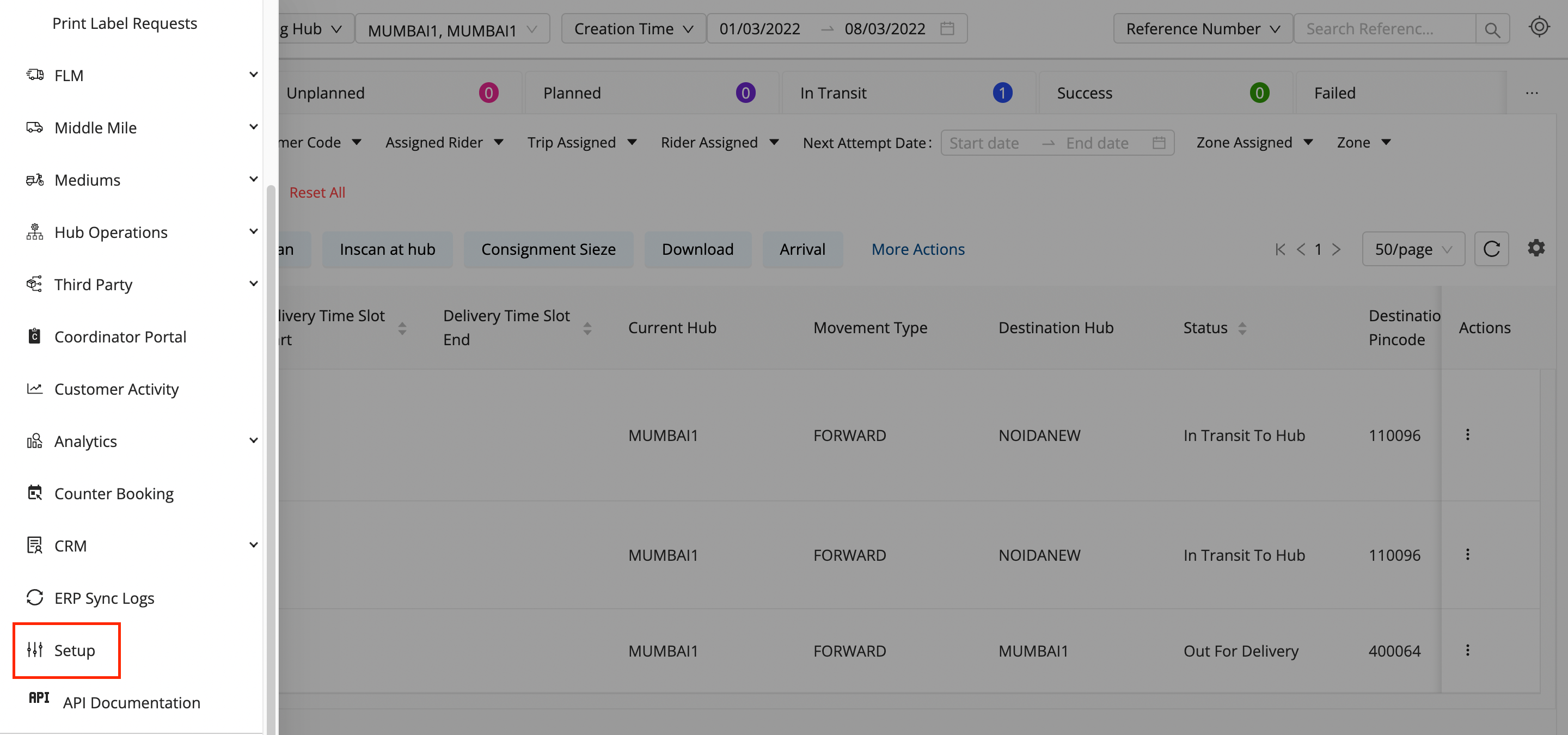
Click on the Hamburger Menu (

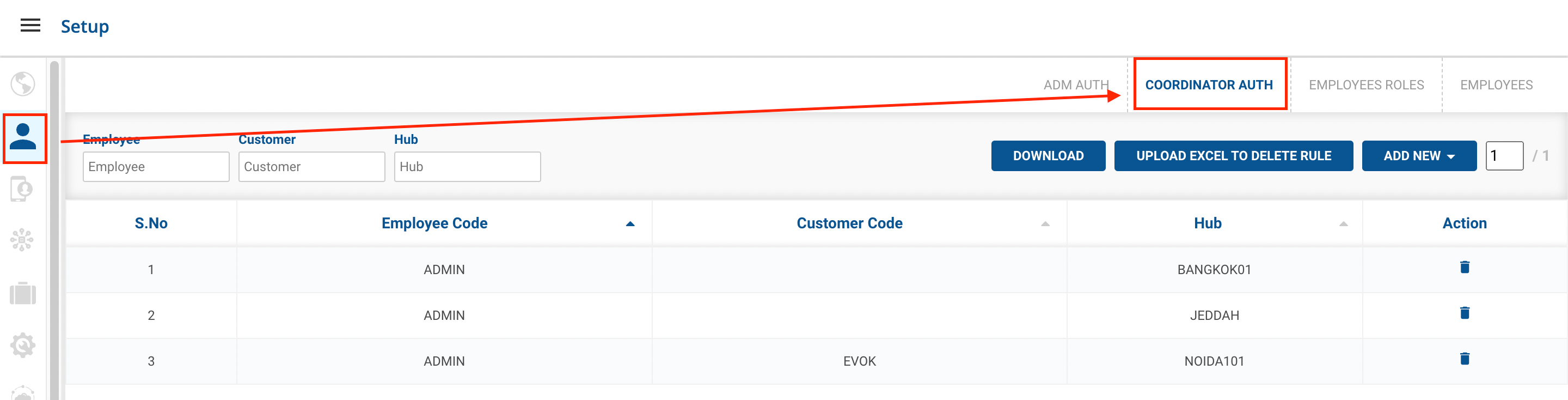
) → Setup → Employees (👨💼)→ Coordinator Auth
-
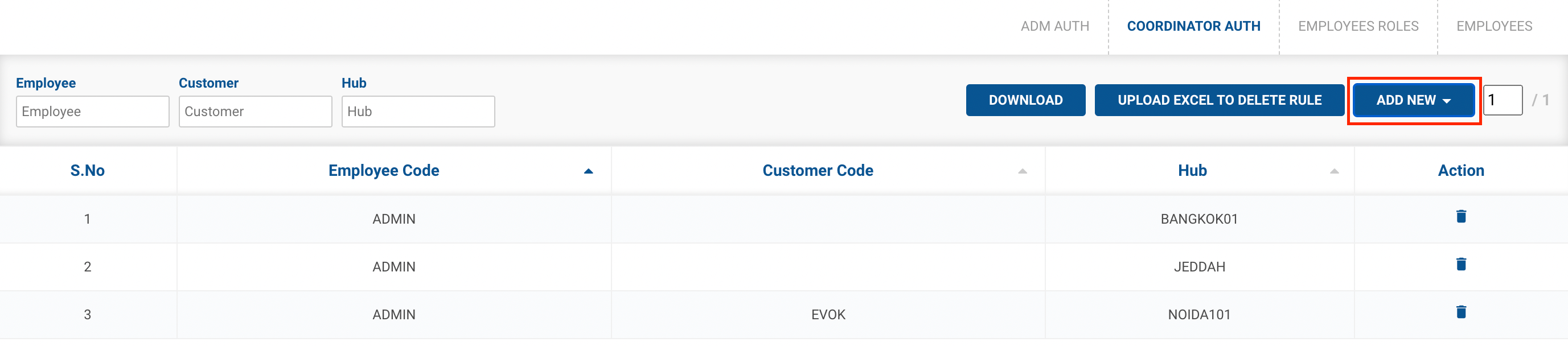
Click on the
ADD NEW
button.
-
Method 1
Add New Rule
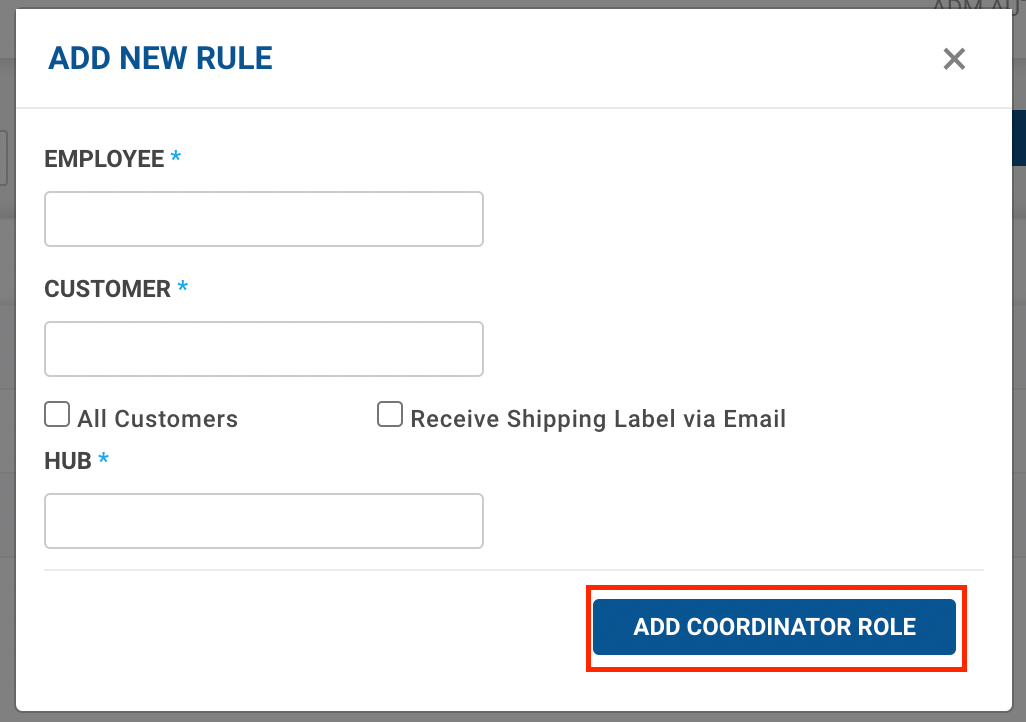
option → A form appears with the required fields to be filled.

-
Fill up the form with the following fields:
-
Employee - Enter the Employee Code of the coordinator who will be allocated a client.
-
Customer - Enter the Customer Code of the client that the coordinator is going to handle.
-
Hub - Enter the hub, which is the area of the operation of the coordinator.
-
-
Hubs are mapped to certain clients through client allocation rules, and these hubs have more than one customer mapped to them. On Selecting the '
All Customers'
checkbox, the coordinator is assigned to all the customers associated with the hub entered in the ‘
Hub
’ input field.
-
‘Receive Shipping Label via Email’
checkbox - On selecting this, the coordinator receives the shipping label of all consignments of the customers associated with the hub via email.
-
Click on the
Add Coordinator Rule
button.
-
You’ve successfully connected a client and a hub to a coordinator. The coordinator is responsible for successful pickups for this selected client by assigning the pickups to the selected hub or the children of the selected hub.
-
Method 2
Upload Excel to Add New Rule
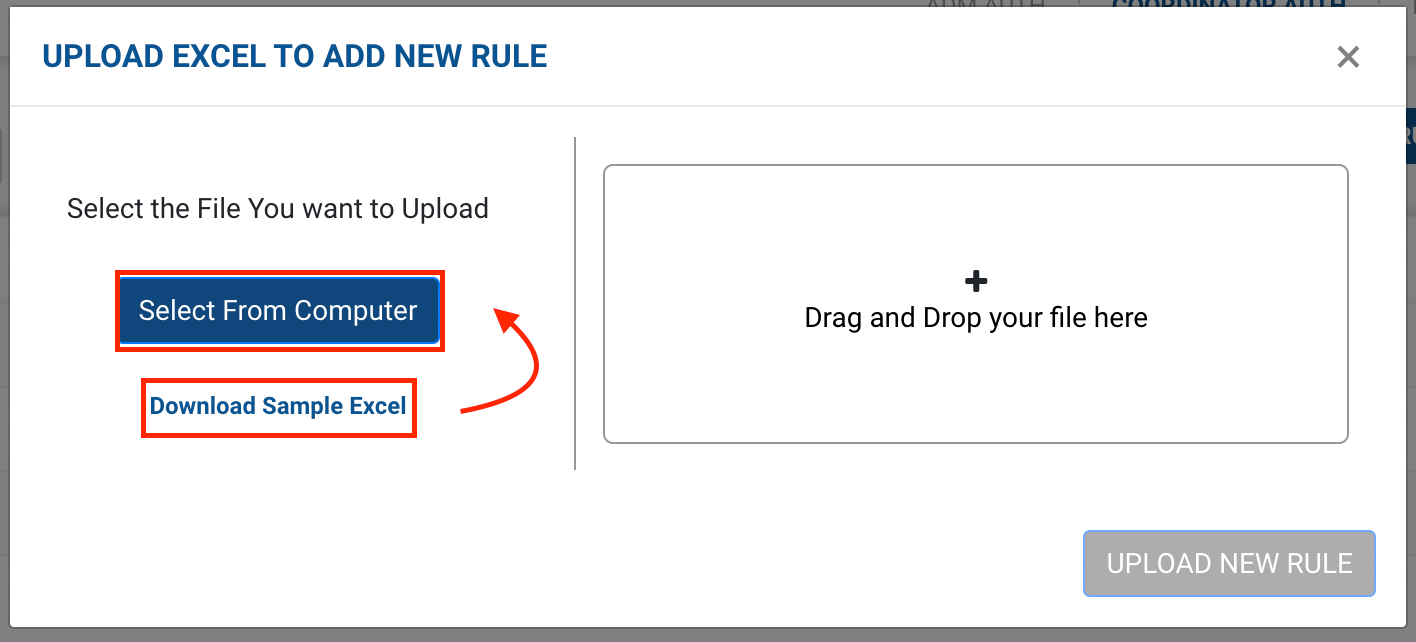
option → A form appears with the required fields to be filled.

-
Click on
Select from Computer
to upload the Excel sheet.
-
One can also drag and drop the file into the space provided in the window.
-
You can download a sample Excel file to understand what data has to be entered by clicking on the
Download Sample Excel
option from the window.
-
-
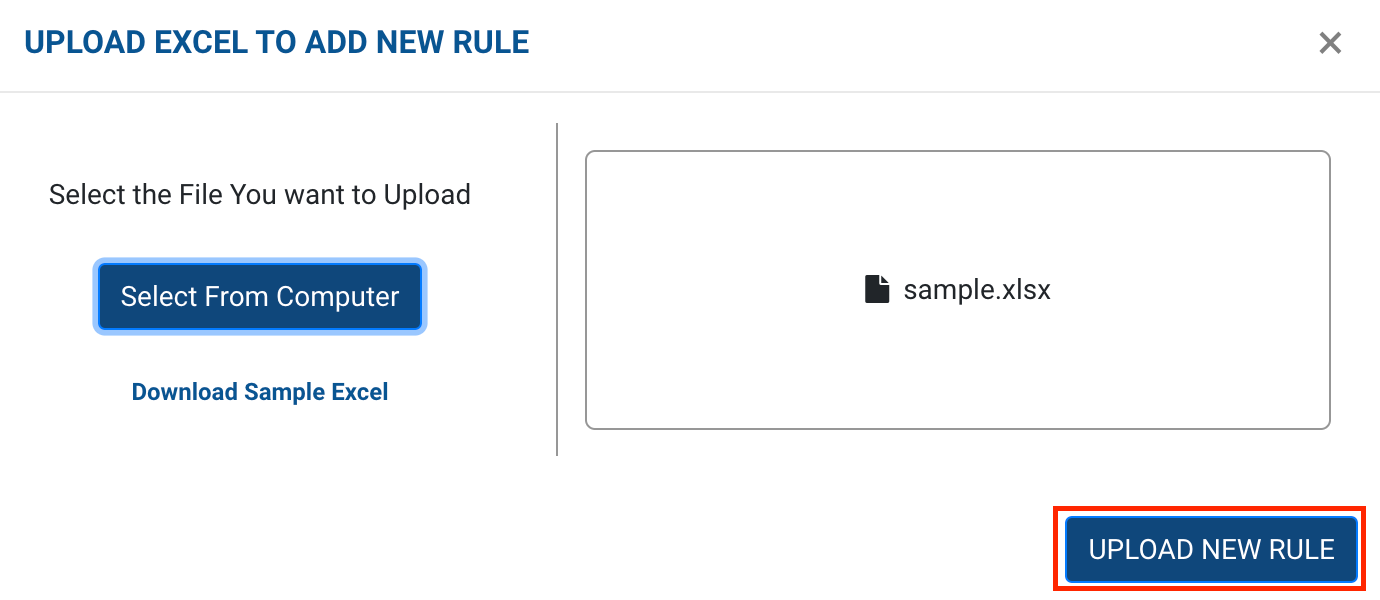
Click on the
Upload New Rule
button.
-
You’ve successfully connected the clients and hubs to their coordinators by adding multiple rules. The coordinators are responsible for successful pickups for the selected clients by assigning the pickups to the selected hubs or the children of the selected hubs.