
How to add Servicability Master
Article VO9JBlyr · sourceServicability Master is a master for defining whether a Pincode is Serviceable or not.
In the dashboard :
-
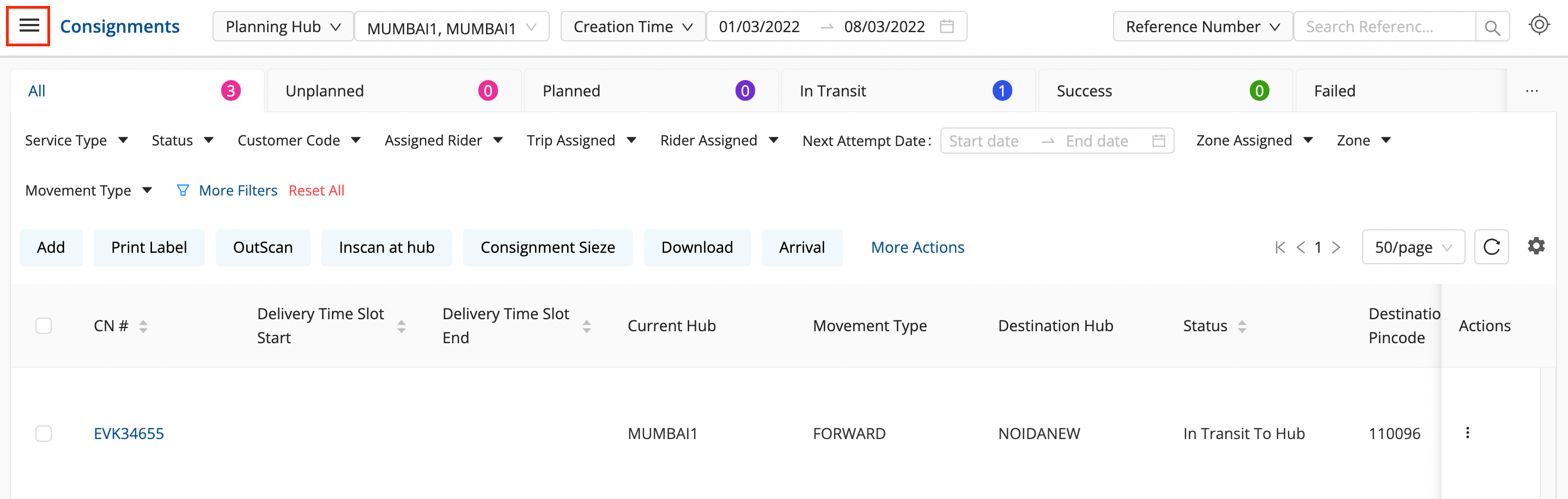
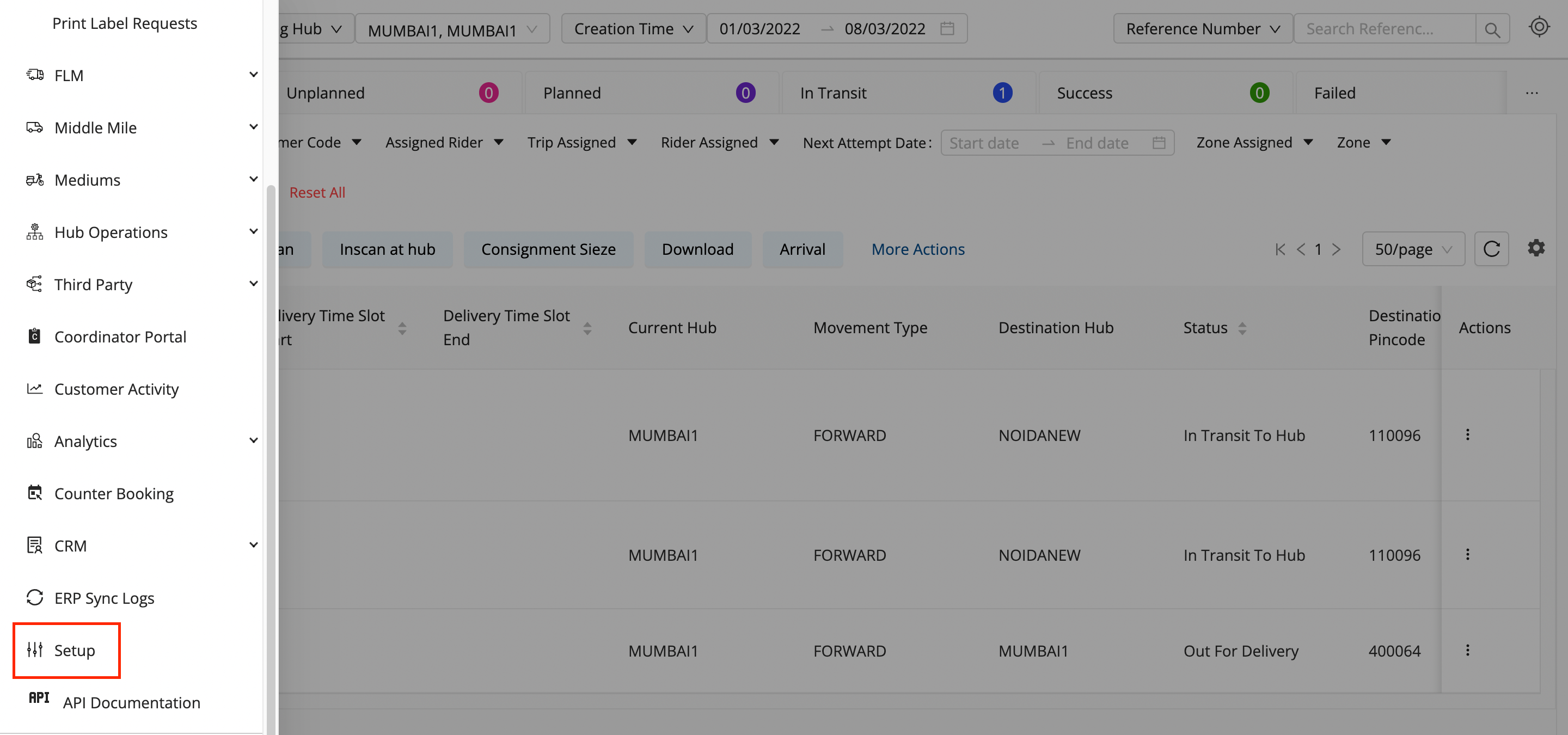
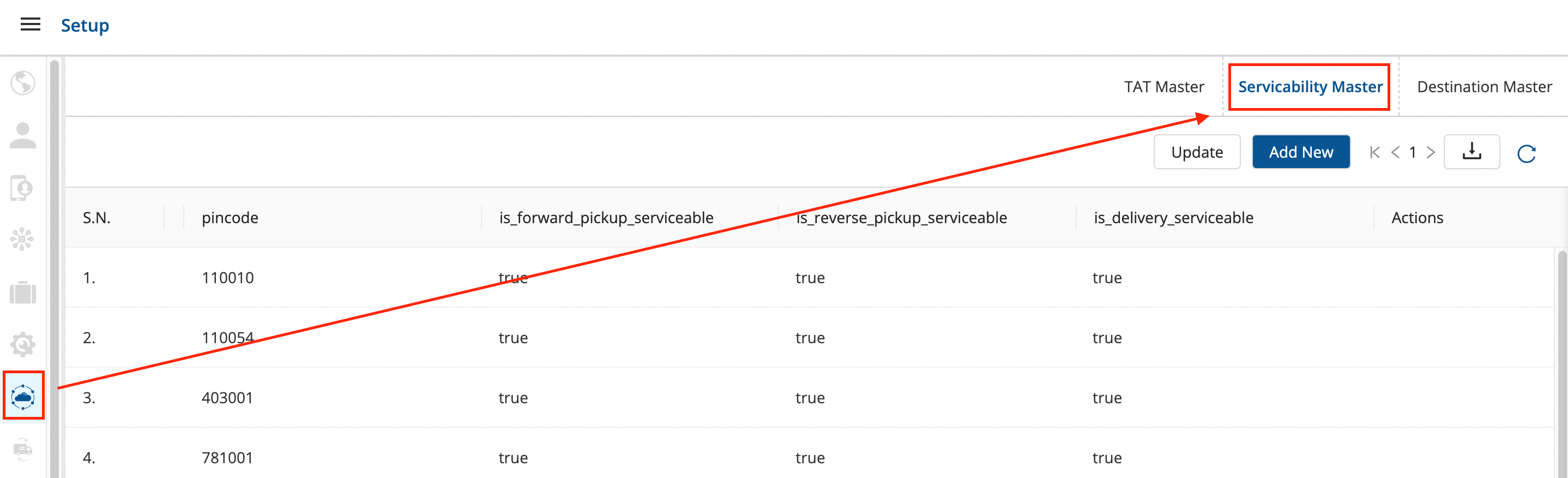
Click on the hamburger menu () → Setup → Express Booking Masters () → Servicability Master
-
Click on the Add New button.
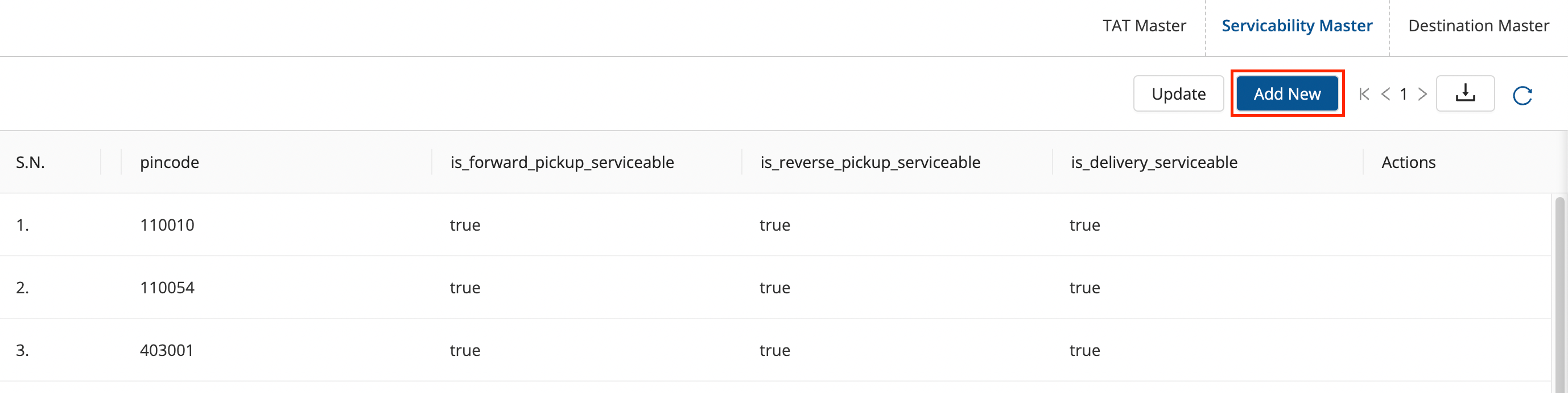
- A form shall appear with the excel to be uploaded to add the Servicability Masters.
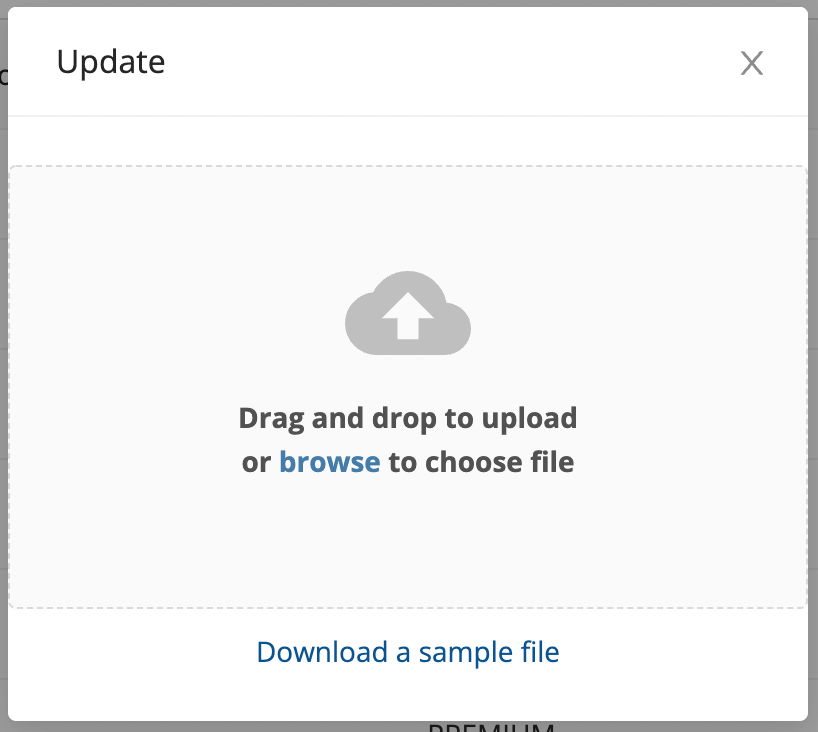
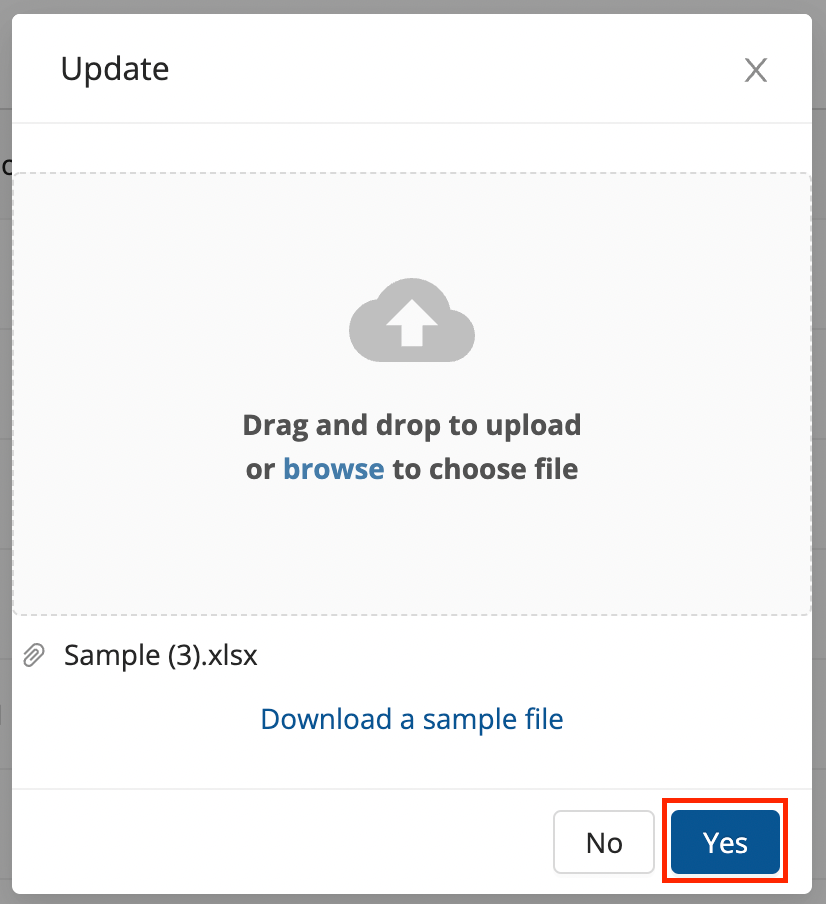
- Fill up the sample excel sheet and after uploading the filled sheet of the masters, click on the Yes button.
- You’ve successfully created a new set of Servicability Masters for a set of Pincodes.
Was this article helpful?