
How to add new config object
Article kCgExpB_ · sourceIn the dashboard :
-
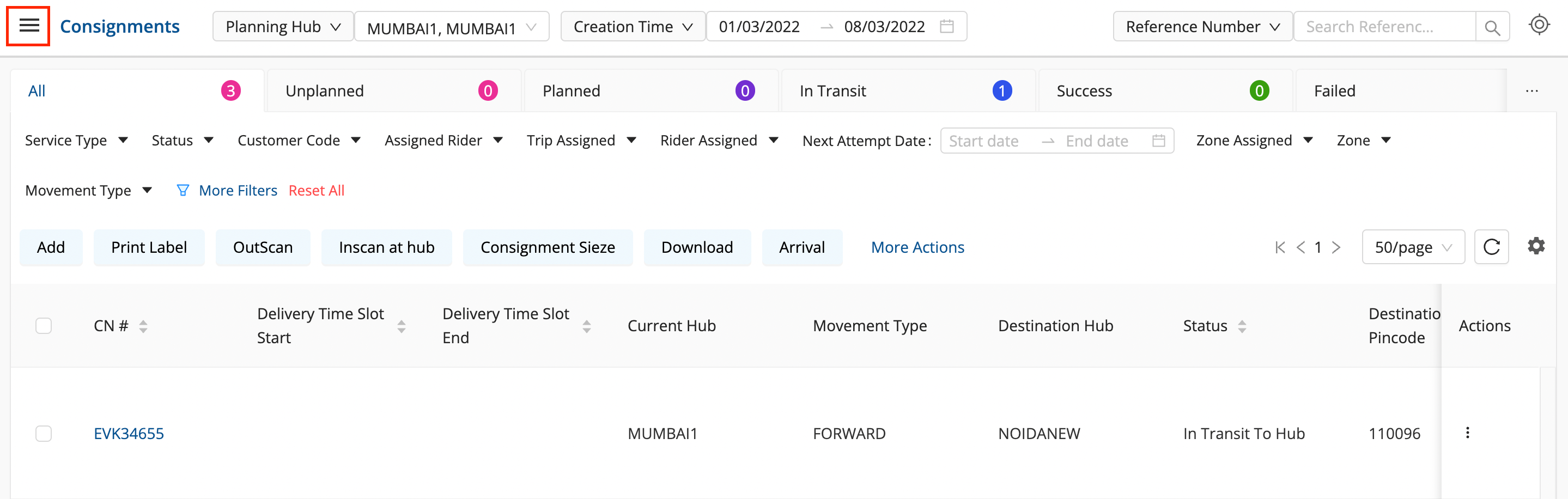
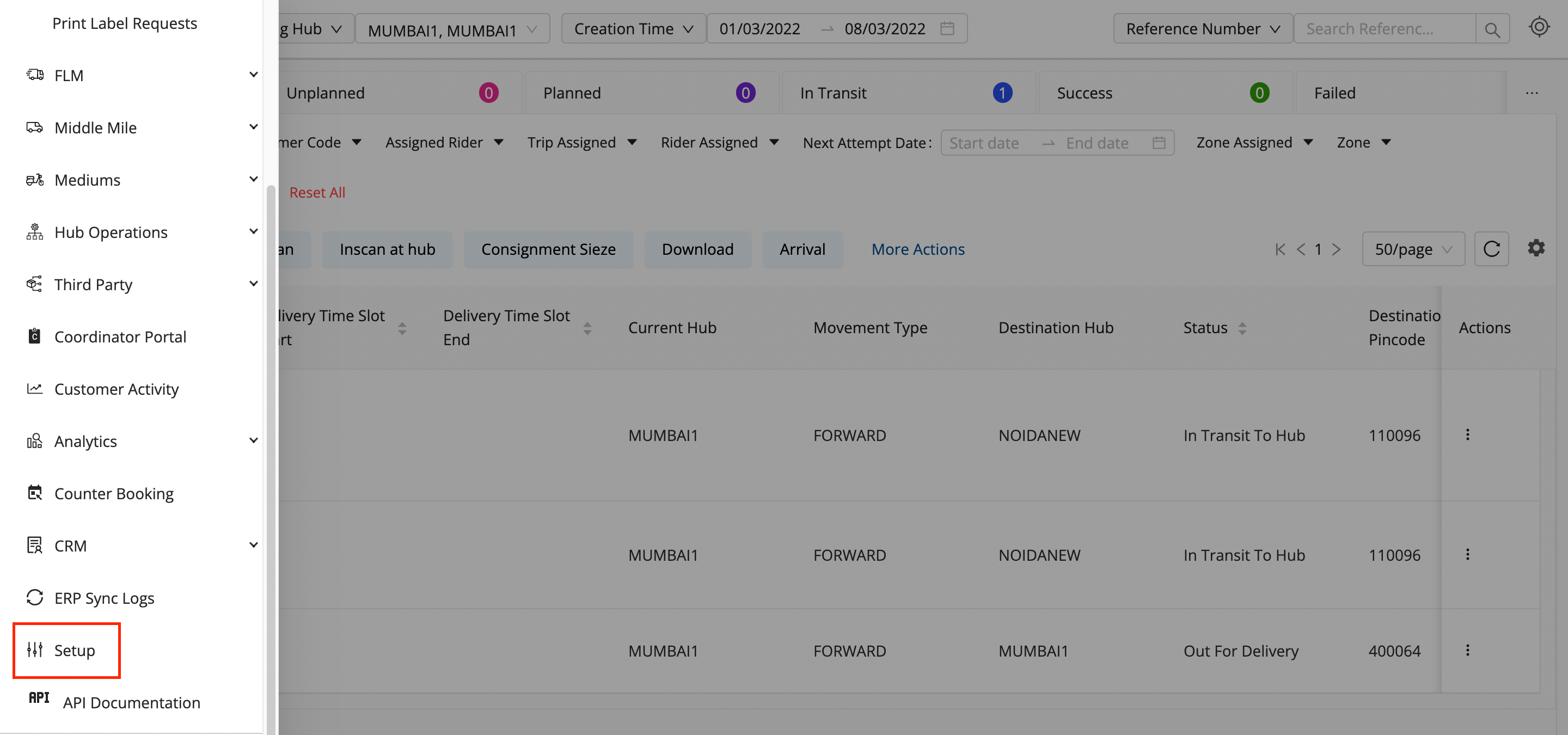
Click on the hamburger menu (

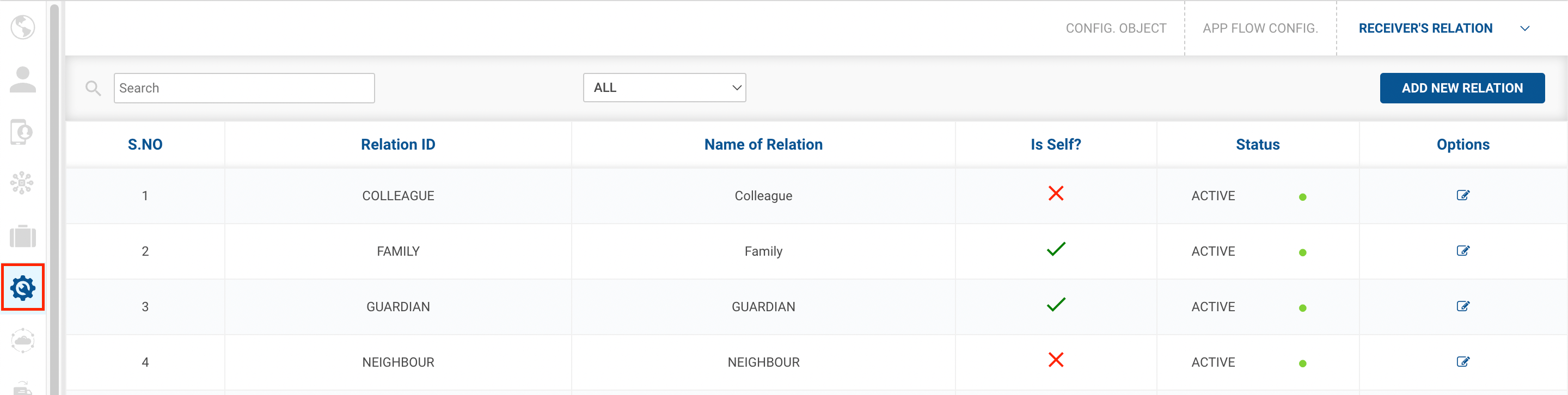
) → Setup → App Flow Config (

)
-
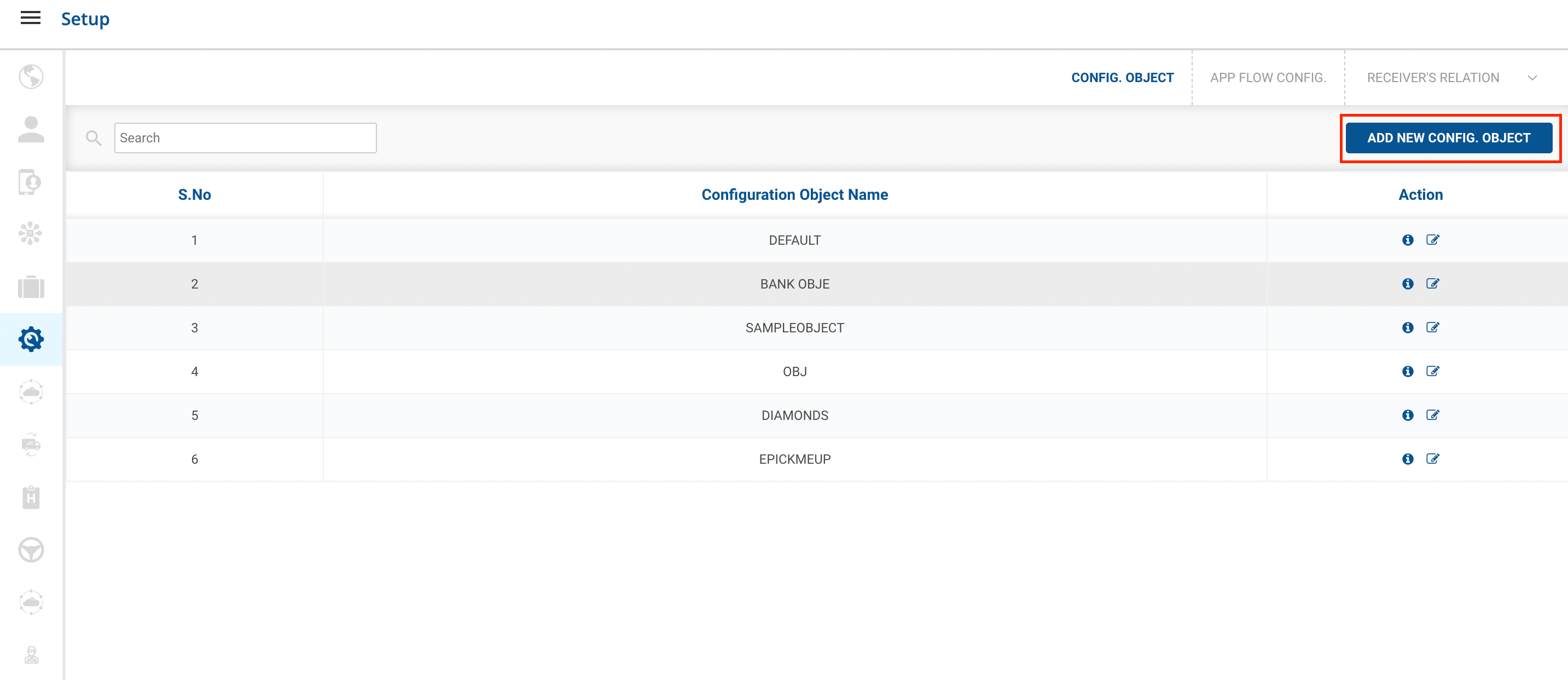
Go to Config Object, And click on
Add New Config Object.
-
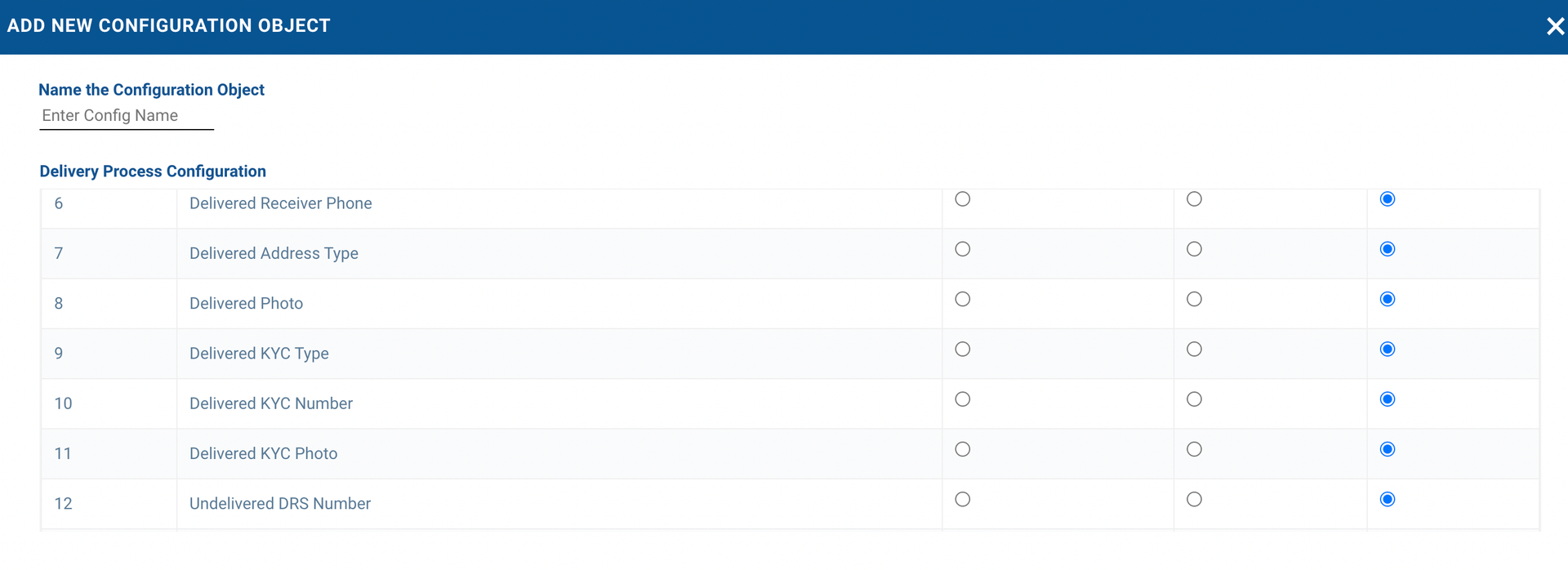
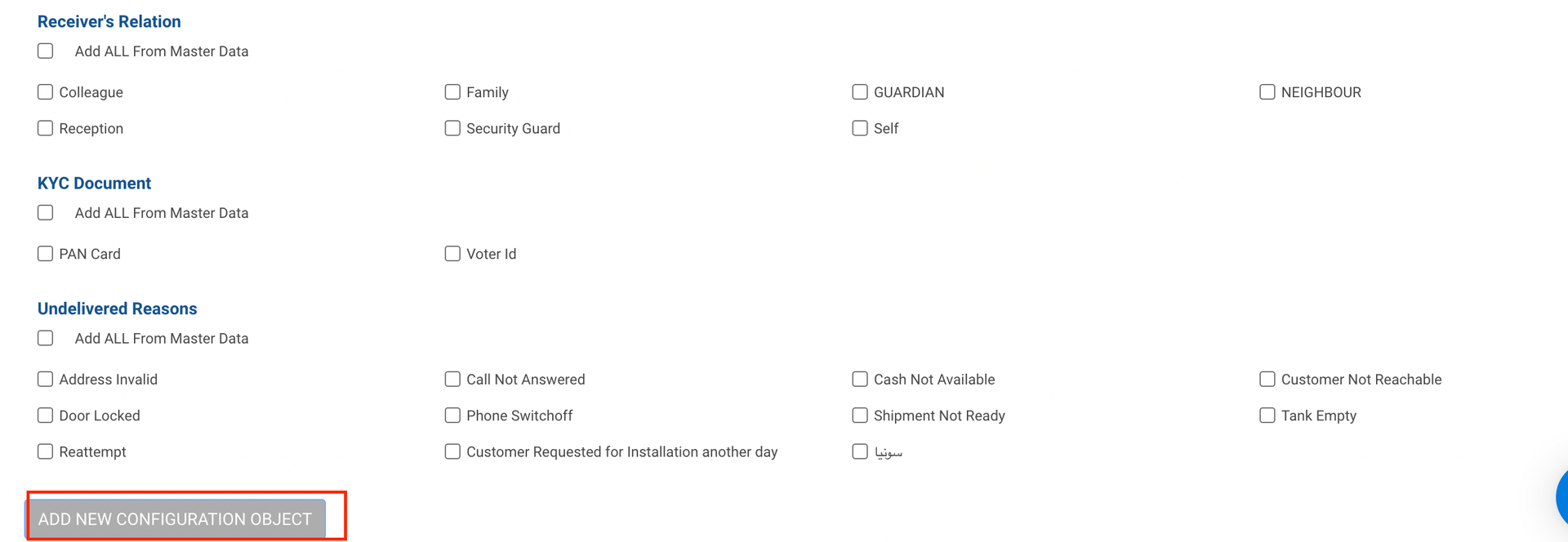
A form shall appear, Fill out the required fields.
-
Name of the Configuration Object- Can be choosed yourself.
-
Delivery Process Configuration - You can choose which is mandatory and which is not.
-
-
Click on Add New Configuration Object.
-
You have successfully created the
Configuration Object.
Was this article helpful?