
How to print Shelf details
Article zXKIMO-O · sourceFor any consignment which cannot be delivered/picked up the first time or has been delayed due to some particular reason, and delivery or a pickup has been scheduled soon, those particular consignments are kept on the Shelves in the hub.
In the dashboard :
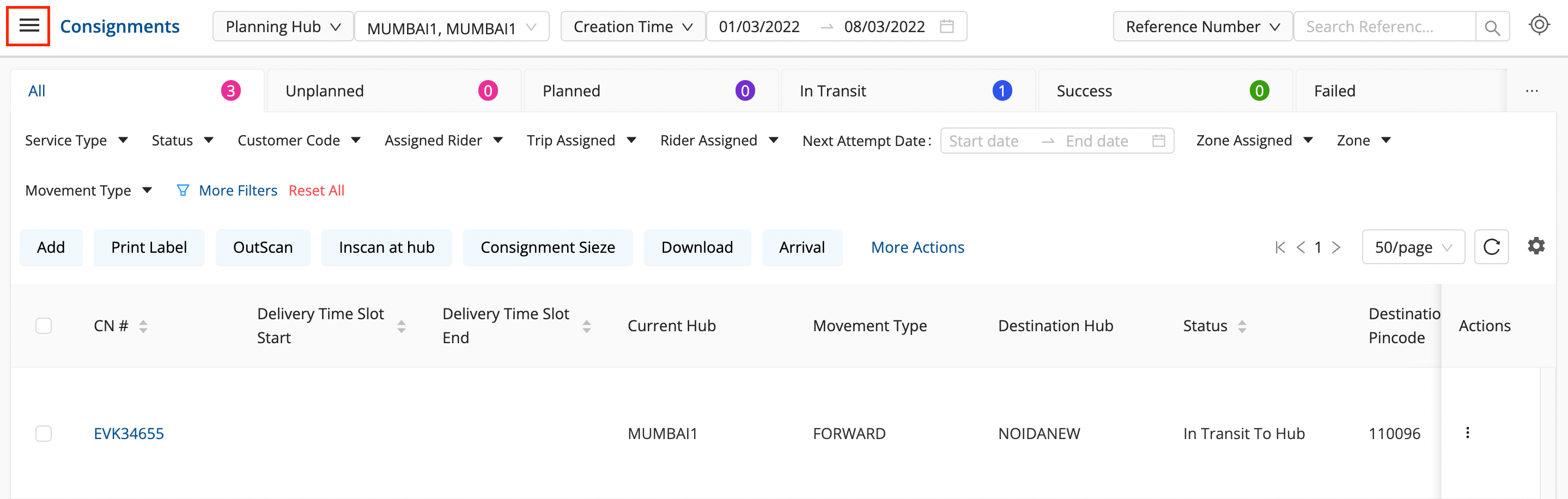
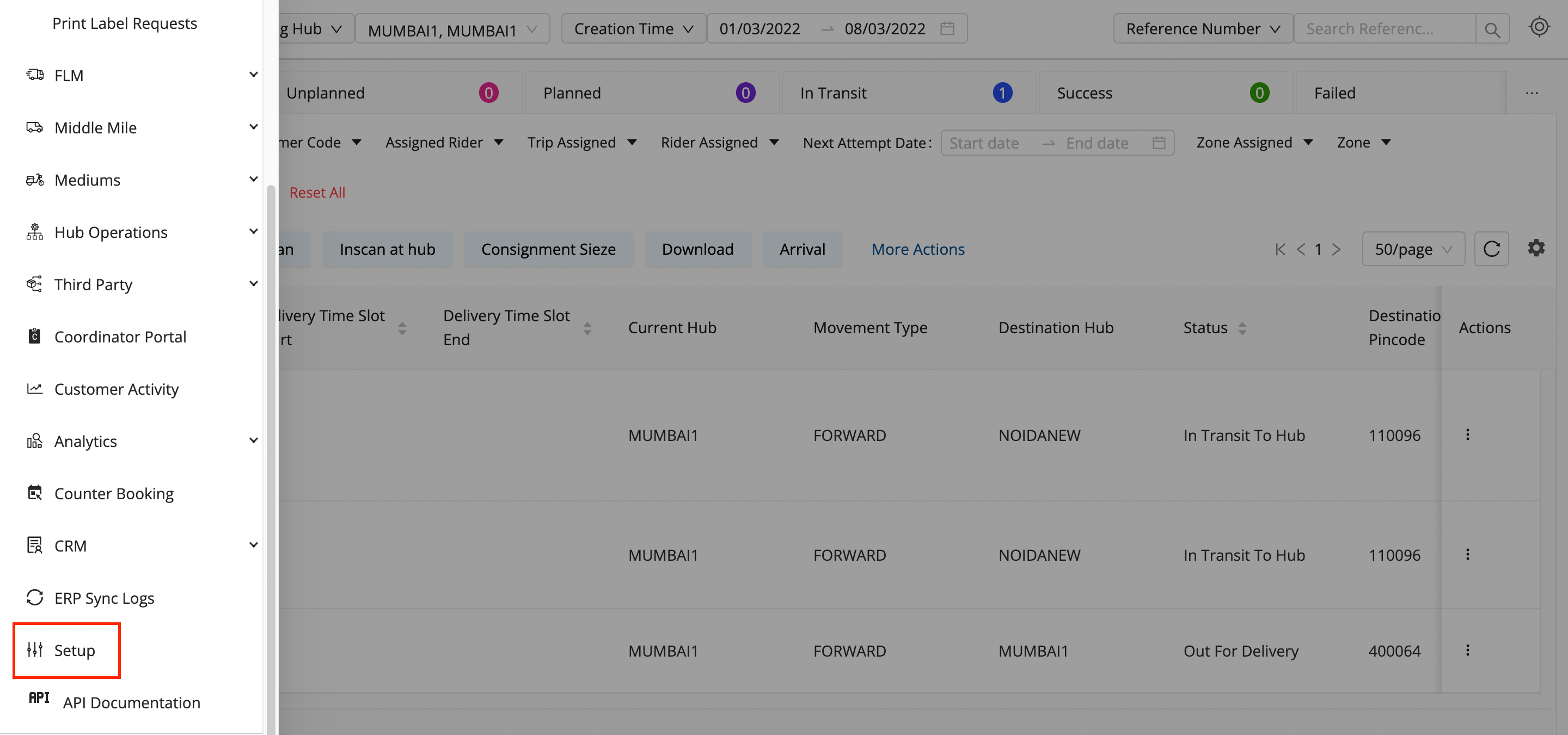
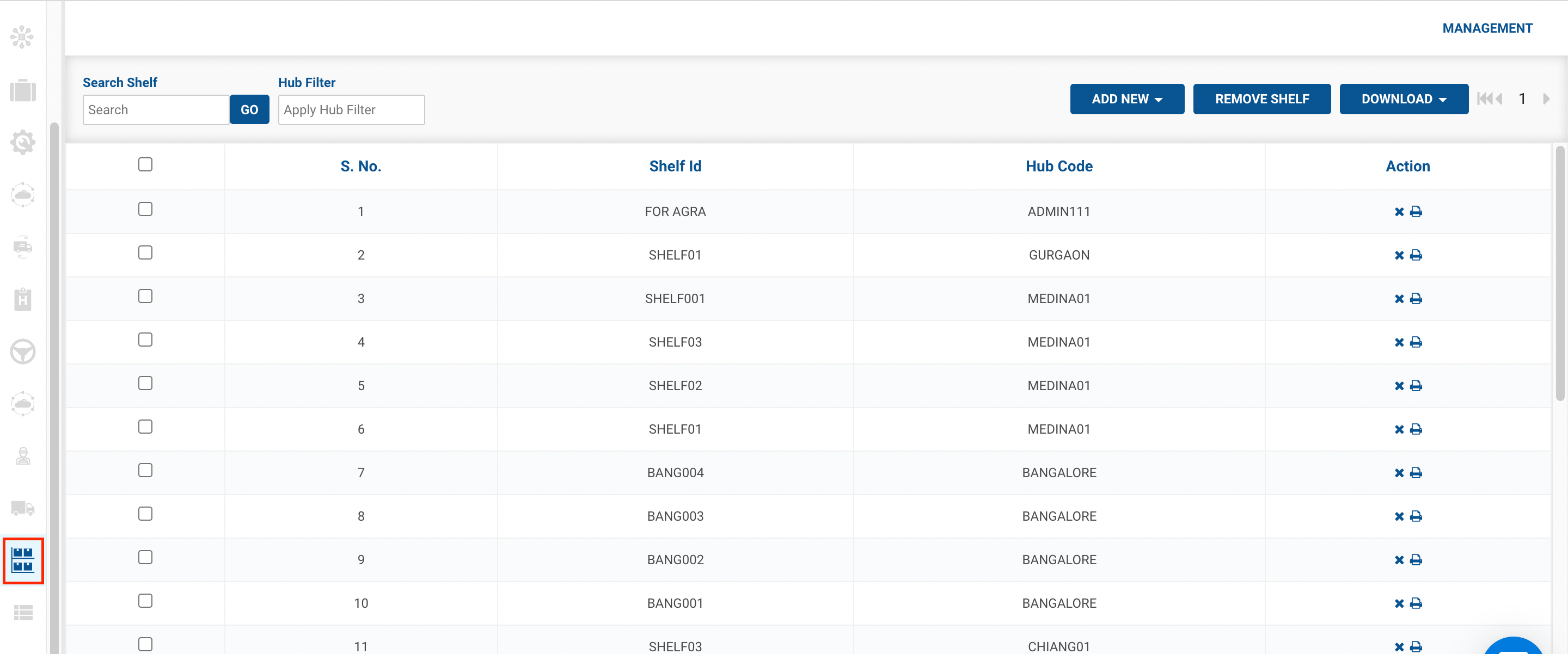
- Click on the hamburger menu () → Setup → Shelf Management ()
- Click on the Print button to print the details of the following shelf.
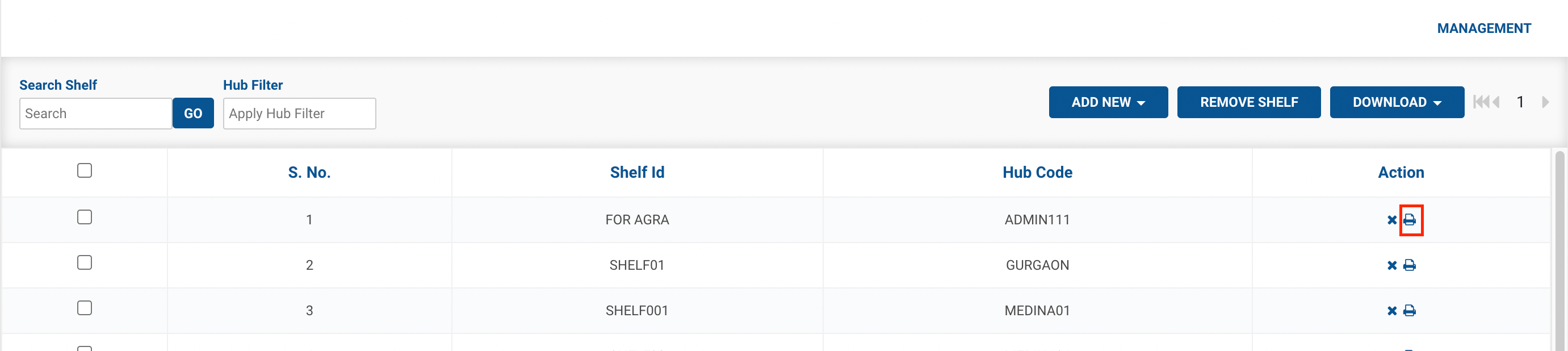
- You’ve successfully printed the details of the Shelf.
Was this article helpful?