
Using Customer Portal :
Article nx-ekiK9 · sourceThe trip can be created only if it contains some tasks in it, and to create a task, there are 2 methods to create pickup consignments:
Using Customer Portal :
link_from_booking_masters
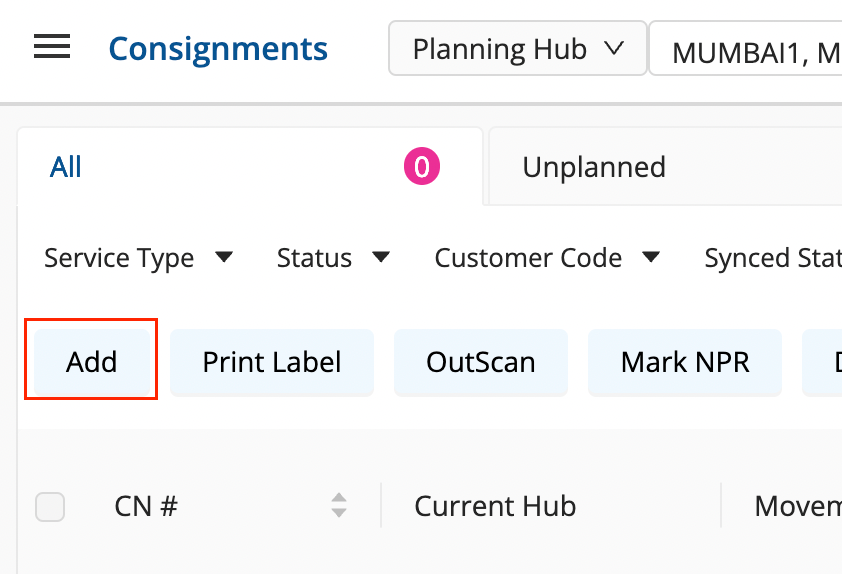
Add option on Consignments Dashboard:
Add Action on Consignments Dashboard → All Bucket allows the user to upload an Excel sheet containing the data of consignments to create new consignment tasks on the dashboard.
-
Go to the Consignments Dashboard → All Bucket
-
Click on
AddAction . -
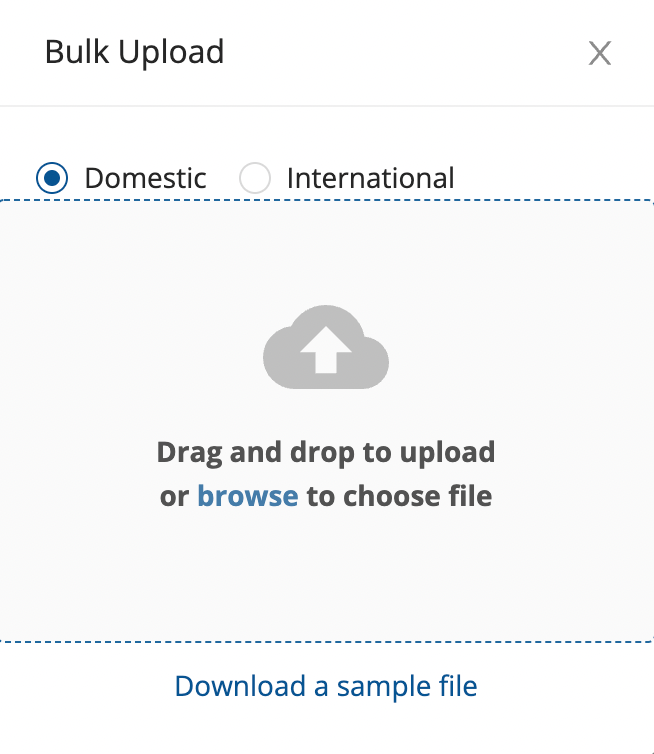
A window pops up, that asks the user to upload an Excel filled with details of pickup tasks that are to be uploaded.
-
To understand the various fields that are required in the Excel sheet to be uploaded, download the sample file for overview.
-
Upload the file, Click on
YES. -
If it shows no error, the pickup tasks should be now visible on the dashboard.
Was this article helpful?