
How to add undelivered reasons
Article VCafCL8r · sourceFor any unsuccessful consignment delivery, the system requires a set of undelivered reasons for future actions regarding that particular consignment.
In the dashboard :
-
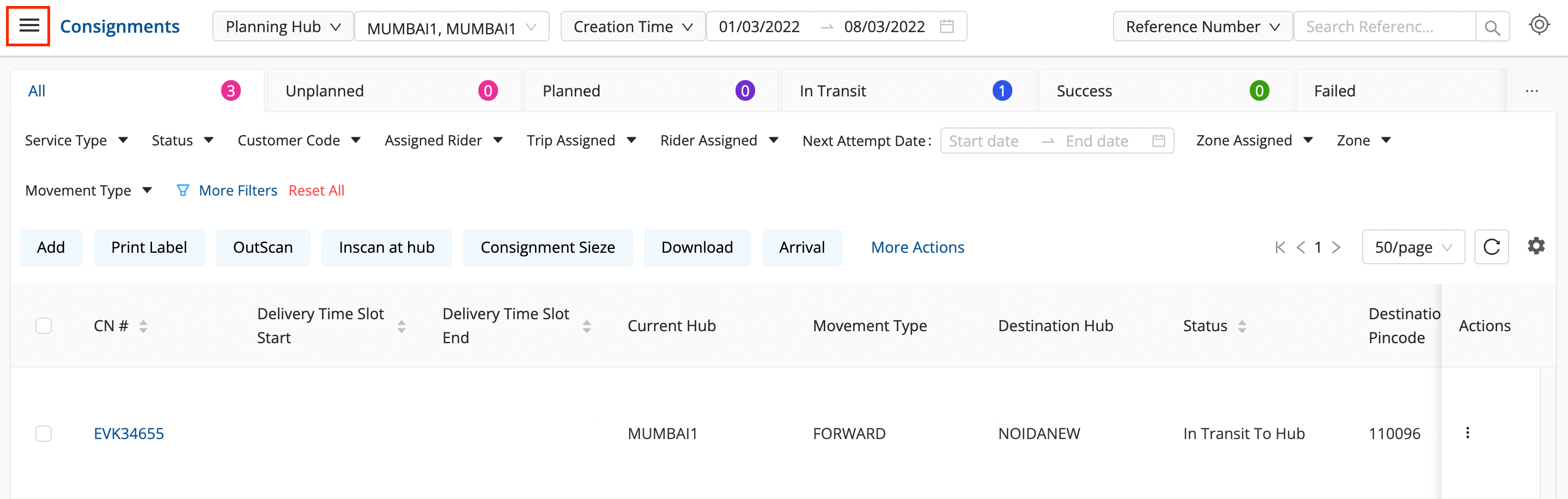
Click on the hamburger menu (

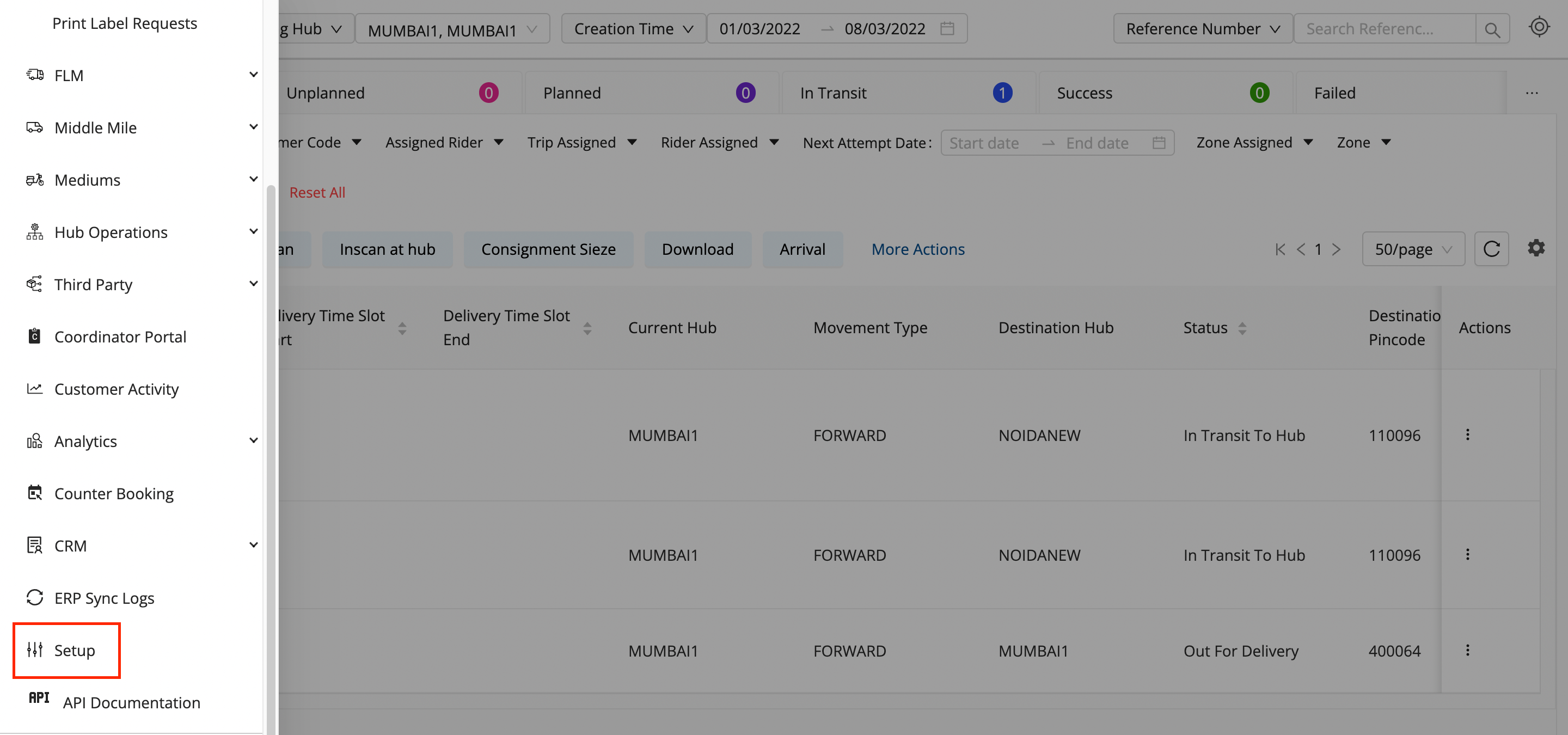
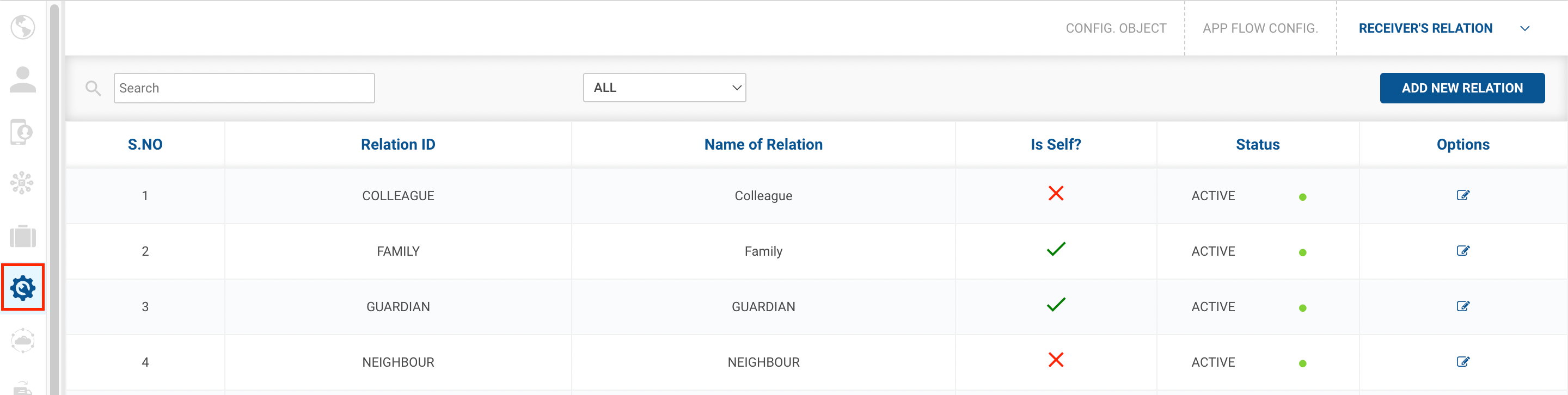
) → Setup → App Flow Config (

)
-
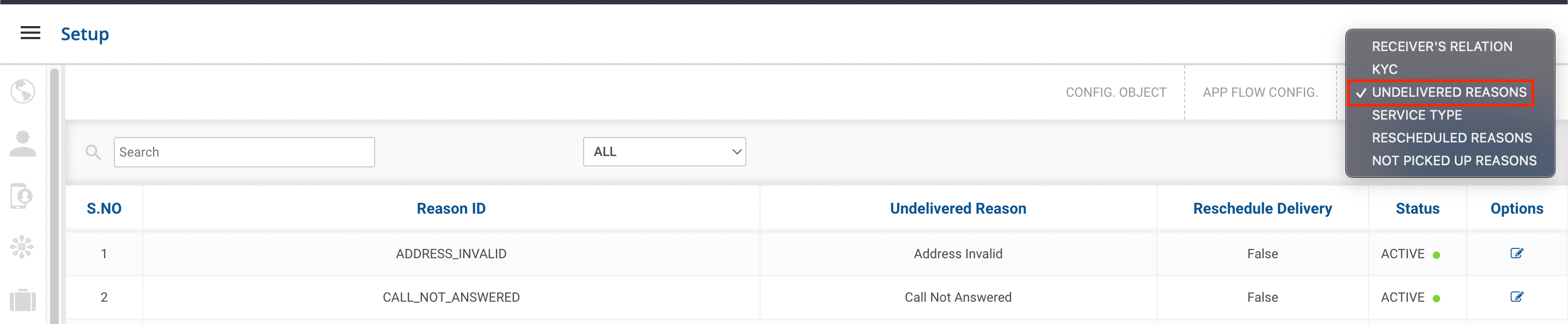
Click on the dropdown menu at the top right and select the Undelivered Reasons option.
-
Click the Add New Reasonbutton. A form shall appear with required fields to be filled.

- If the checkbox for rescheduling delivery is selected, whenever that particular reason is selected, the delivery would be rescheduled for another date/ time.
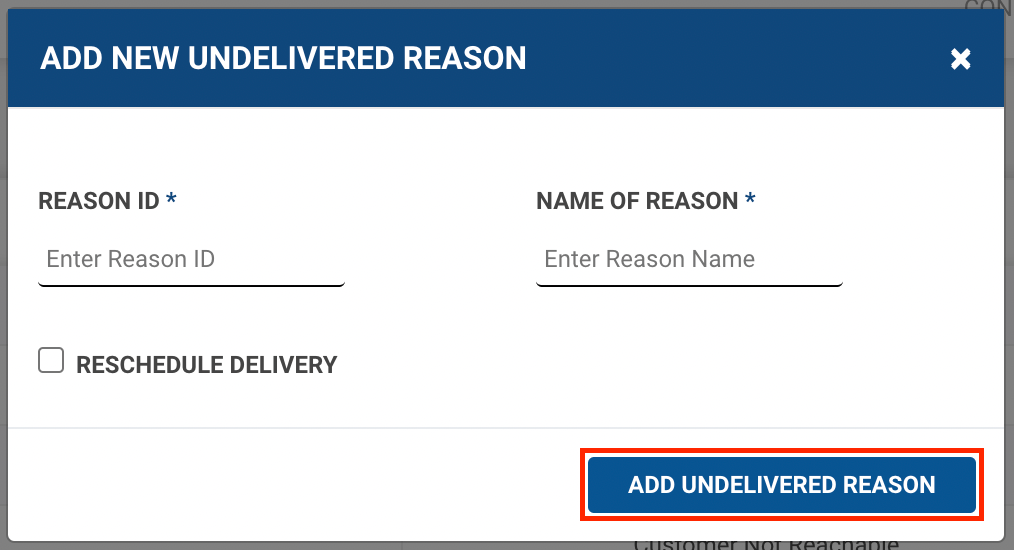
- Fill up the form and click on Add Undelivered Reasonbutton.
- You’ve successfully created an Undelivered Reason.
- If the checkbox for rescheduling delivery is selected, whenever that particular reason is selected, the delivery would be rescheduled for another date/ time.
Was this article helpful?