
How to delete KYC fields
Article edRcGdxZ · sourceIn the dashboard :
-
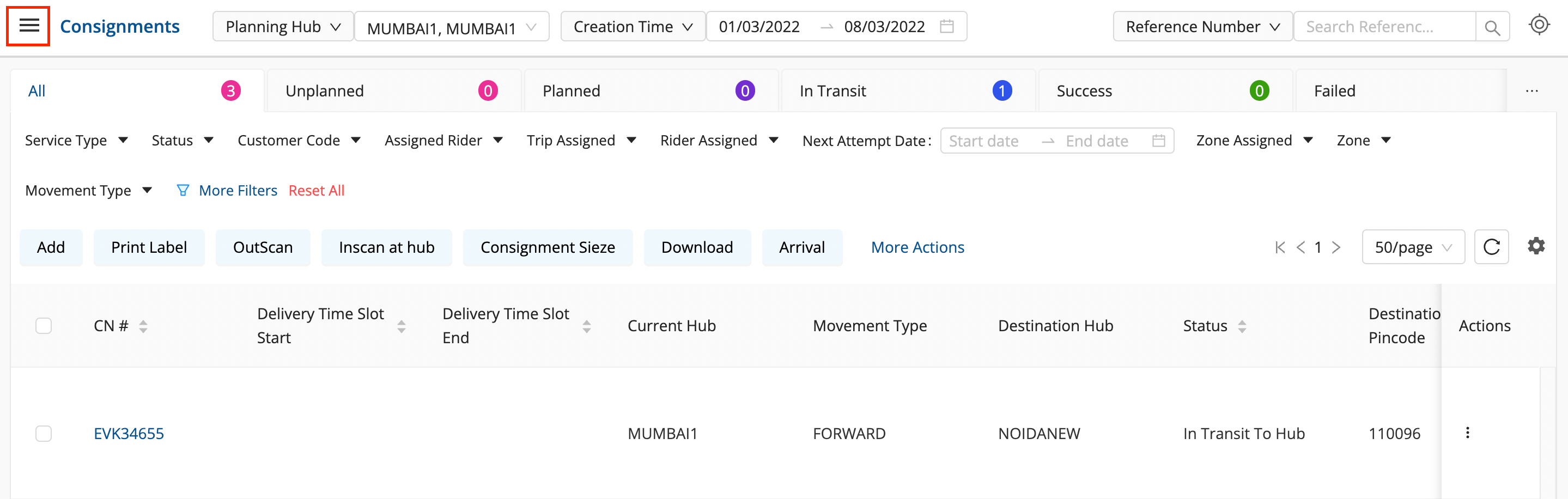
Click on the hamburger menu (

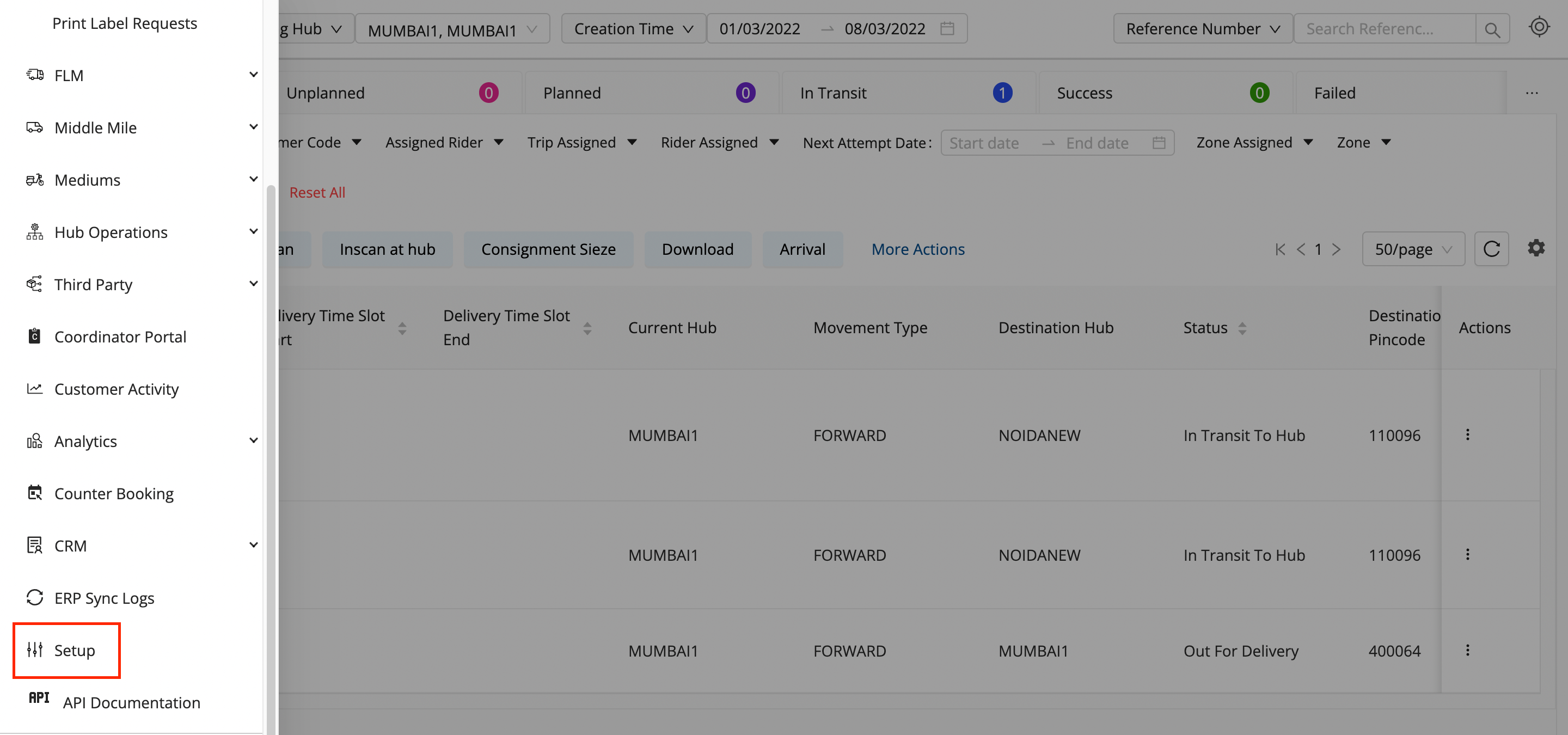
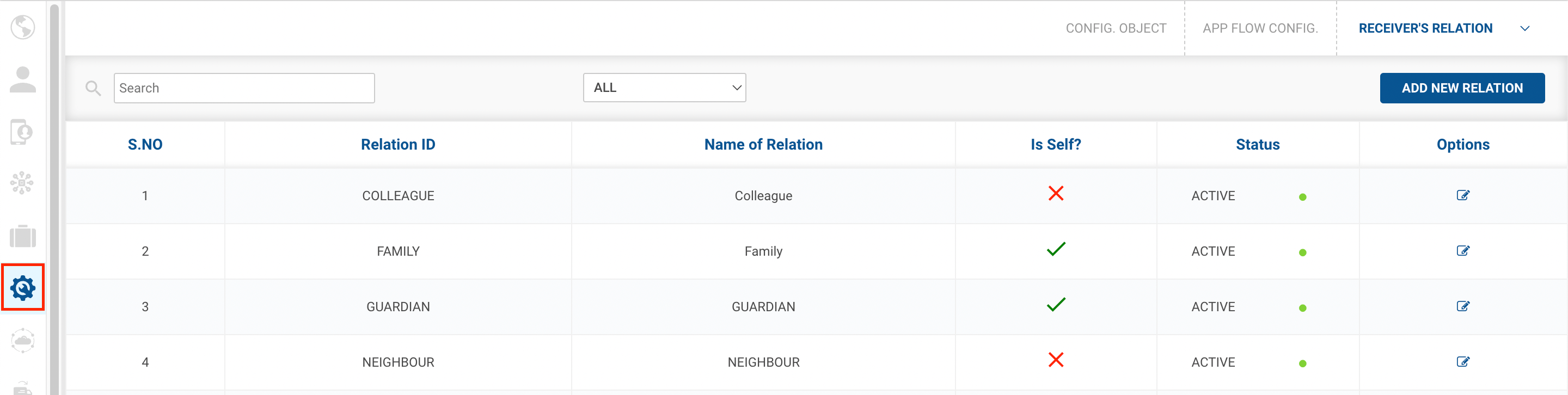
) → Setup → App Flow Config (

)
-
Delete (

) Button →

-
To delete a KYC, click on the Delete
icon on the right side of the table under the Action column.
-
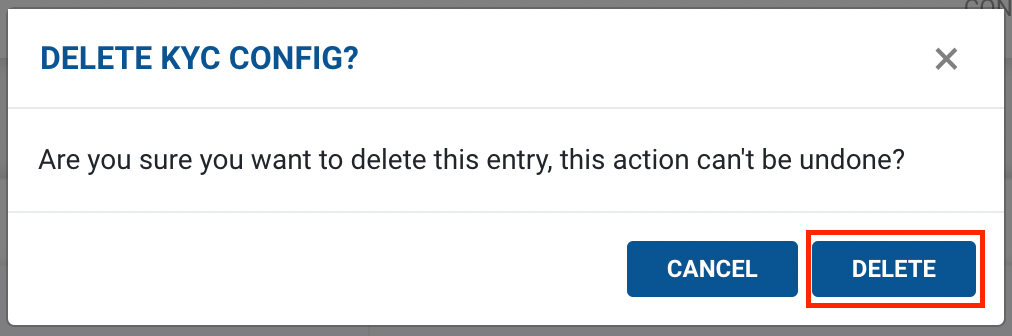
Then confirm deleting the rule by clicking on the Deletebutton and the Cancel button if you don’t want to delete the KYC Config.
-
If you pressed the Deletebutton, you’ve successfully deleted the KYC Config.
-
Was this article helpful?