
How to download hub relations data
Article N4tUJ9SS · sourceIn the dashboard :
-
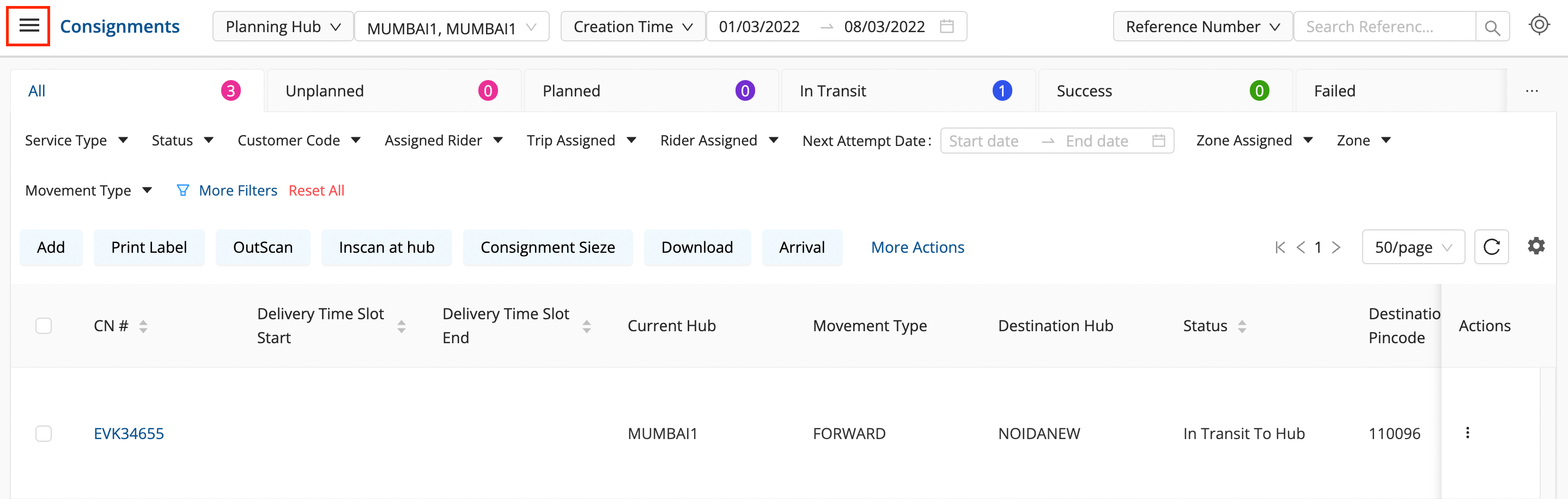
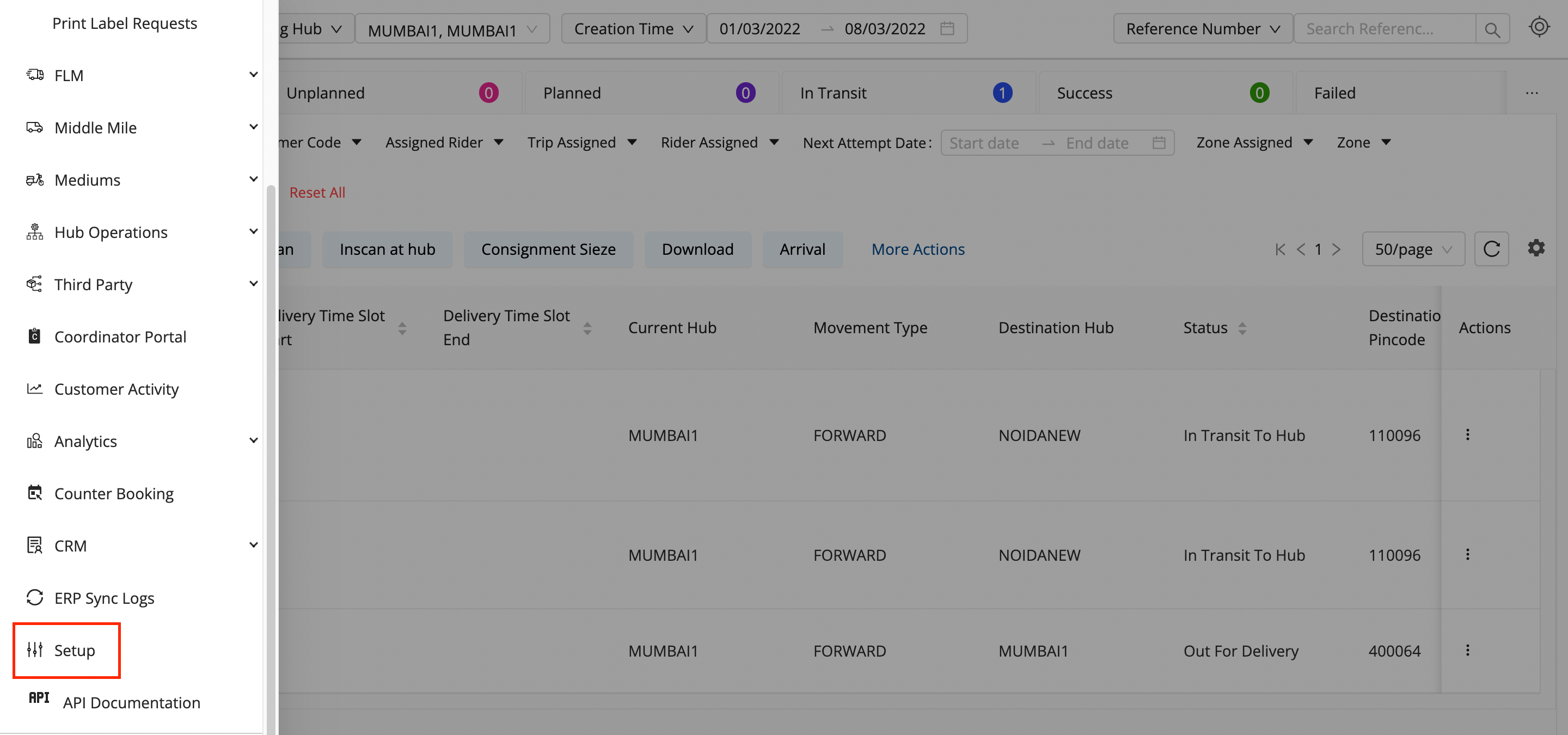
Click on the Hamburger Menu (

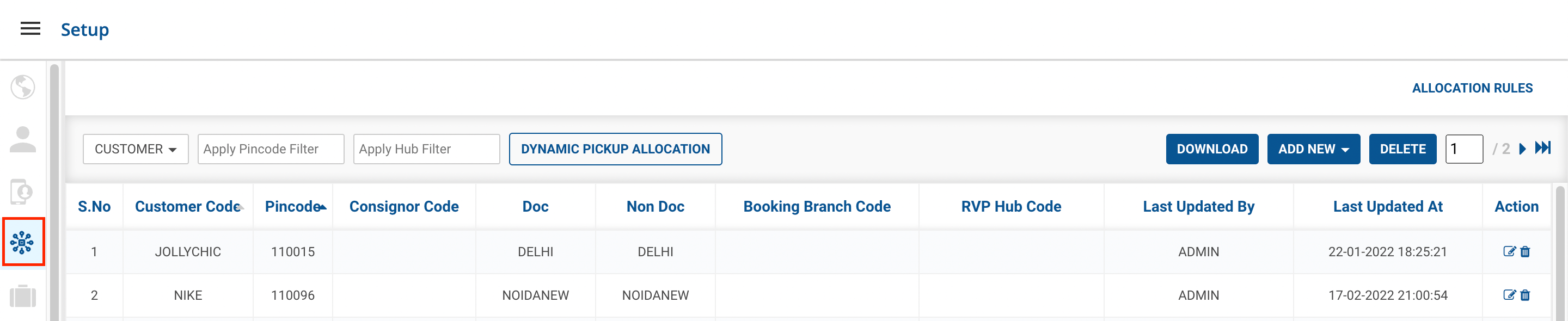
) → Setup → Customer Allocation Rules (

)
-
Click on the
DOWNLOAD
button.

-
You’ve successfully downloaded the sheet of all the Hub Relations data in a .csv format.
Was this article helpful?