
How to disable an employee
Article uLcMzeRj · sourceIn the dashboard :
-
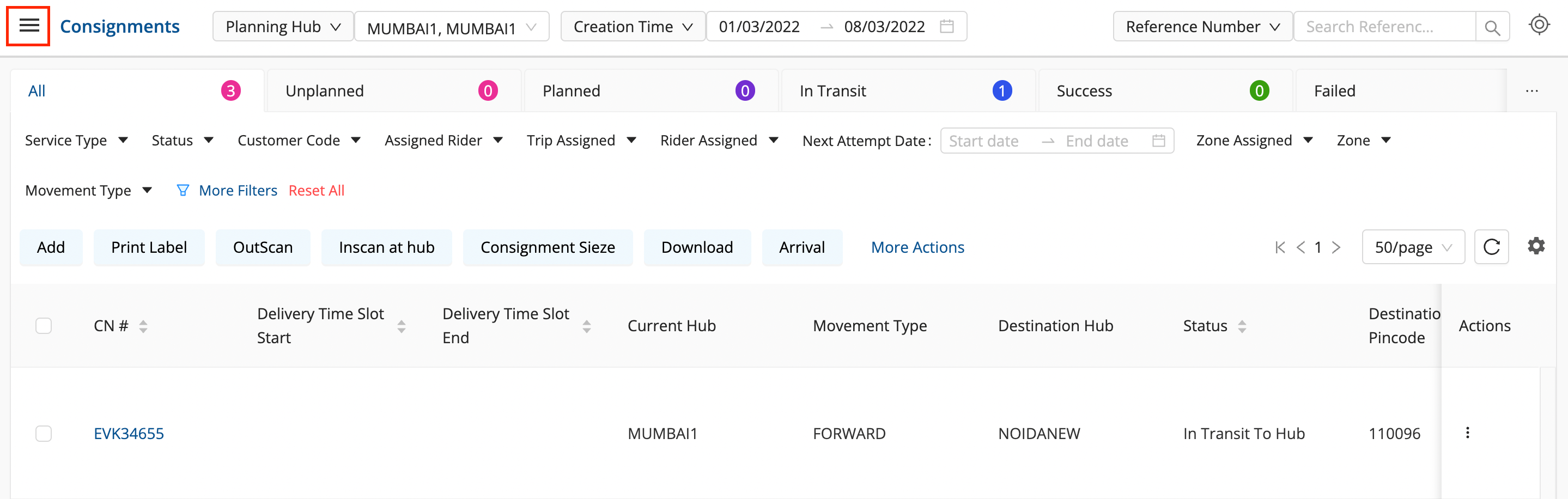
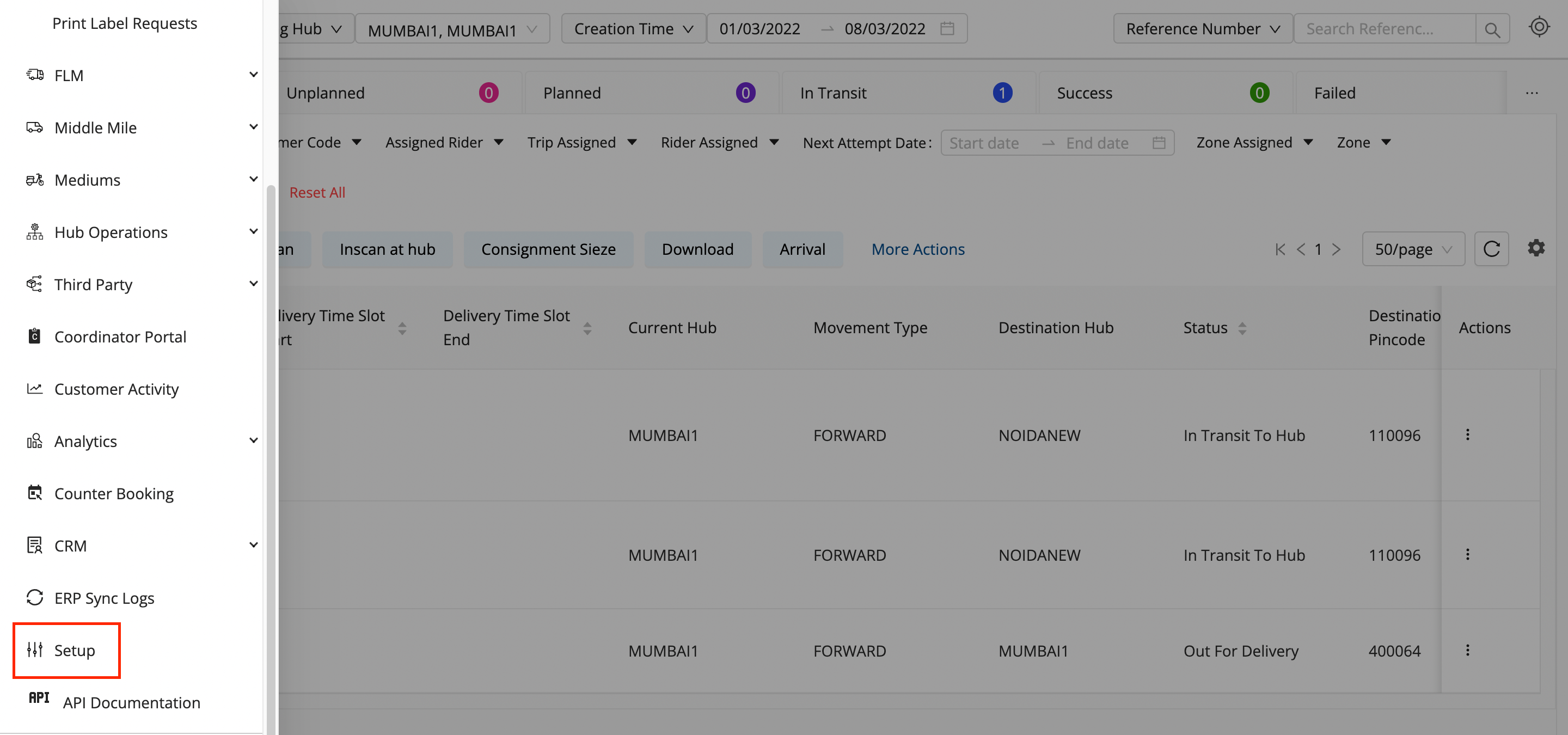
Click on the Hamburger Menu (

) → Setup → Employees (👨💼)
-
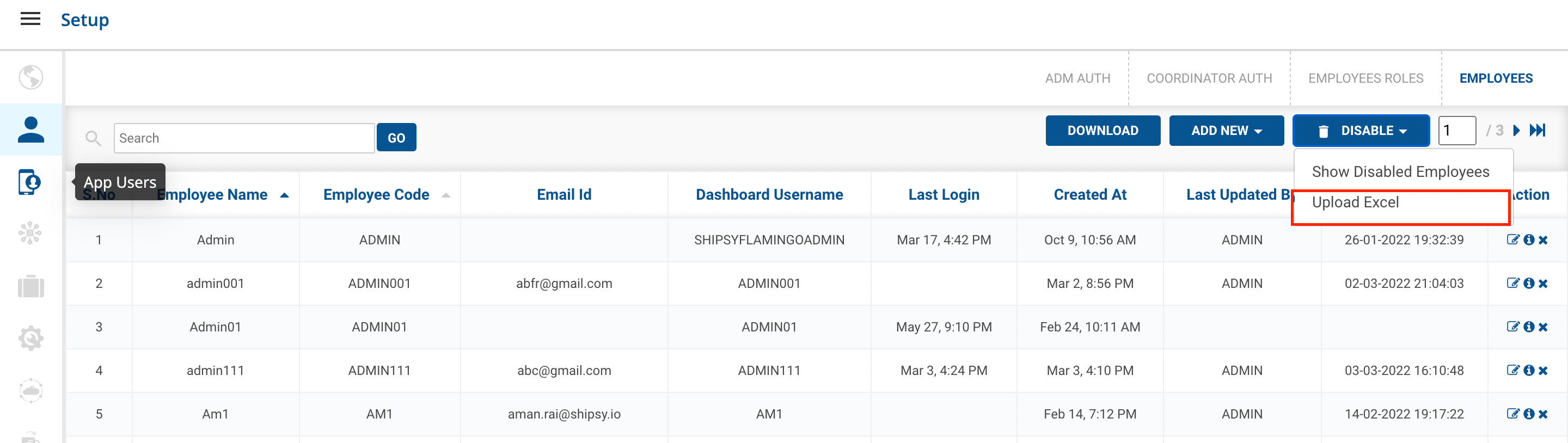
**Method 1 → Go to the particular employee,**Click on the Cross() icon on the right side of the table.

-
A dialog box will appear.
-
Click on the DISABLE Button.
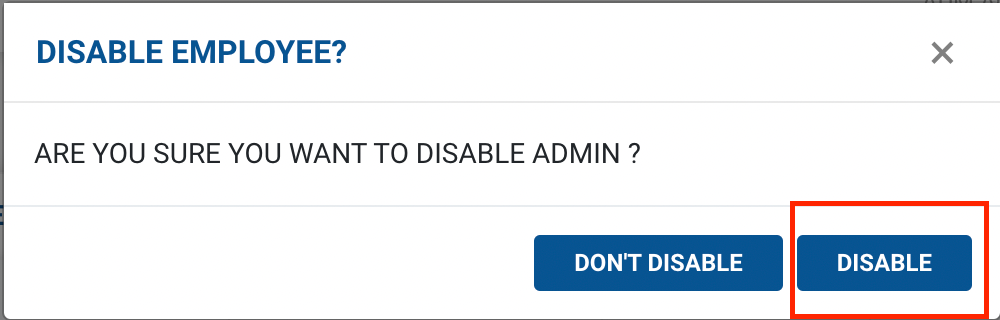
You’ve successfully Disabled the employee.
-
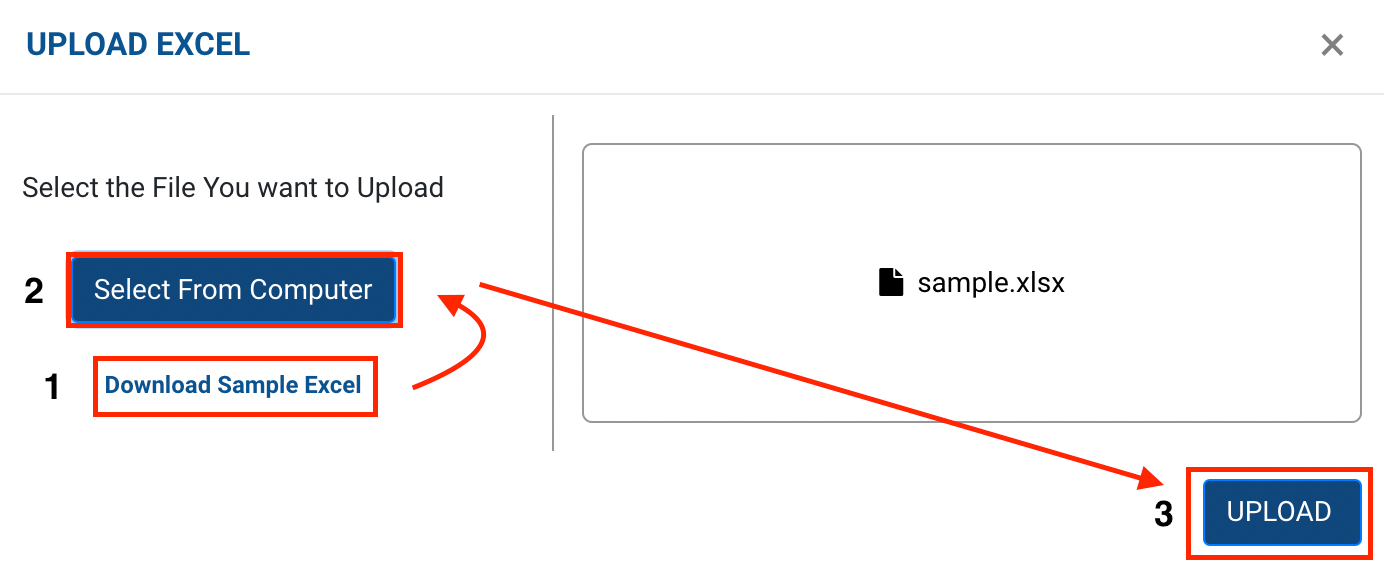
Method 2 - Upload Excel option → A form appears with the required fields to be filled.
-
Click on Select from Computer to upload the Excel sheet.
-
One can also drag and drop the file into the space provided in the window.
-
You can download a sample Excel file to understand what data has to be entered by clicking on the Download Sample Exceloption from the window.
-
Click on the UploadandAdd button, you’ve successfully disabled the employees.
Was this article helpful?