
Instructions
Article Xwxd5UvV · sourceUsers need to follow the below mentioned instructions to edit an address in the address register configured for their organisation.
Instructions
Navigate to Address Register
- Navigate to the Ops Dashboard
- Click on the Hamburger Menu icon
- Select Setup from the menu
- Select Address from the sub-menu
- Select Address Register from the dropdown list
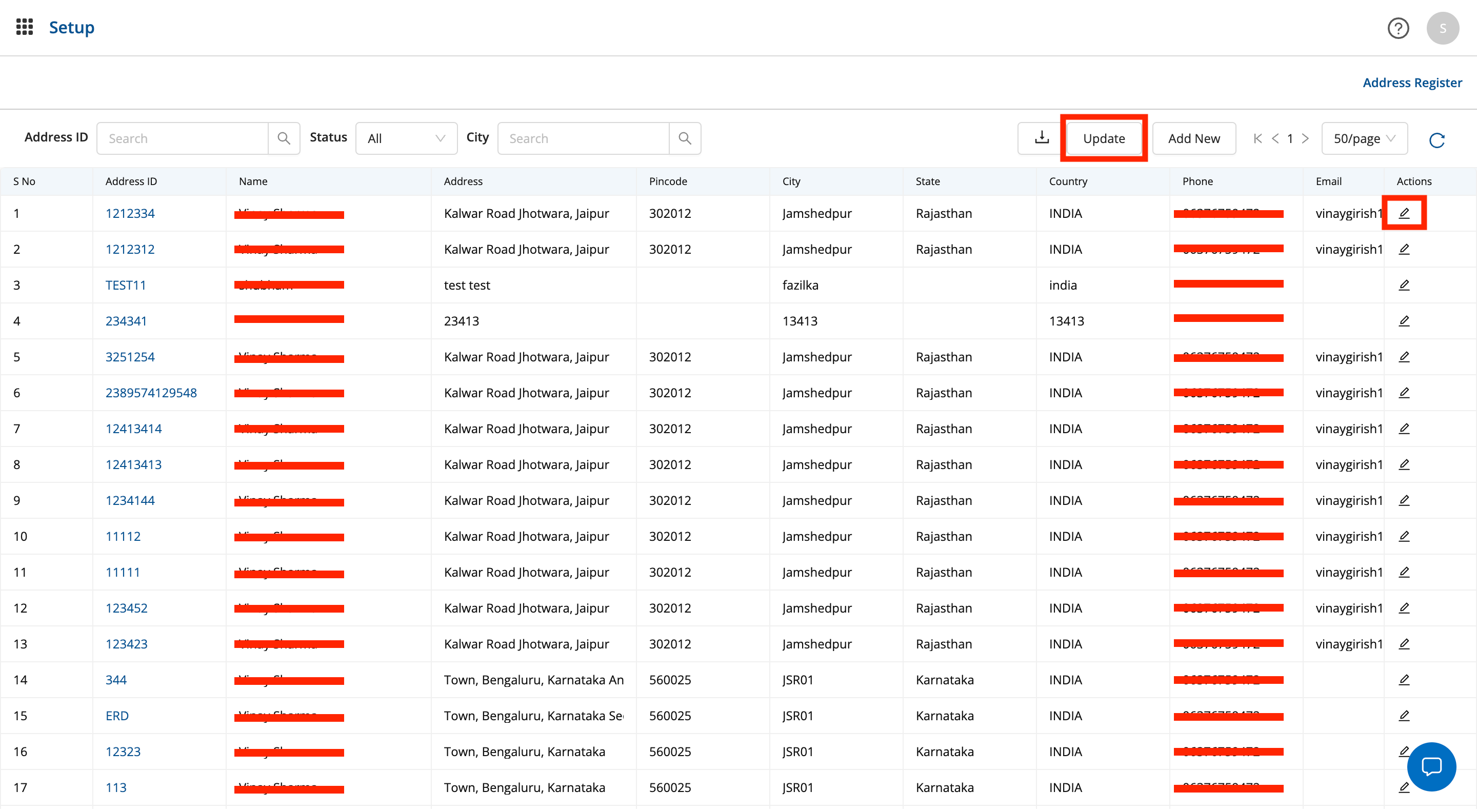
Click on Update/Edit
- To edit/update address, click on the update button (for bulk upload) or the edit icon to edit single address
- When editing a single address, the address detail modal opens up where the user can update all required details and click on submit
- When updating addresses in bulk, the user is prompted to upload a
.csvfile and click on submit to edit multiple addresses in bulk
Was this article helpful?