
Hub Category Creation
Article WejdQVJK · sourceDescription : Hub categories are the labels given to the hubs to differentiate among the hubs.
→ To create a new hub category.
-
Click on hamburger menu () → Hubs.
-
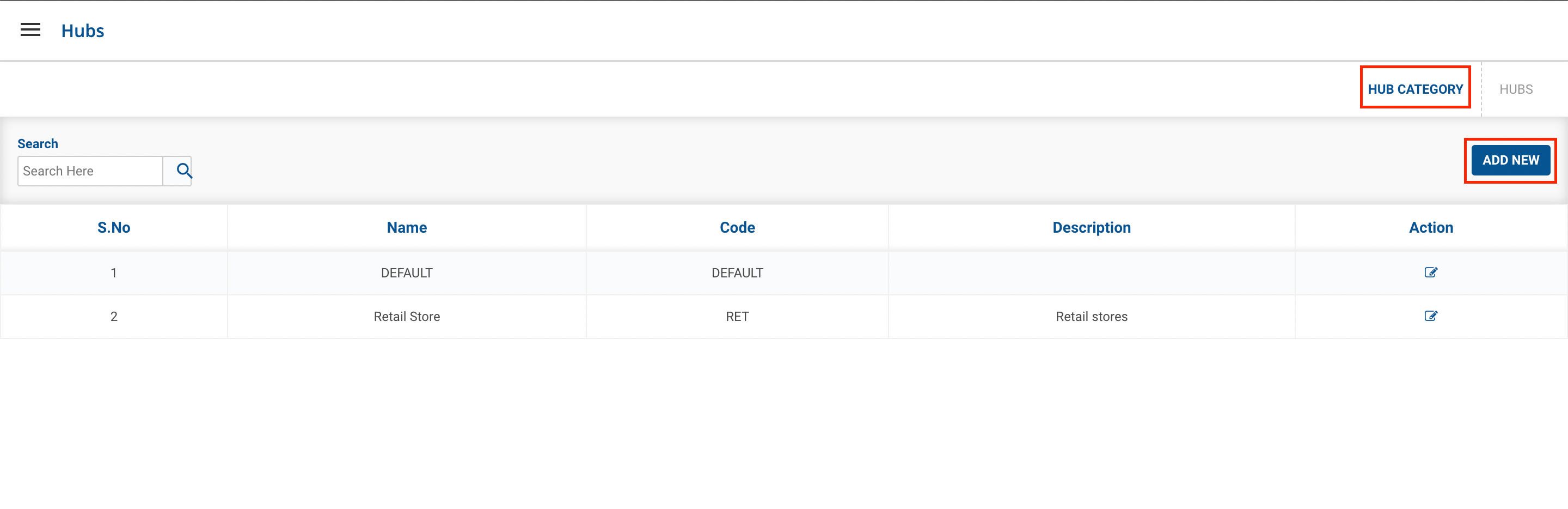
Click on Hub category in the top right section of the page.
-
Click on Add New Button.
-
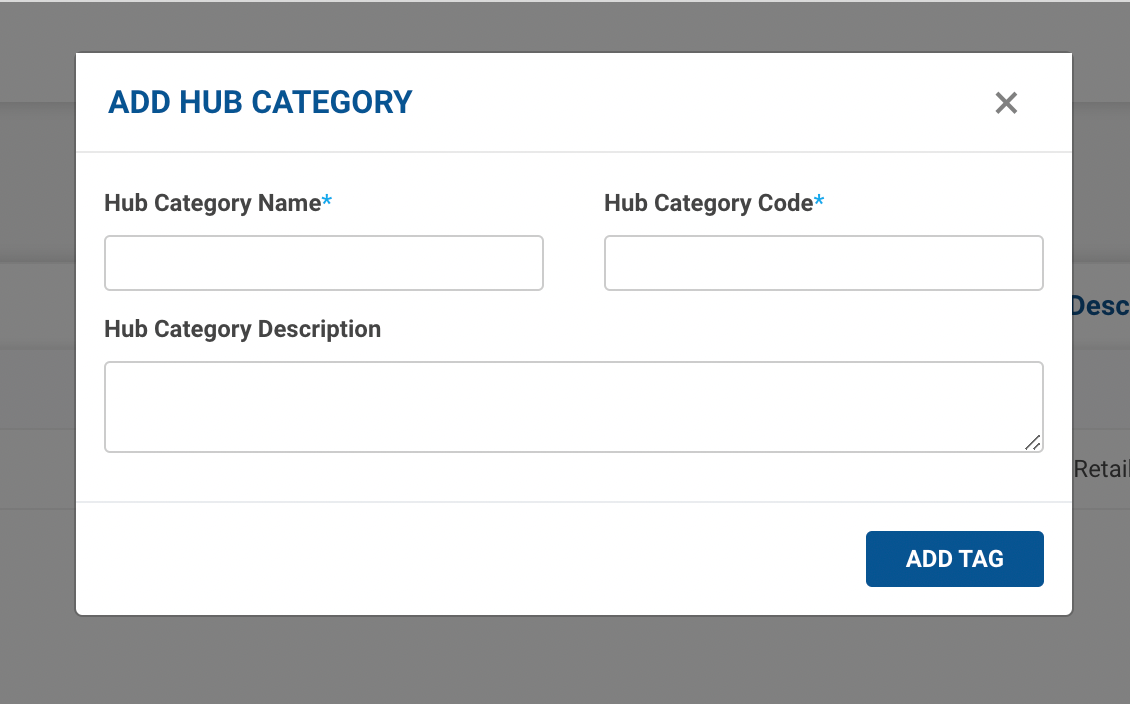
Fill up the form and click on Add tag button.
-
Successfully Hub category is created and visible in the dashboard.
| Field | Description | Input Value |
| Hub Category Name | Name of Hub Category | String |
| Hub Category Code | Identification Hub Category Code | String |
| Hub Category Description | Description for the New Hub Category | String |
→ To update an existing hub category.
- Click on Edit Tag button() under Action column → A form shall appear with existing data. This method is used to update a hub category data.
- Update the existing data in the form and click on EDIT TAG button. You’ve successfully updated existing hub category data.
Was this article helpful?