
Instructions
Article pPH7iaDa · sourceThis feature allows the user to create single consignment or multiple consignments in bulk via an excel upload
Instructions
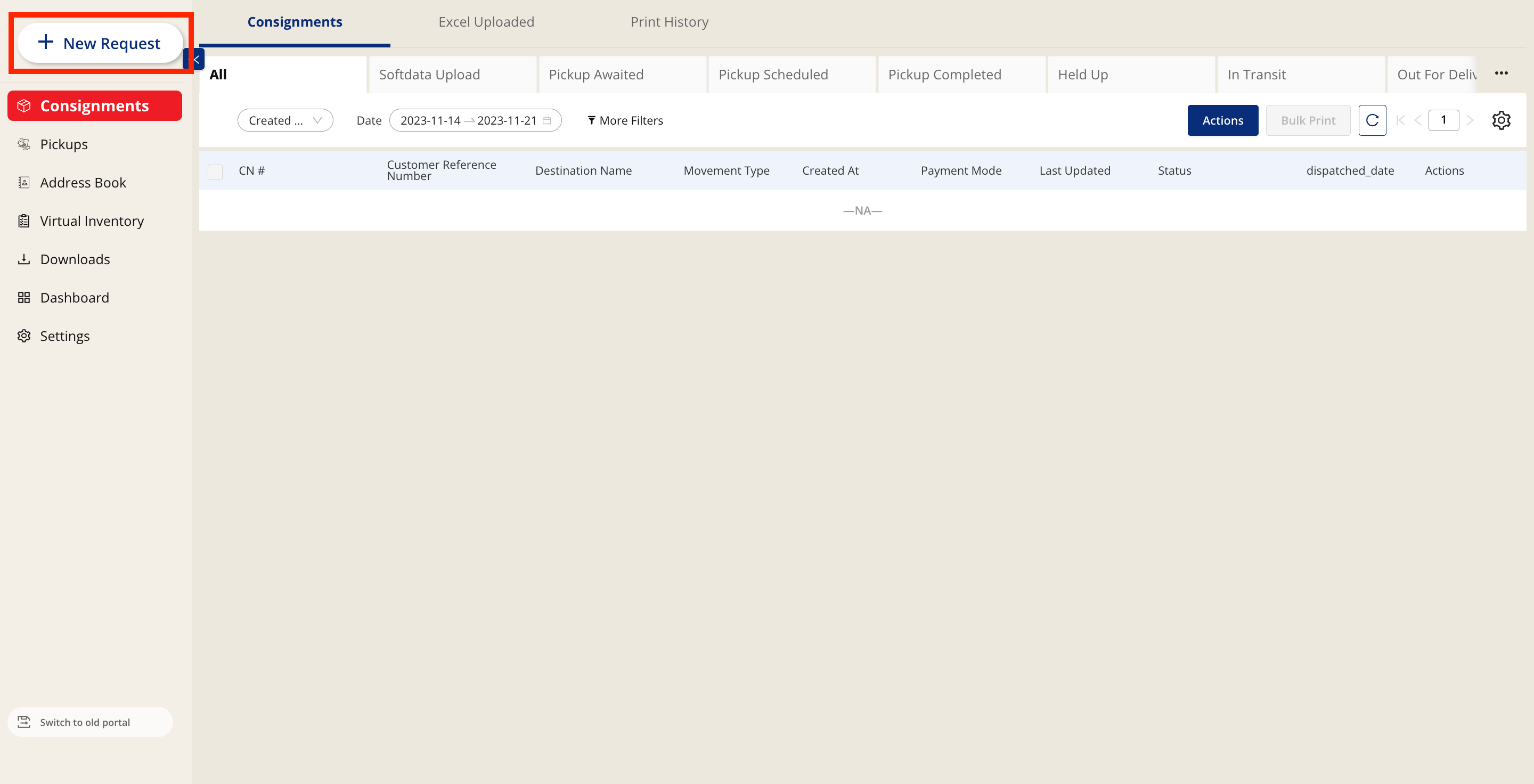
- Click on Add New
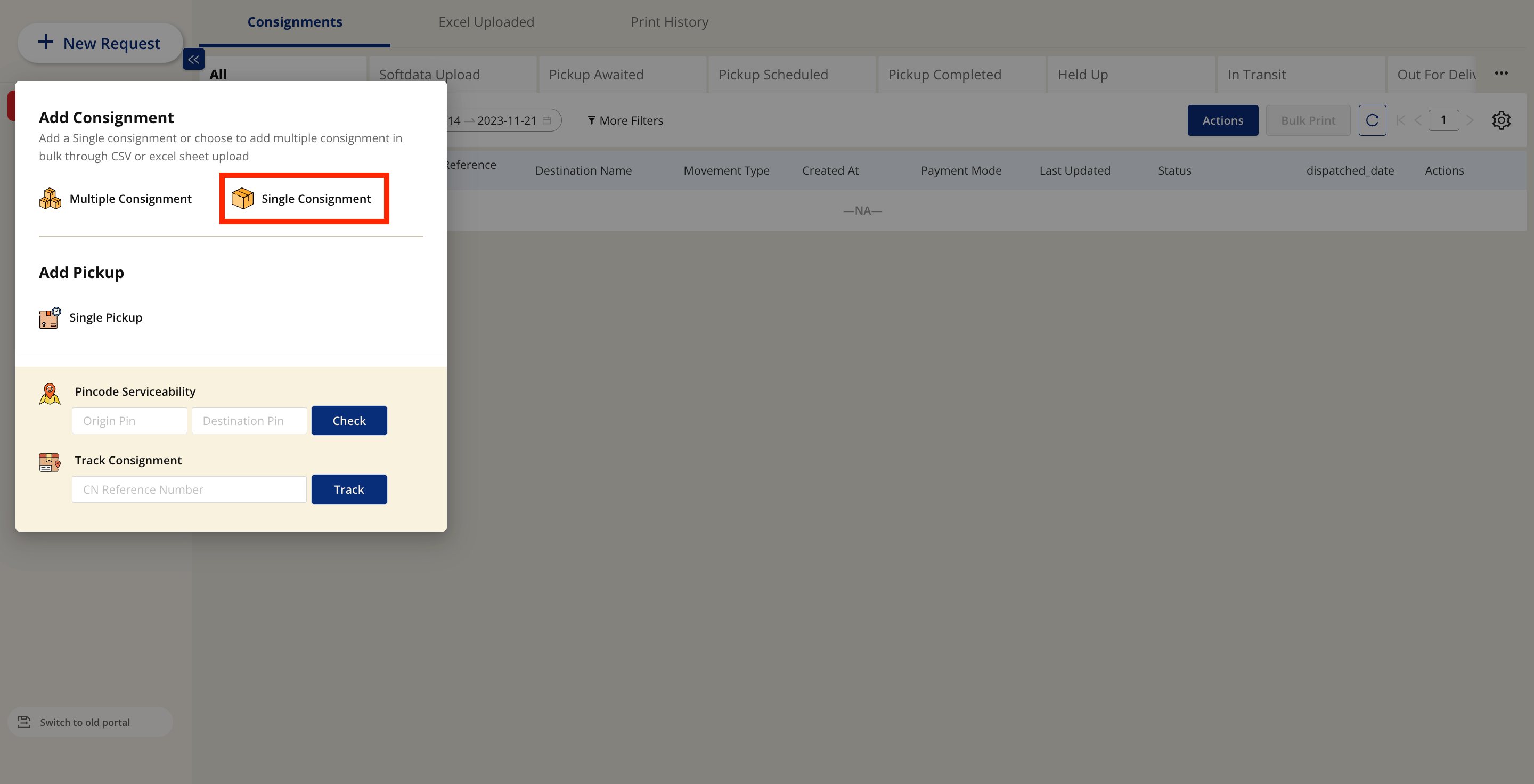
- Select Single Consignment
-
A drawer style form will appear where the user will have to input the following details:
- Consignee Details
- Consignor Details
- Service Type
- Pickup Slot
- Payment Details
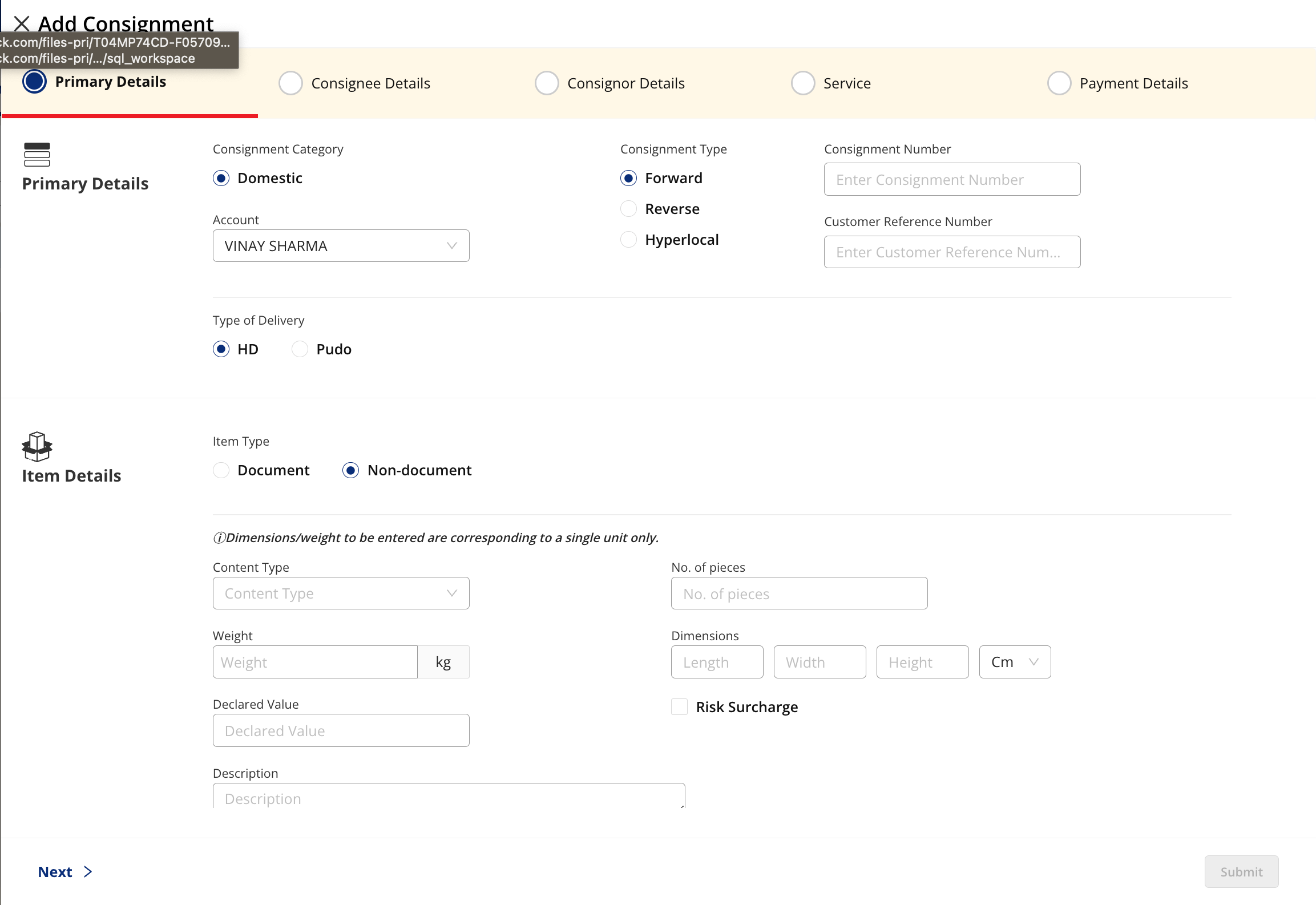
- Once the user has added the required details, they can click on submit
- The consignment will be added, and will then be visible on the customer portal dashboard
Was this article helpful?