
Instructions
Article ao9DUoQe · sourceUsers can refer to the following instructions to create bulk consignments on the customer portal.
Instructions
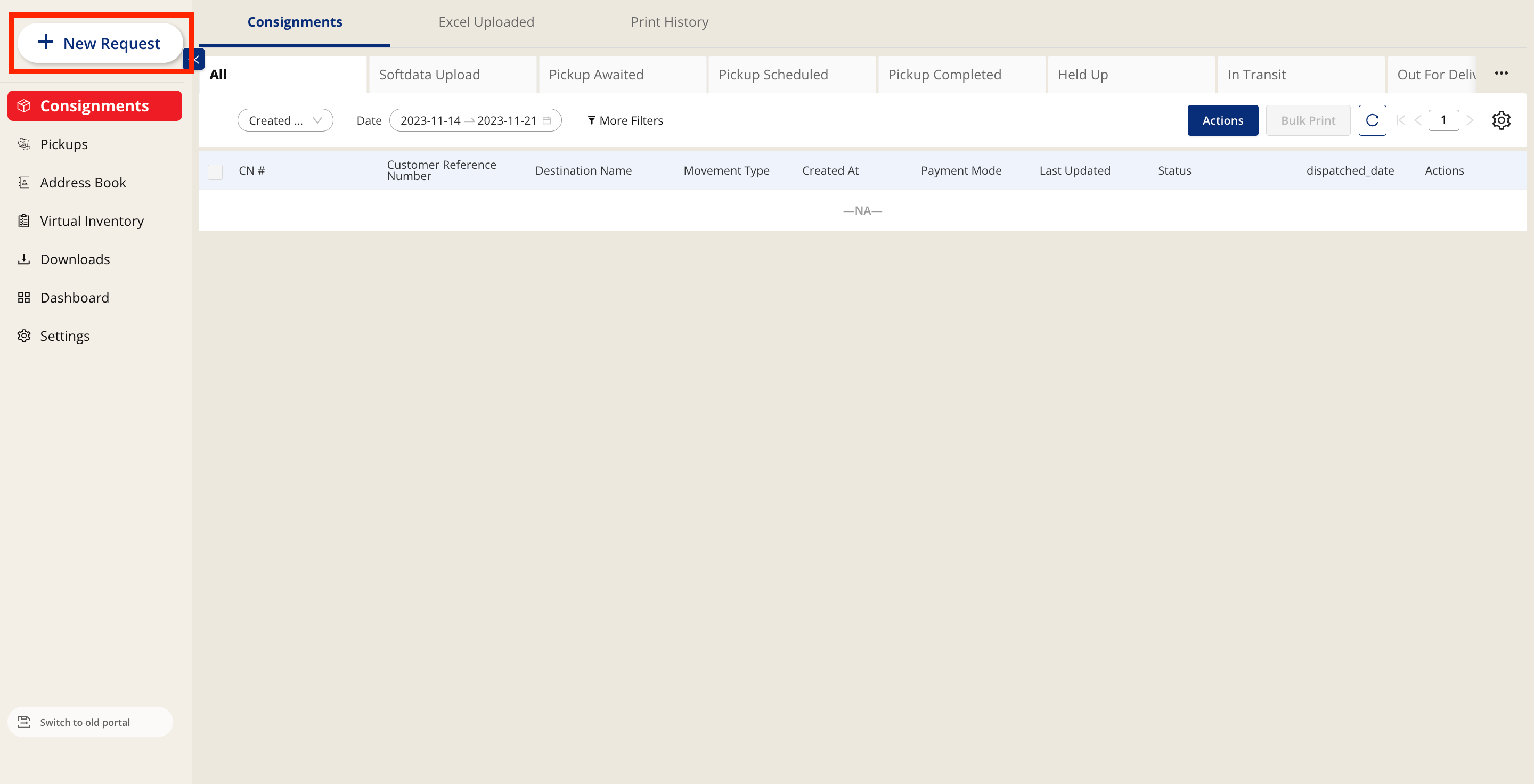
- Click on New Request
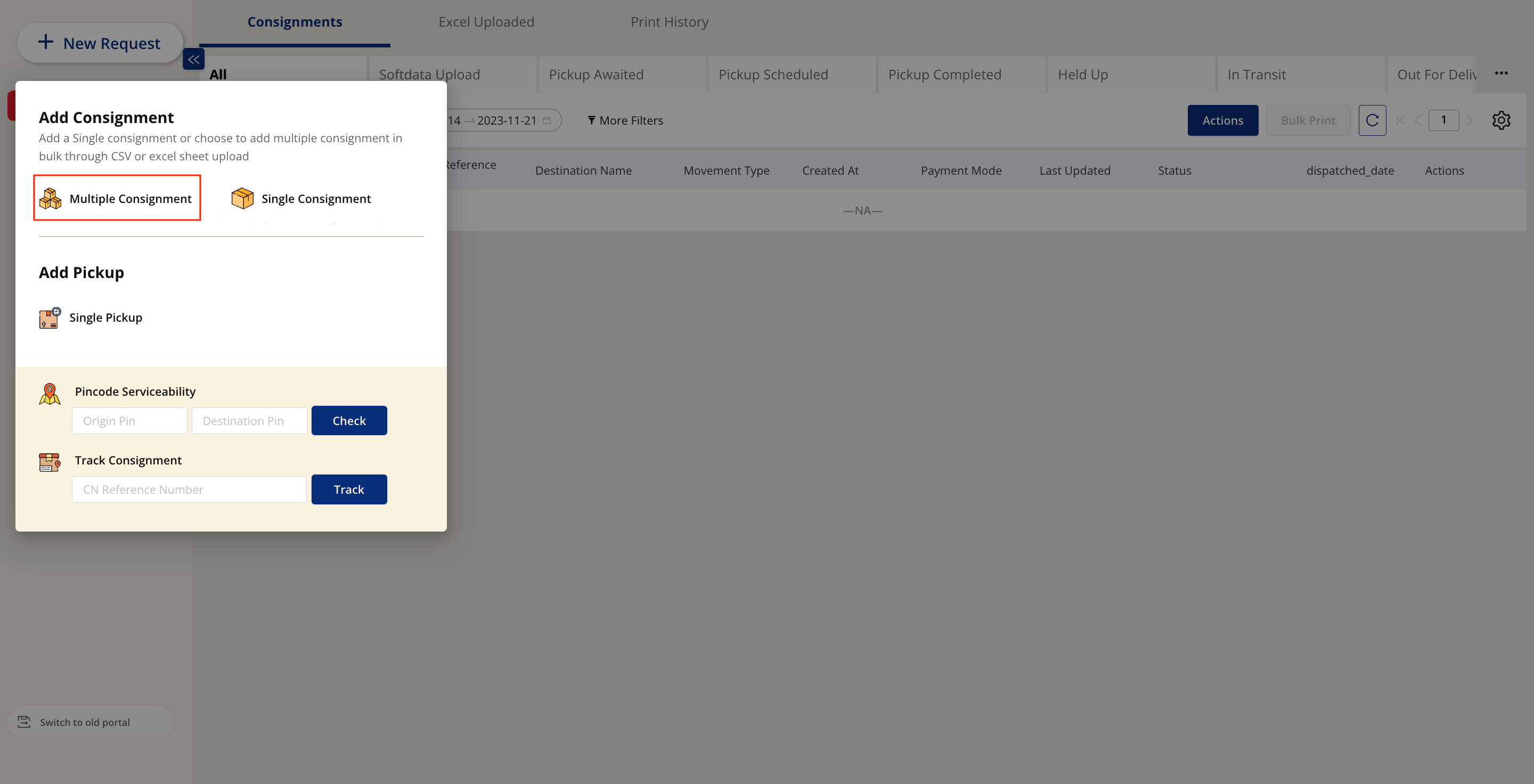
- Select Bulk Upload Consignment
-
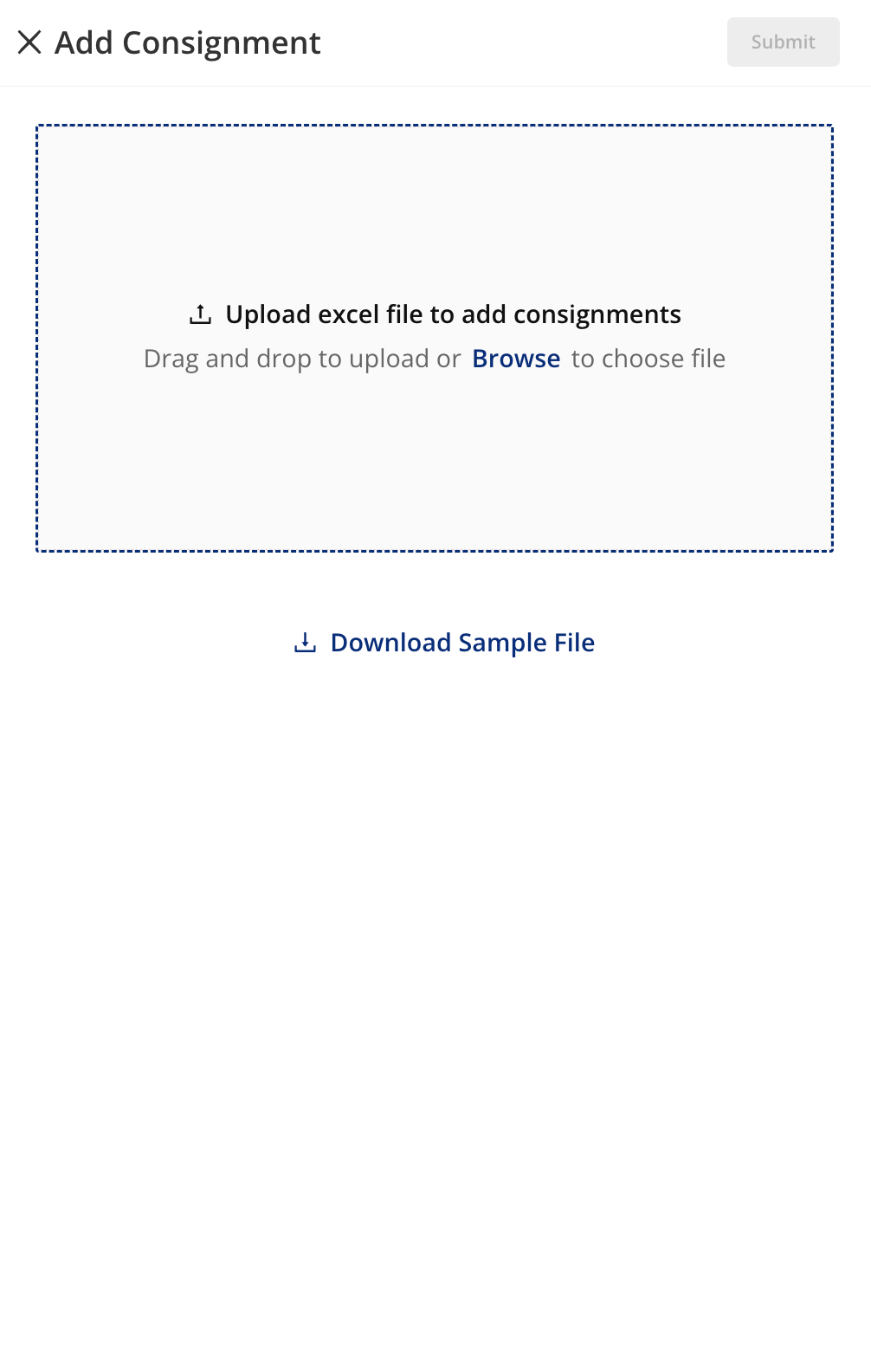
A modal where users can upload their cvs files appears. From here, users will click on the download sample file button to download a sample excel file where they will be required to input the following details:
- Consignee Details
- Consignor Details
- Service Type
- Pickup Slot
- Payment Details
-
Once the user has added the required details, they can export this as a csv file and upload it to shipsy
- Uploading can be done simply by dragging and dropping the file
- Alternatively, users can click on the upload button and select a file from their file manager
-
Once this is done, the user can click on submit
-
Consignments have now been added and will be reflected on the customer portal
Was this article helpful?