
Password reset- Customer Portal
Article PEE3TUml · sourceIn order to reset the password for a customer, we need to perform the following steps-
-
Login to the portal-
with the current credentials.
-
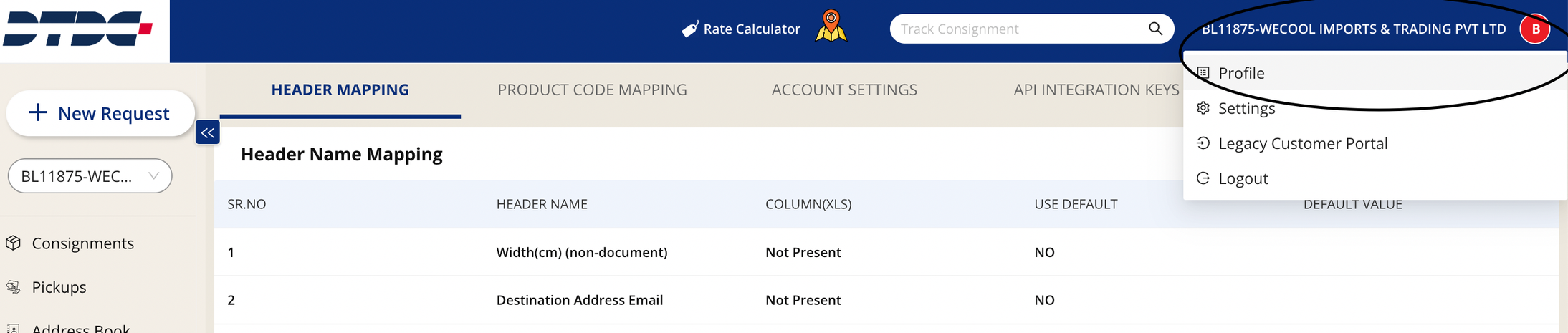
Go to the extreme right hand side of the portal and click on Profile, you will find Change Password button.

-
After clicking on the Change Password button, a window will open up, as shown in the below screenshot. You will be prompted to enter a new password here and the rules will be shown when you click on the
ibutton.
-
Input the new password as per the password policy and then click on confirm password text box and re-type the password and the Save button will be activated.
-
Click on Save and the new password is set for the customer.
Was this article helpful?