Requirements
Article f8WunjBs · sourceRequirements
The following requirements must be met for the smooth operation of the extension -
- Magento - 2.4
- PHP - 7.3, 7.4
Installation and removal
We strongly recommend making a complete backup of the shop's files and database before any module installation or update.
Also, the installation and module functionality should be completely verified on a testing or staging system before moving it into a production system.
Installing the extension
- Unzip the package into a folder.
- Create a new folder
Shipsyinsideapp/code/folder. - Paste the folder
EcommerceExtension(This is the folder present when the package is unzipped) inside the newly createdShipsyfolder.
Note: The path to the package in the above example is absolute.
-
After executing the above commands, run the following commands
php bin/magento module:enable Shipsy_EcommerceExtension --clear-static-content sudo rm -rf generated/ php bin/magento setup:upgrade php bin/magento cache:flush php bin/magento setup:di:compile php bin/magento setup:static-content:deploy -f sudo chmod -R 0777 var/* generated/*
Configuration
Log in to your Magento® admin panel and navigate here -
-
Stores -> Configuration -> Shipsy Credentials. Enable the extension and enter the login credentials and organisation id and click Save Config.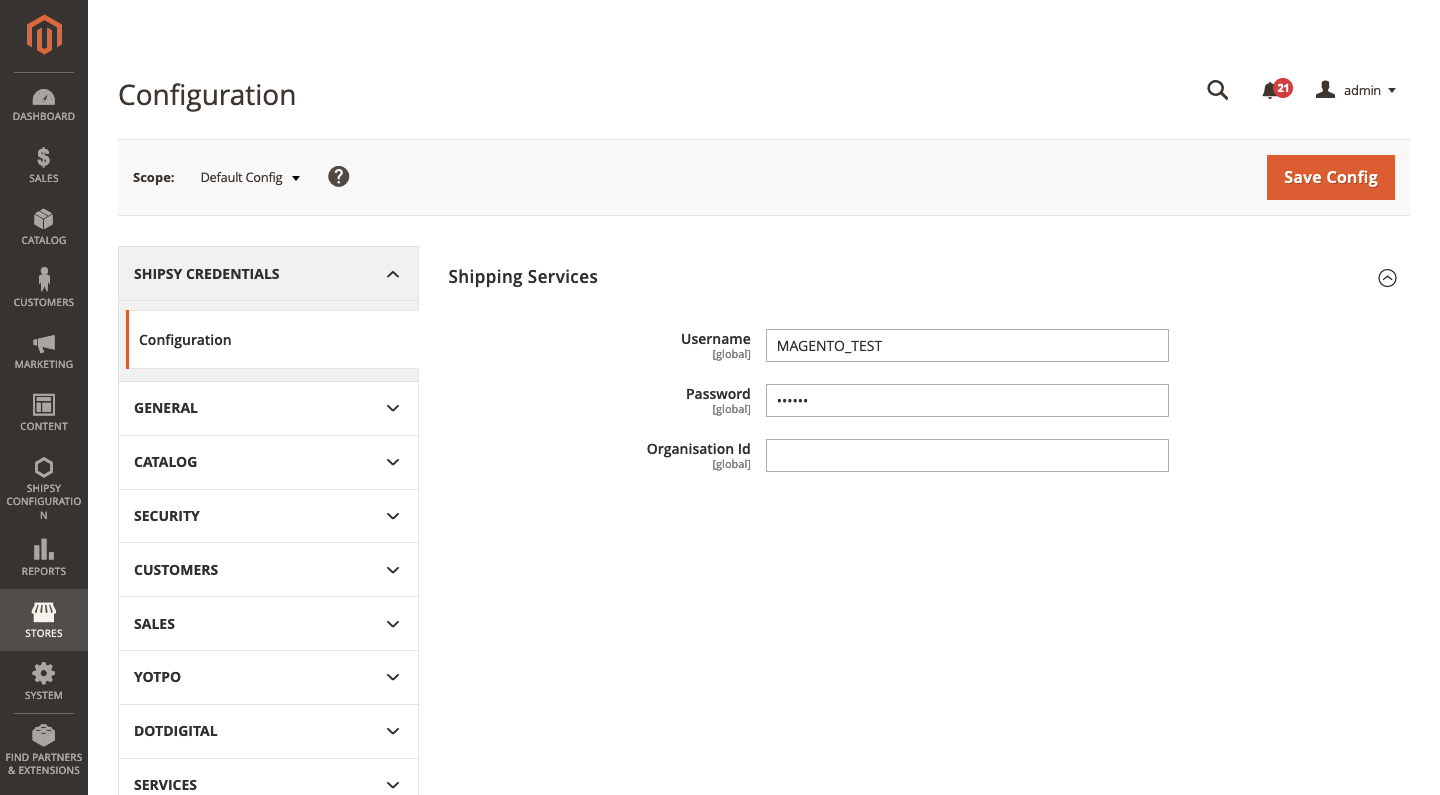
-
Navigate to
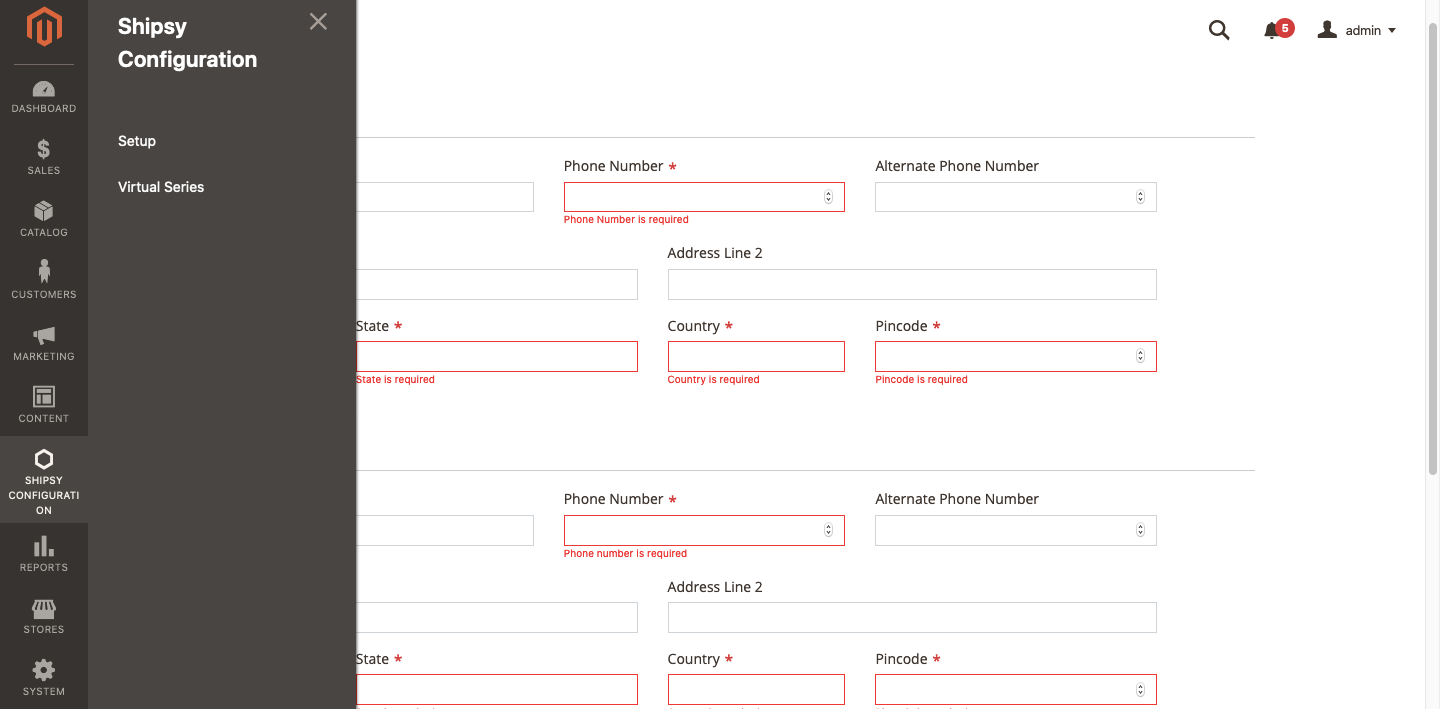
Shipsy Configuration -> Setup. Enter all the addresses and click submit.