
Outstation Scan
Article qlxyM-AT · sourceOutstation Hub - There are many franchises which are categorised as 24/48, which signifies they are located at some outstation location (like remote areas, far off villages, etc) & they require 24-48 hours more after the FDM preparation.
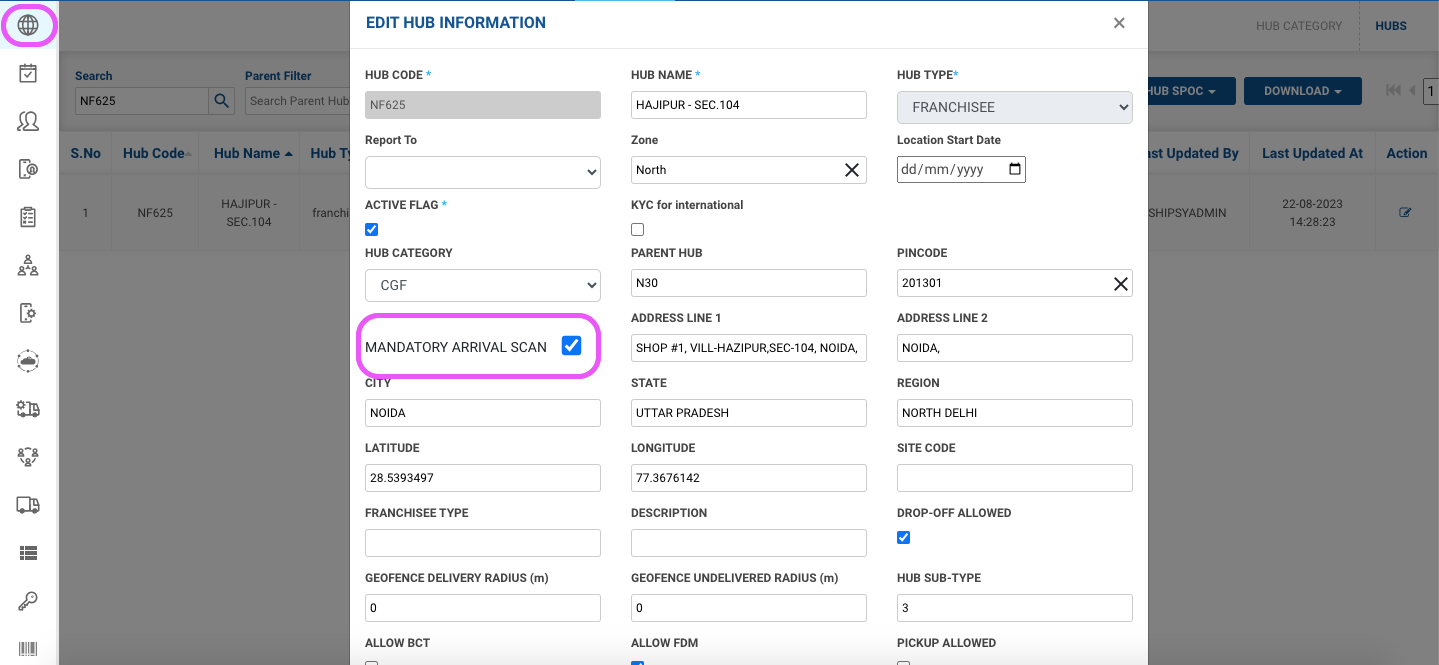
These hubs can be identified in the dashboard (hubs section) by checking the ‘Mandatory Arrival Scan’ flag, if this option is enabled, it will be a 24/48 franchisee:
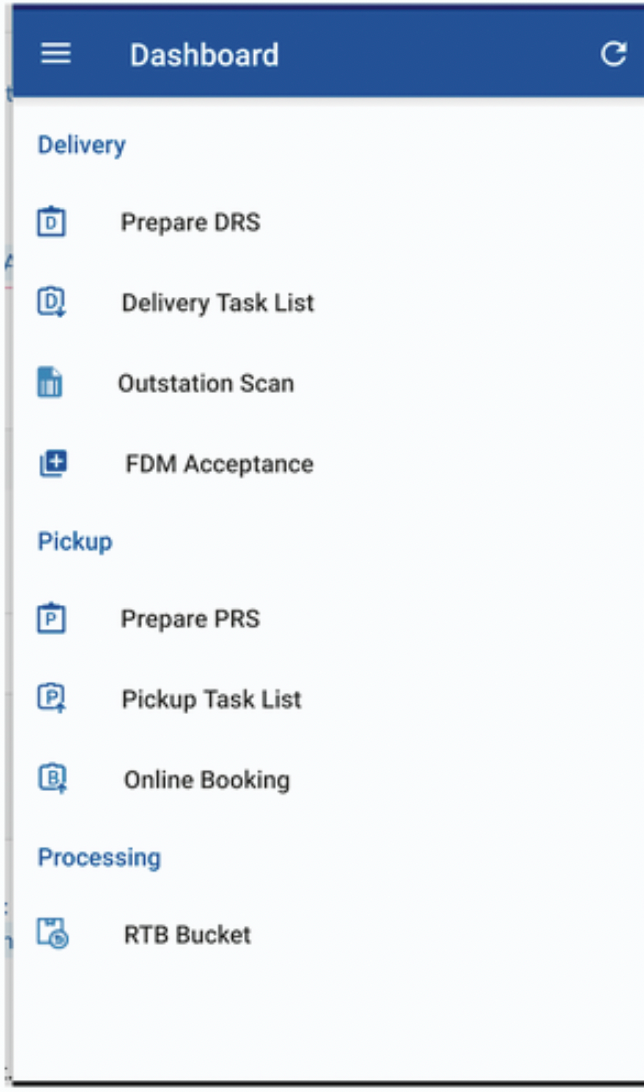
Outstation Scan Option in Riderapp - The riders who are mapped to a 24-48 hub, will be able to see the Outstation Scan option in their delivery flow:
Shipment status for a 24/48 CN**:**
INTRANSITTOHUB - After FDM is prepared, the status of the CN will move to InTransitToHub & will start reflecting in the Outstation scan bucket.
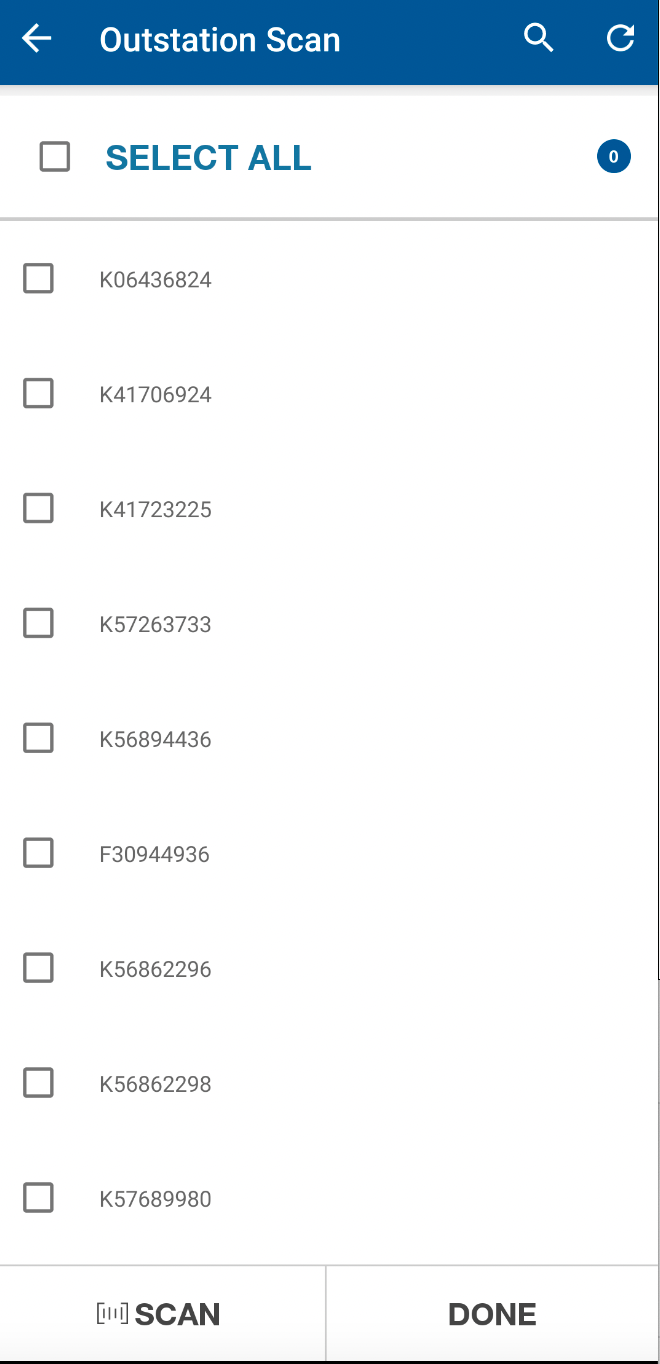
REACHEDATHUB - Once the franchisee rider has received the consignment , he will scan the consignment in the ST app from the ‘Outstation Scan’ menu & the consignment status moves to ReachedAtHub
A snapshot of Outstation Scan menu.
24/48 Handover - For the CN’s mapped under 24/48 franchises, a handover event is sent to CTBS.