
Generating API Key and Accessing API Header Details in Shipsy
Article 8AnQQnps · sourceGenerating API Key and Accessing API Header Details in Shipsy
This guide explains how admin users can generate their API key, retrieve API header-level details, and configure them for integration with our public APIs.
What is an API Key?
The API key is a unique identifier that allows your system to authenticate and securely communicate with our platform. Along with other header details, the API key is a critical component for enabling integration.
Steps to Generate Your API Key
-
Log into your Shipsy Exim account as admin user.
-
Click on your profile icon at the top right corner of the application and navigate to My Account --> Account Info and go to the right hand side pane.
-
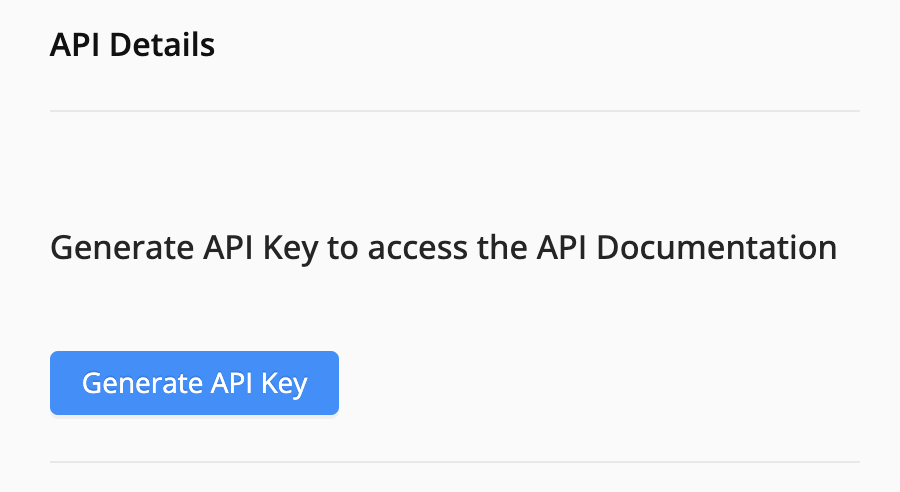
Click the Generate API Key CTA button to generate the API key.
-
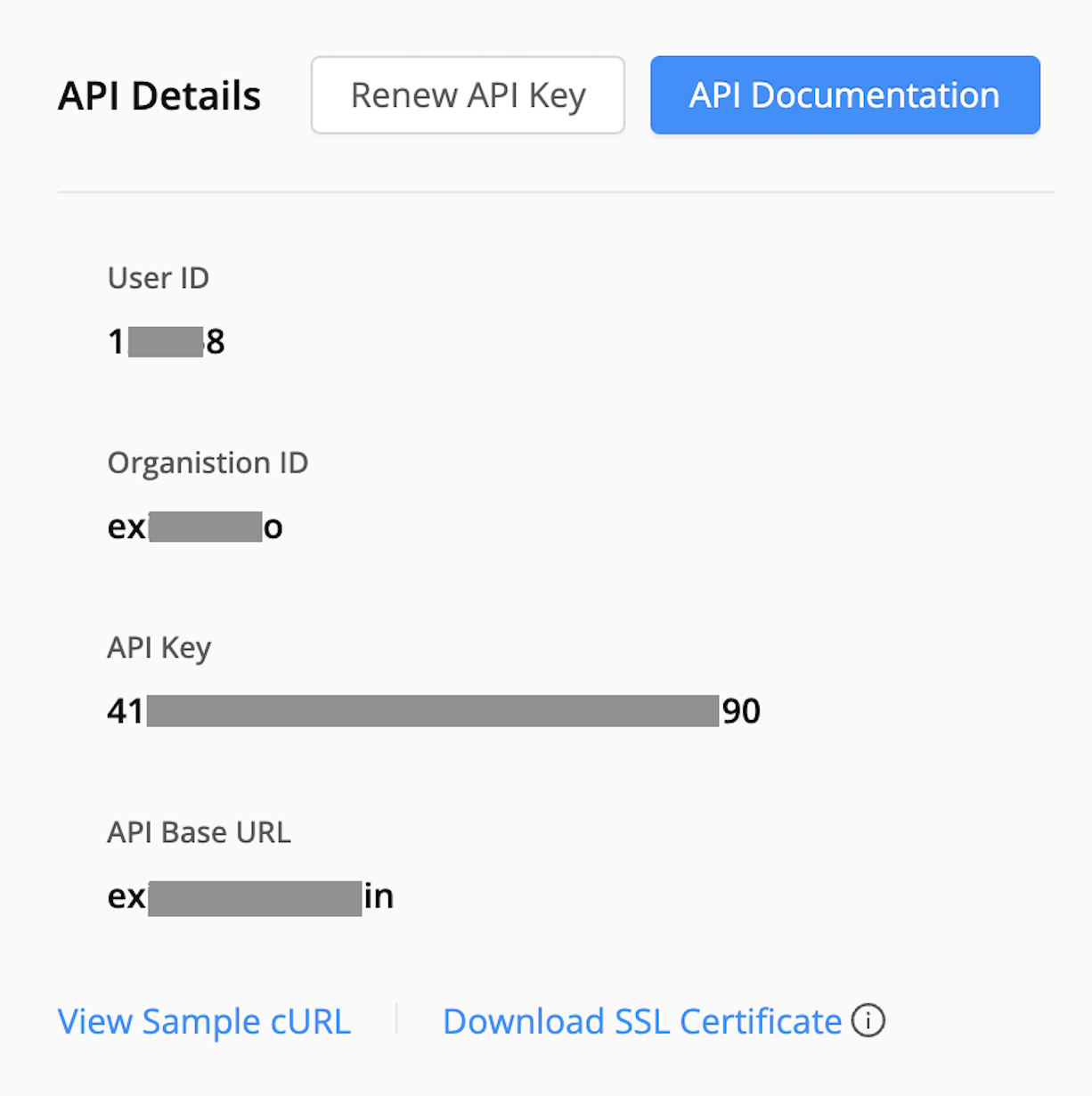
After clicking the above CTA button, admin users can access the API header details, sample API cURL and SSL certificate of the API domain.
-
Sample cURL gives the API header level information required for making an API request to the Shipsy endpoint.
-
SSL Certificate for the API domain can be downloaded in the .crt format by clicking on the given CTA button.