
What is Output Sheet ?
Article QIWOwKYR · sourceThe objective is to understand the Routing playground output sheet so that troubleshooting and analysis can be performed on it.
What is Output Sheet ?
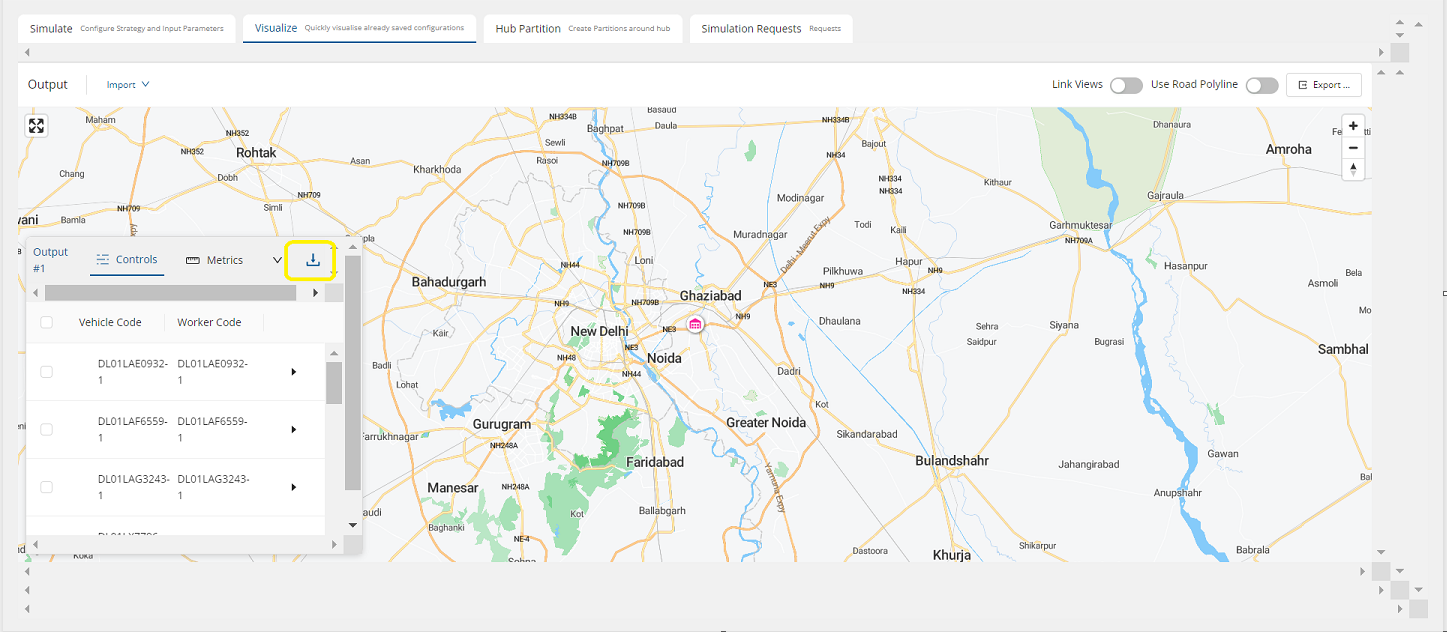
An output sheet is the result (under Visualise tab/ FLM trips > Optimisation requests) that an user obtains after running the Optimiser in the form of an excel sheet.
Understanding
Contents of the Output sheet are mentioned in table below:-
| S No | Tabs | Fields |
| 1 | Cluster Summary | trip # primary trip # trip type worker code vehicle code total consignments count total distance (km) total time (Hours) total weight (Tonnes) total volume (Cubic Meters) vehicle volume (Cubic Meters) vehicle weight (Tonnes) vehicle type vehicle utilisation route Vehicle Service Time(mins) Total Order Service Time(mins) Weight Utilization Percentage Volume Utilization Percentage Total Product Value Product Value Utilization Percent Trip Cost Multi Trip Order |
| 2 | Tasks Summary | trip # primary trip # reference number address latitude longitude weight (Tonnes) volume (Cubic Meters) Vehicle Make Type total service time (Hours) Arrival Time (hh:mm:ss) Departure Time (hh:mm:ss) Destination Pincode Destination Pincode City Constraint Tags of The Task |
| 3 | Unallocated Tasks Summary | reference number address latitude longitude weight (Tonnes) volume (Cubic Meters) Constraint Tags of The Task |
| 4 | Dropped Reasons Summary | reference number worker code reason |
As we can see in the table above, the output sheet has 4 tabs.
Now lets understand these one by one with some important fields
Cluster Summary
It is a trip level output where user can see all the trips created by the Optimiser
- "trip # - This is an unique trip number created by optimiser
- primary trip #
- trip type
- worker code - unique code of assigned worker/rider
- vehicle code - unique code of assigned vehicle(generally the vehicle number)
- total consignments count - sum of total CNs allocated/planned against the trip
- total distance (km) - estimated round trip distance
- total time (Hours) - estimated round trip time
- total weight (Tonnes) - weight that trip will carry
- total volume (Cubic Meters) - total volume that trip will take
- vehicle volume (Cubic Meters) - Volume capacity of the vehicle
- vehicle weight (Tonnes) - weight capacity of the vehicle
- vehicle type
- vehicle utilisation
- route
- Vehicle Service Time(mins)
- Total Order Service Time(mins) - time that vehicle will take to service all the CNs
- Weight Utilisation Percentage
- Volume Utilisation Percentage
- Total Product Value
- Product Value Utilisation Percent
- Trip Cost: Total cost of the trip
- Multi Trip Order
Tasks Summary
It is a consignment level output where user can see all CNs allocated/planned by the Optimiser
- trip # - trip number to which the consignment is assigned to
- primary trip #
- reference number - consignment number
- address: address string of the destination address
- latitude
- longitude
- weight (Tonnes)
- volume (Cubic Meters)
- Vehicle Make
- Type
- total service time (Hours)
- Arrival Time (hh:mm:ss) - time at which vehicle will reach to a particular pickup/drop point
- Departure Time (hh:mm:ss) - time at which vehicle will leave from a particular pickup/drop point
- Destination Pincode
- Destination Pincode City
- Constraint Tags of The Task - tag mapped to the CN that is used to map the vehicle
Unallocated Tasks Summary
It is the list of all unallocated/dropped consignments
- reference number - consignment number that has dropped
- address
- latitude
- longitude
- weight (Tonnes)
- volume (Cubic Meters)
- Constraint Tags of The Task
Dropped Reasons Summary
It is the list of all the reason that why a CN got dropped
- reference number - consignment that has dropped
- worker code - vehicle number tried
- reason - reason of drop with that vehicle
Outcome
By understanding the output sheet we can simply divide it in two sections
- Allocated: where CNs are planned in the trips, this can further be analysed that how optimum trips are created
- Unallocated: initially this the most frequent part where client asks for understanding/debugging and here is the guide for it